
- Catalogs
- 3B Scientific
- Atlas Junior the ALS Pediatric Simulator P76


Atlas Junior the ALS Pediatric Simulator P76
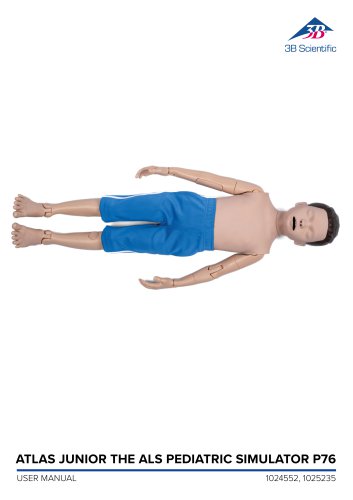
Atlas Junior the ALS Pediatric Simulator P76
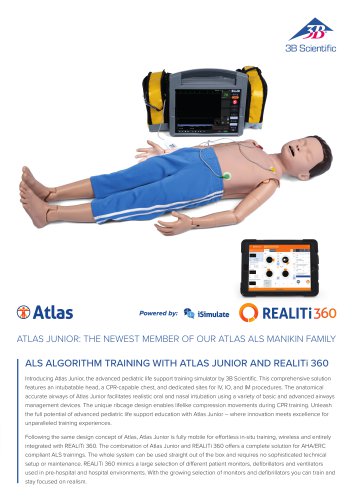
Atlas Junior is an advanced life support pediatric simulator designed for emergency training, enhancing interdisciplinary and interprofessional skills through simulation-based training.
The package includes essential items such as a consumable bag, charger, replacements for IM, IO, and IV, lubricant, Luer lock pipe, Quick Start Guide, and a carry bag.
Atlas Junior replicates pediatric airway anatomy, supports airway management techniques, and allows for intraosseous, intravenous, and intramuscular access. It integrates with REALITi 360 for enhanced simulation scenarios, including CPR and vital sign monitoring.
The simulator is 1.10 m tall, weighs 7 kg, and comes in different skin tones. It should be handled with care to avoid staining and stored in dry conditions within specific temperature and humidity ranges. Safety instructions prohibit mouth-to-mouth resuscitation, fluid introduction, and the use of live defibrillators.
Atlas Junior can be used wirelessly and features a color-coded Wi-Fi status indicator. Proper installation and handling are crucial for optimal performance.
The simulator supports various airway management techniques, including intubation and the use of airway adjuncts, with recommended tube sizes and proper lubrication advised.
Atlas Junior allows for realistic CPR training with feedback on compression depth and rate, integrating with REALITi 360 to display CPR quality metrics.
The simulator includes sites for IV, IO, and IM access, requiring proper maintenance to ensure functionality.
Atlas Junior includes adjustable pupillary states and an integrated speaker for audio simulation.
Instructions are provided for connecting Atlas Junior to REALITi 360 and changing Wi-Fi settings.
A FAQ section addresses common issues, and a list of spare parts is available.
Technical specifications and contact details for support are provided, with operating and storage temperature ranges from -10°C to +35°C and air humidity between 15% and 80%.
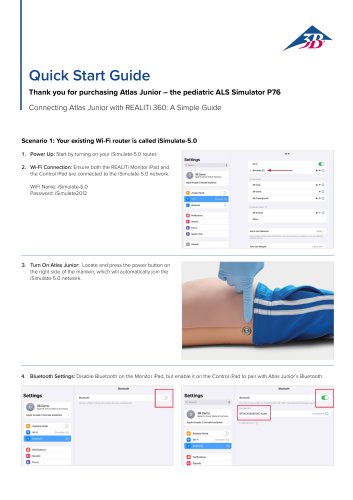
Instructions for powering up and connecting to Wi-Fi include using the iSimulate-5.0 network and ensuring both iPads are connected.
Steps include turning on Atlas Junior, configuring Bluetooth settings, launching the REALITi app, and connecting devices using the 'Tap to Connect' feature.
Instructions for customizing Wi-Fi network name and password to match the router, ensuring both iPads are connected to the same network.
Guidance on ensuring correct Wi-Fi network selection, updating the REALITi 360 app, and addressing connectivity issues. Cleaning and maintenance tips are also provided.
Catalog excerpts
ATLAS JUNIOR THE ALS PEDIATRIC SIMULATOR P76 USER MANUAL
Open the catalog to page 1
ATLAS JUNIOR THE ALS PEDIATRIC SIMULATOR P76 | Contents
Open the catalog to page 2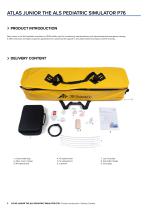
Atlas Junior is the ALS pediatric simulator by 3B Scientific used for conducting interdisciplinary and interprofessional emergency training. It offers extensive emergency-specific applications for advanced life support in simulation-based training and further training. 2. Atlas Junior charger 7. Luer lock pipe 8. Quick Start Guide 3 ATLAS JUNIOR THE ALS PEDIATRIC SIMULATOR P76 | Product Introduction | Delivery Content
Open the catalog to page 3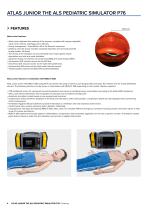
> FEATURESAtlas Junior features: • Atlas Junior replicates the anatomy of the airways, complete with tongue, epiglottis, vocal cords, trachea, esophagus and vallecula. • Airway management - head-tilt/chin-lift or the Esmarch maneuvre. • Ability to clear the airway includes simulated aspiration and removing inserted foreign bodies. No fluids. • The airway of the simulator can accommodate extra-/supra-glottic airway alternatives and oral and nasal intubation. • Advanced airway, for insertion of oral airways (OPA) and nasal airways (NPA). • Intraosseous (IO) vascular access via the left tibia. •...
Open the catalog to page 4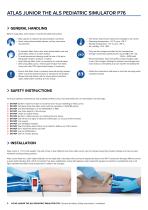
ATLAS JUNIOR THE ALS PEDIATRIC SIMULATOR P76 GENERAL HANDLING Before using Atlas Junior keep in mind these safety instructions • Wear gloves as required during simulation scenarios. • Avoid using colored plastic gloves, as they may cause discoloration. • To maintain Atlas Junior skin, wash hands before use and place Atlas Junior on a clean surface. • To avoid permanent staining avoid the use of ink pens, felt-tipped markers, acetone, or iodine. • Avoid placing Atlas Junior on newsprint or colored paper. • After using Atlas Junior, remove glue residue from Atlas Junior skin with 70% ethyl alcohol...
Open the catalog to page 5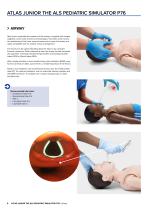
> AIRWAY Atlas Junior replicates the anatomy of the airways, complete with tongue, epiglottis, vocal cords, trachea and esophagus. Use Atlas Junior to practice positioning of the head, manual maneuvers to open the airway and apply compatible aids for realistic airway management. The airway can be opened by tilting back the head or by using the Esmarch maneuver. Other methods to clear the airway include simulated dry aspiration, removing inserted foreign bodies and inserting Guedel tubes (OPA) or Wendl tubes (NPA). When single-assistant or dual assistant bag mask ventilation (BVM) is performed...
Open the catalog to page 6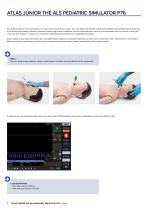
ATLAS JUNIOR THE ALS PEDIATRIC SIMULATOR P76 By using auscultation and checking for an excursion in the thoracic region, you can determine whether bag-mask ventilation was performed correctly and if the airway was properly cleared. Likewise incorrect right stem intubations can be confirmed when there is chest excursion and lung sound in the right side. Use auscultation to check for an excursion in the abdomen to determine esophageal intubation. Supra-glottic airway alternatives like, iGel, Laryngeal Masks (LMA) and Laryngeal Tubes (LT) can be used in accordance with manufacturers’ instructions....
Open the catalog to page 7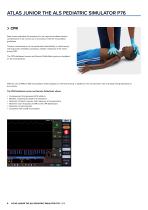
> CPR Atlas Junior replicates the anatomy of a rib cage and enables thoracic compressions to be carried out in accordance with the resuscitation guidelines. Thoracic compressions can be performed intermittently or continuously with bag-mask ventilation providing a realistic resistance of the chest during CPR. The CPR dashboard screen and Generic Defibrillator gives you feedback on the hand position. With the use of REALITi 360 resuscitation artifact displays on the ECG tracing, in addition to the compression rate and depth being displayed on the monitor. ✓ Compressions that generate ECG artifacts...
Open the catalog to page 8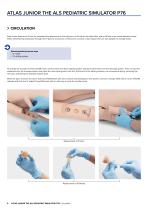
ATLAS JUNIOR THE ALS PEDIATRIC SIMULATOR P76 CIRCULATION Atlas Junior features an IV site for peripheral line placement on the right arm, an IO site on the distal tibia, and an IM site in the vastus lateralis muscle. When administering medication through the IV pad, IO access site, or IM access, connect a drain bag to the Luer lock adapter to manage fluids. Recommended puncture sizes • IV: ≤20G • IO: drilling system To change the IV pads, IO insert and IM insert, remove them from their original position and disconnect them from the drainage system. Then connect the replacement to the drainage...
Open the catalog to page 9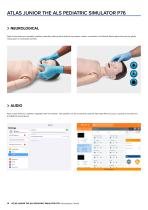
ATLAS JUNIOR THE ALS PEDIATRIC SIMULATOR P76 NEUROLOGICAL Atlas Junior features a versatile pupillary assembly, offering three distinct eye states: normal, constricted, and dilated. Easily adjust the eyes by gently rolling open or closing the eyelids. AUDIO Atlas Junior features a speaker integrated into the manikin. This speaker can be connected using the iSimulate iPad to access a variety of sounds from the REALITi sound library. ATLAS JUNIOR THE ALS PEDIATRIC SIMULATOR P76 | Neurological | Audio
Open the catalog to page 10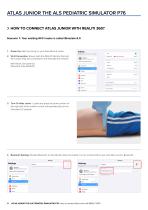
1. Power Up: Start by turning on your iSimulate-5.0 router. 2. Wi-Fi Connection: Ensure both the REALITi Monitor iPad and the Control iPad are connected to the iSimulate-5.0 network. WiFi Name: iSimulate-5.0 Password: iSimulate2012 3. Turn On Atlas Junior: Locate and press the power button on the right side of the manikin, which will automatically join the iSimulate-5.0 network. 4. Bluetooth Settings: Disable Bluetooth on the Monitor iPad, but enable it on the Control iPad to pair with Atlas Junior’s Bluetooth. ©3BDemo a core Arcade 3 Uor\a»e kottertos Bluo tooth 11 ATLAS JUNIOR THE ALS PEDIATRIC...
Open the catalog to page 11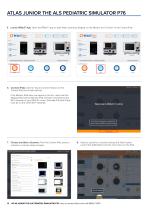
5. Launch REALITi App: Open the REALITi app on both iPads, selecting ‘Staging’ on the Monitor and ‘Control’ on the Control iPad. o REALITi 360 Connect REALITi Control to TestFlight Control Rod Connect REALITi Control to Test Flight Control Red 6. Connect iPads: Use the ‘Tap to Connect’ feature on the Control iPad to link both devices. Welcome to REALITi Control If the Monitor iPad does not appear in the list, check that the Staging iPad and the Monitor iPad are both connected to the Wi-Fi network of your REALITi router: iSimulate-5.0 (both iPads must be on the same Wi-Fi network). Get started...
Open the catalog to page 12All 3B Scientific catalogs and technical brochures
 QuickLung Breather
12 Pages
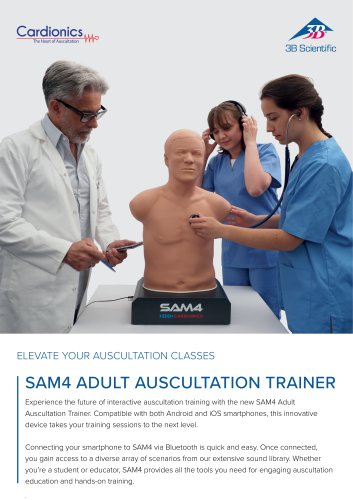
 SAM4 - Auscultation Manikin
9 Pages
 Quick Start Guide Atlas Baby
4 Pages
 Quick Start Guide Atlas
4 Pages
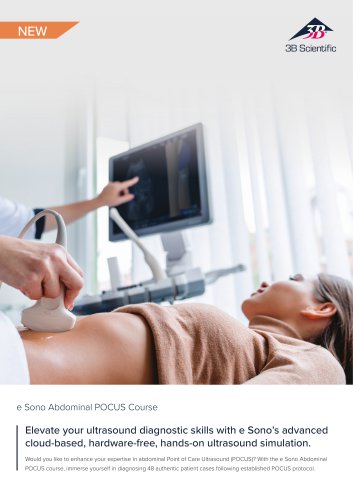 Sellsheet eSono Abdominal
3 Pages
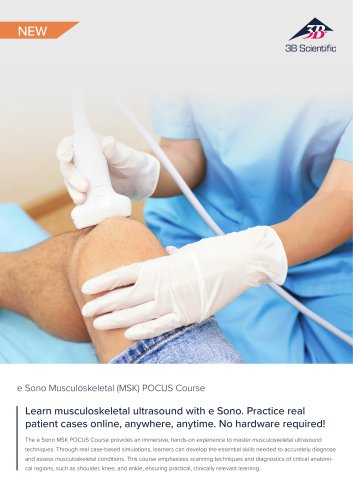 Sellsheet eSono MSK
3 Pages
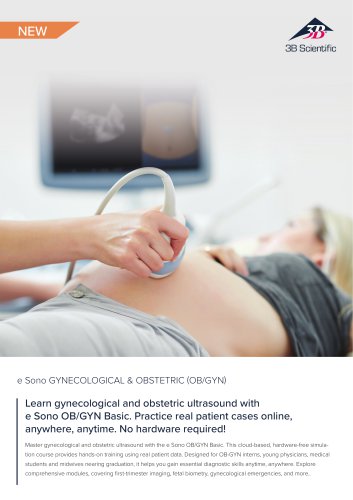 Sellsheet eSono OBGYN
3 Pages
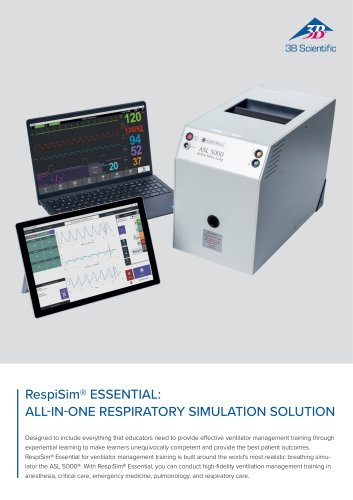 Sellsheet IngMar RespiSim
2 Pages
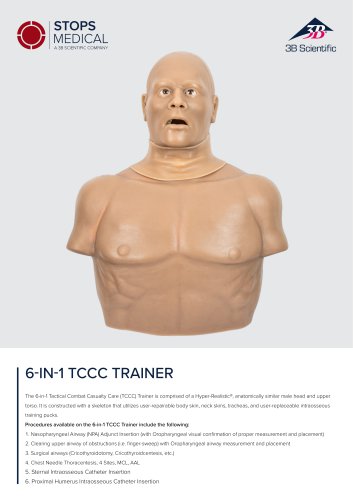 Sellsheet Stops 6N1 Trainer
2 Pages
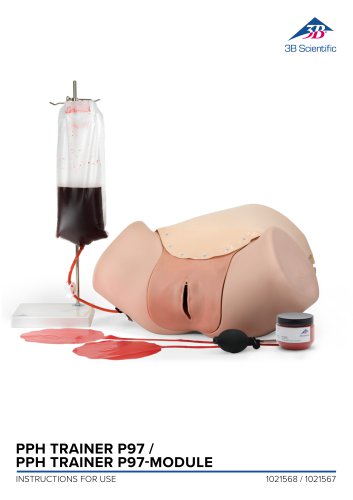 PPH Trainer P97
14 Pages
 Sellsheet Lifecast Neonatal
3 Pages
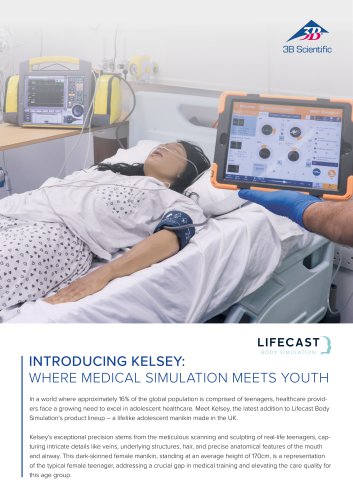 Sellsheet Lifecast Teenager
2 Pages
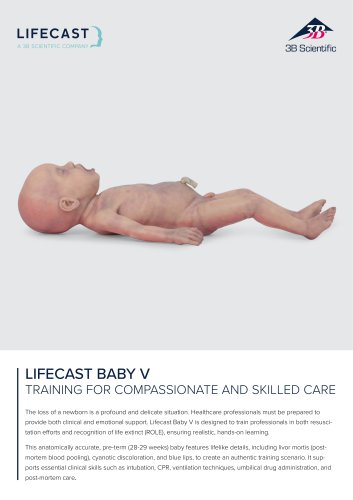 Sellsheet Lifecast Baby V
2 Pages
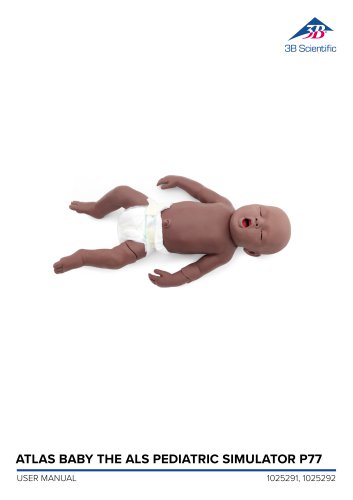 Product Manual Atlas Baby
16 Pages
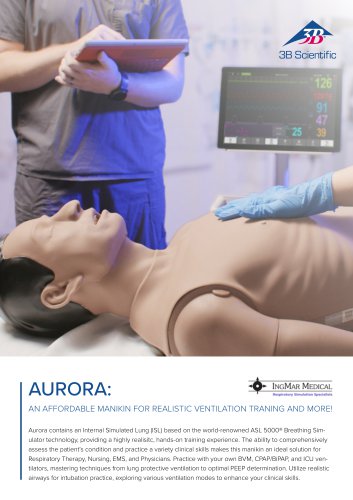 IngMar Sellsheet Aurora
2 Pages
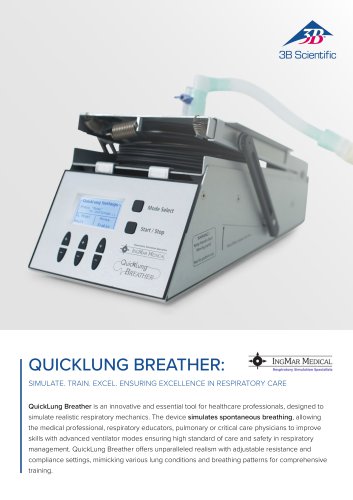 IngMar Sellsheet QuickLung
2 Pages
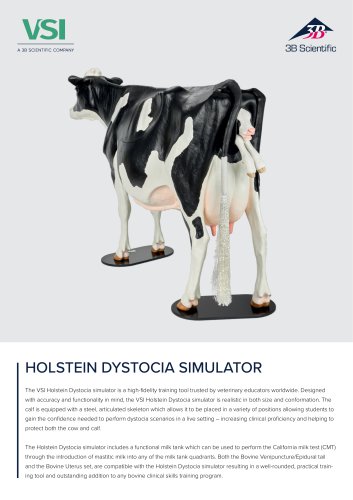
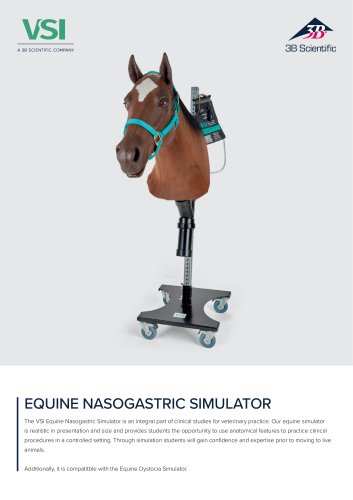
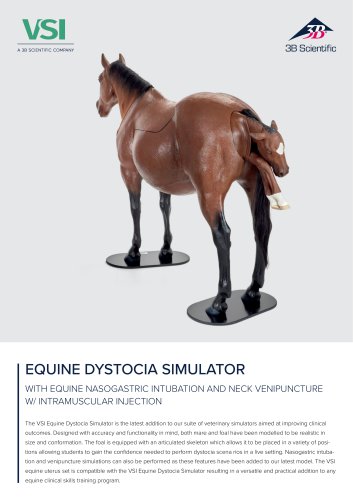 Sellsheet VSI 1025586
2 Pages
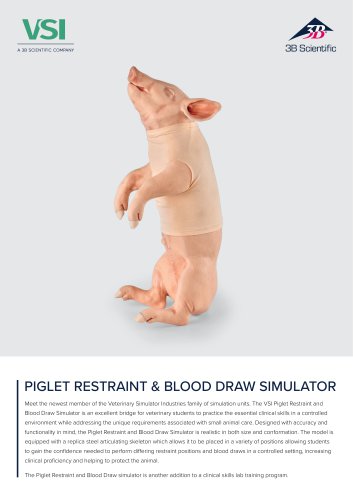
 Sellsheet VSI 1025528
2 Pages
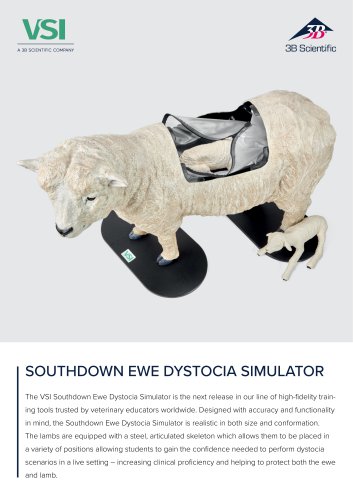
 Sellsheet VSI 1025662
2 Pages
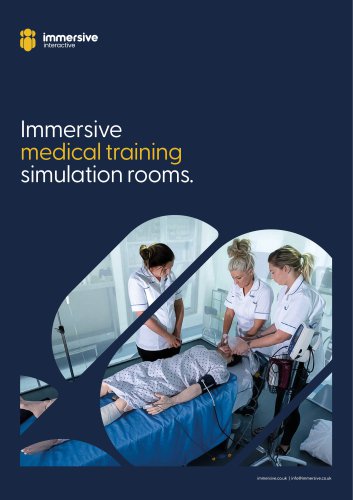
 Sellsheet VSI 1025616
2 Pages
 Immersive Brochure
13 Pages
 Medical Simulation
51 Pages
 Lifecast Brochure
16 Pages
 Atlas Product Manual
18 Pages
 Cardionics Brochure Simulation
23 Pages
 Acupuncture
35 Pages
 Best of Therapy
12 Pages
 Manual P120/P121/P122/P124/P125
60 Pages
 P10/1,P11/1 product manual
11 Pages
 P16 Product brochure
2 Pages
 Medical Simulation EMS TCCC
9 Pages
 Catalog Natural Sciences
196 Pages
 K17
K1716 Pages
 D25 Half Lower Jaw
13 Pages
 D20 Dentition Development
12 Pages
 D10
D1012 Pages
 L56
L5630 Pages
 L50, L51, L55
36 Pages
 C15, C16, C17, C18, C20
12 Pages
 P80 SIMone Product Manual
52 Pages
 P57 Quick instructions
16 Pages
 N30 / N31 Product Manual
12 Pages
 N15 Acupuncture Ears
2 Pages
 Female Breast
30 Pages







![Product Manual - I.v. Injection Arm P50/1 - P50/1 [1021418]](https://img.medicalexpo.com/pdf/repository_me/67454/product-manual-iv-injection-arm-p50-1-p50-1-1021418-249392_1mg.jpg)

![Product Manual - Hemorrhage Control Arm Trainer P102 - P102 [1022652]](https://img.medicalexpo.com/pdf/repository_me/67454/product-manual-hemorrhage-control-arm-trainer-p102-p102-1022652-249356_1mg.jpg)
![Product Manual - Trainer for wound care and bandaging techniques - P100 [1020592]](https://img.medicalexpo.com/pdf/repository_me/67454/product-manual-trainer-wound-care-bandaging-techniques-p100-1020592-249350_1mg.jpg)
![Product Manual - Postpartum Hemorrhage Trainer - PPH Trainer P97 - P97 [1021568]](https://img.medicalexpo.com/pdf/repository_me/67454/product-manual-postpartum-hemorrhage-trainer-pph-trainer-p97-p97-1021568-249337_1mg.jpg)


Archived catalogs
 P72+light Product manual
28 Pages
 P72+light Product brochure
2 Pages
 P10CCD product manual
16 Pages
 P10CCD product brochure
2 Pages
 P16 Product manual
8 Pages
 C41
C4116 Pages
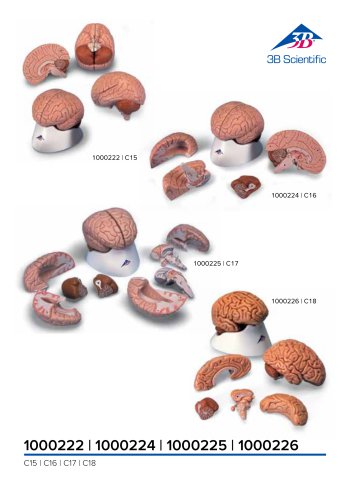 C18
C189 Pages
 G01
G0124 Pages
 3B Smart Anatomy
3 Pages
 M10
M1016 Pages
 A291
A29120 Pages
 F11
F1113 Pages
 P72
P7248 Pages
 B60
B6016 Pages
 A05/2 ,A11, A13
18 Pages
 A290 A291
20 Pages
 G21, G22
9 Pages
 K25
K2512 Pages
 K20, K21
12 Pages


- 3B Scientific anatomical model
- 3B Scientific training anatomical model
- 3B Scientific teaching anatomical model
- 3B Scientific training simulator
- 3B Scientific general care simulator
- 3B Scientific tooth model
- 3B Scientific upper body simulator
- Dental care model
- 3B Scientific training manikin
- 3B Scientific bone model
- 3B Scientific skull model
- 3B Scientific flexible anatomical model
- 3B Scientific surgery simulator
- 3B Scientific plastic anatomical model
- Stethoscope
- Transparent anatomical model
- 3B Scientific mouth anatomical model
- White anatomical model
- Vascular model
- Patient simulation unit