
- Catalogs
- 3B Scientific
- PAT4 and SAM4 - Auscultation Manikins


PAT4 and SAM4 - Auscultation Manikins
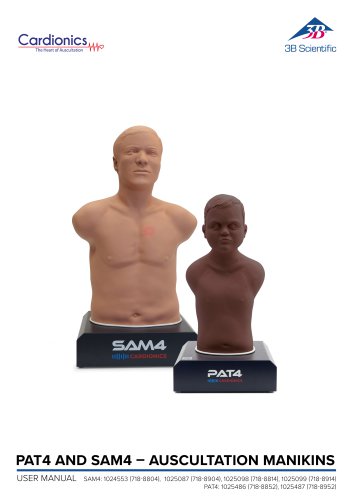
PAT4 and SAM4 - Auscultation Manikins
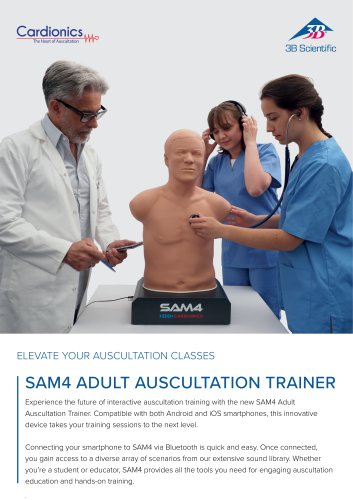
The manual provides instructions for the Student Auscultation Manikin (SAM4) and Pediatric Auscultation Trainer (PAT4), designed for teaching auscultation skills.
Safety Precautions
Users must read all warnings before use. Avoid water exposure, clean with 70% Isopropyl Alcohol, and do not attempt repairs.
Product Description
The manikins simulate various auscultation sounds and are controlled via a smartphone or tablet app. They feature 15 auscultation sites and are compatible with both acoustic and electronic stethoscopes.
Delivery Content
Includes the manikin and a power supply with interchangeable plugs.
Manikin Installation
Place the manikin on a flat surface, connect the power supply, and use the SAM4 Online app to connect via Bluetooth.
Application Download and Setup
Download the SAM4 Online app from the App Store or Google Play. Connect the manikin to your device using Bluetooth or a QR code.
Getting Started with the SAM4 Online App
Use the app to select and play auscultation sounds. The app provides visual aids and allows for sound customization.
Cleaning
Clean with alcohol swabs, ensuring all cables are disconnected. Do not immerse in liquid.
Transport and Storage
Store in conditions between -20°C to 65°C and <95% relative humidity.
Operating Conditions
Operate between 0°C to 40°C and 0-95% relative humidity.
Limited Warranty
The product is warranted against defects for five years. The warranty covers the original purchaser and excludes improper use and unauthorized repairs.
Contact Information
For service, contact 3B Scientific GmbH in Hamburg, Germany.
Catalog excerpts
PAT4 AND SAM4 – AUSCULTATION MANIKINS | Content
Open the catalog to page 2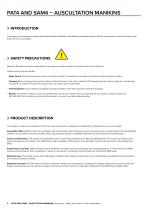
SAM4AND PAT4 – AUSCULTATION SAM4 – AUSCULTATION MANIKIN MANIKINS INTRODUCTION Thank you for purchasing the Student Auscultation Manikin (SAM4) or the Pediatric Auscultation Trainer (PAT4), an interactive manikin for teaching students the art of auscultation. SAFETY PRECAUTIONS Attention: Read the manual and understand all warnings and cautions before using the manikin for the first time. Caution when using the manikin: · Water Hazard: Avoid immersing any system connectors in fluids. The manikin has no degree of protection against ingress of water. · Cleaning: Before cleaning, disconnect all cables...
Open the catalog to page 3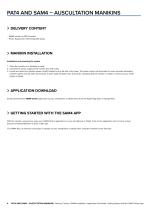
SAM4AND PAT4 – AUSCULTATION SAM4 – AUSCULTATION MANIKIN MANIKINS DELIVERY CONTENT · SAM4 manikin or PAT4 manikin · Power Supply with interchangeable plugs MANIKIN INSTALLATION Installation and powering the system 1. Place the manikin on a flat table or desk. 2. Connect the power supply to the manikin and wall outlet. 3. Locate and press the manikin power (on/off) located on the left side of the base. The power switch will illuminate for some seconds alternating between green and red. After 40 seconds, a green light will blink every 5 seconds, indicating that the manikin is ready to connect to...
Open the catalog to page 4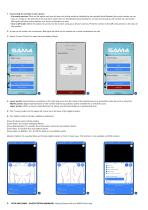
1 - Connecting the manikin to your device: ■ Via nearby devices: Click on this option and you will see a list of the manikins identified by the product Serial Number (the serial number can be seen on a label on the left side of the manikin's base). Click on the Manikin-Serial Number to connect and a pop-up will confirm the connection. Red lights will blink on the manikin as a visual confirmation as well. ■ Scan a QR Code: Select this option to connect to the manikin using your device's camera. Point the camera to the QR code printed on the base of the manikin. 2 - A pop-up will confirm the connection....
Open the catalog to page 5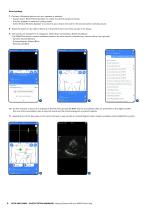
Sound settings 7 - Connect a Bluetooth device such as a speaker or earbuds. • Always select ‘Reset Paired Speakers' to unpair any device paired previously • Put your speaker or earbuds in pairing mode • Select ‘Enable Wireless Speaker' to connect to your device and wait for 30 seconds before selecting sound. 8 - Select the button on the right of Sound A or Sound B to pick one of the sounds in the library. 9 - The sounds are separated in 5 categories: Heart, Bruit, Combination, Breath and Bowel. The SAM4 Plus version contains additional features for some sounds, indicated by a colored dot on the...
Open the catalog to page 6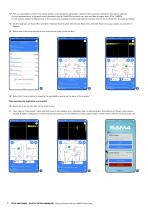
12 - Pick an auscultation point on the virtual manikin and change the parameters related to the sound by clicking on the volume settings. On this representation, a dynamic sound (Available only for SAM4 Plus version) can have the Rate changed from 50 to 150BPM. For all sounds, additional adjustments in the volume are available to accentuate specific sounds, such as Aortic, Pulmonic, Tricuspid and Mitral. 13 - On this example, on Sound B is selected a ‘Normal Heart Sounds with Chronic Bronchitis' and both Heart and Lung sounds are present on 14 - Select one of the lung sounds to hear from front...
Open the catalog to page 7
SAM4AND PAT4 – AUSCULTATION SAM4 – AUSCULTATION MANIKIN MANIKINS CLEANING The manikin can be cleaned using a standard alcohol swab or wipe (70% Isopropyl Alcohol). Before cleaning unplug all cables including power from the manikin. Do not use excessive liquid or immerse any part of the manikin. Doing so may result in moisture getting inside the unit. TRANSPORT AND STORAGE The manikin can be safely stored or transported with the following environmental conditions: -20°C to 65°C (-4°F to 149°F), <95% relative humidity. OPERATING CONDITIONS Operating Temperature: 32°F to 104°F (0°C to 40°C) Humidity:...
Open the catalog to page 8
^ A worldwide group of companies 9 PAT4 AND SAM4 - AUSCULTATION MANIKINS | Contact information
Open the catalog to page 9All 3B Scientific catalogs and technical brochures
 QuickLung Breather
12 Pages
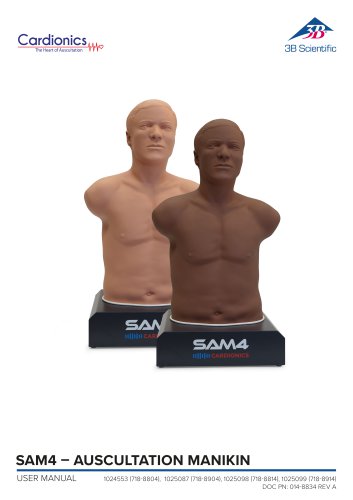 SAM4 - Auscultation Manikin
9 Pages
 Quick Start Guide Atlas Baby
4 Pages
 Quick Start Guide Atlas
4 Pages
 Sellsheet eSono Abdominal
3 Pages
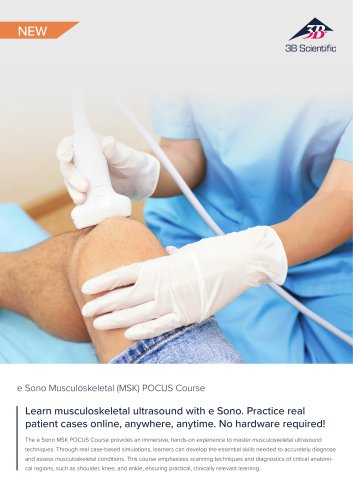 Sellsheet eSono MSK
3 Pages
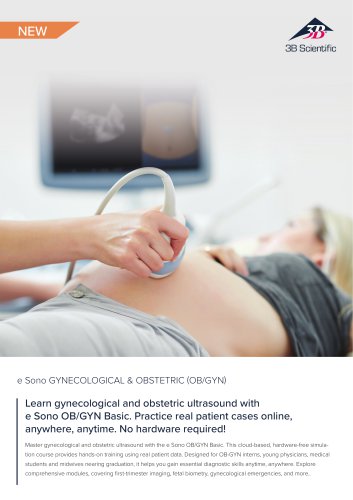 Sellsheet eSono OBGYN
3 Pages
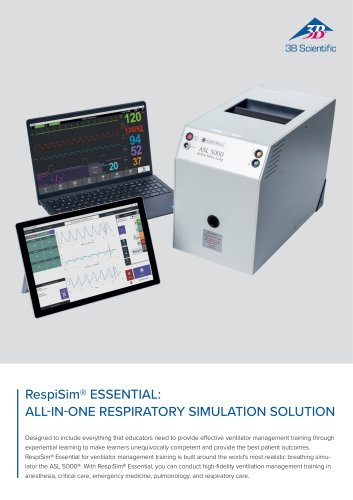 Sellsheet IngMar RespiSim
2 Pages
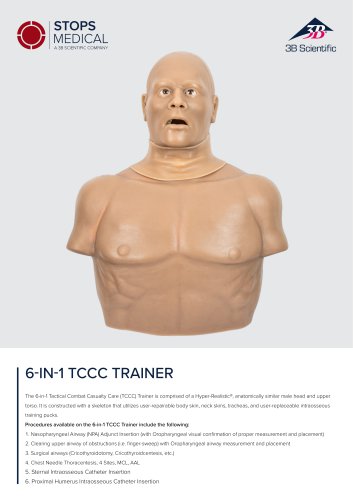 Sellsheet Stops 6N1 Trainer
2 Pages
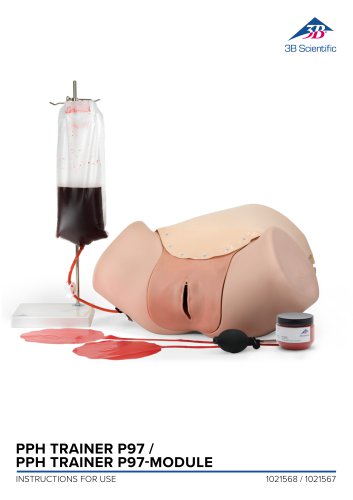 PPH Trainer P97
14 Pages
 Sellsheet Lifecast Neonatal
3 Pages
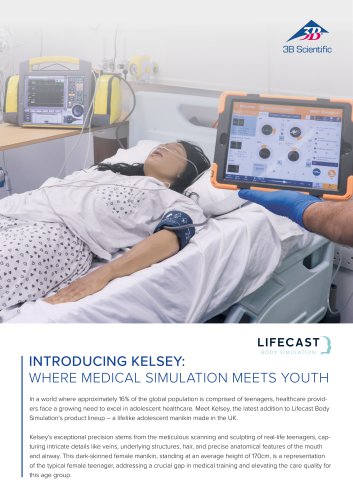 Sellsheet Lifecast Teenager
2 Pages
 Sellsheet Lifecast Baby V
2 Pages
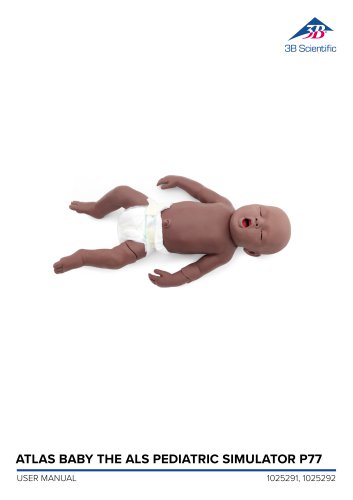 Product Manual Atlas Baby
16 Pages
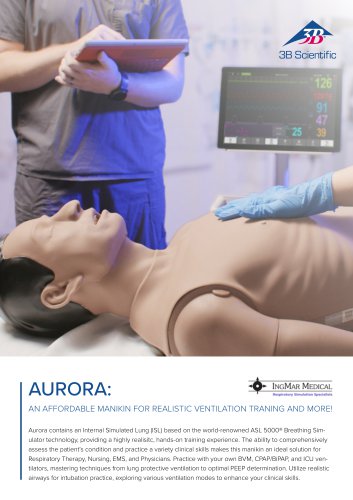 IngMar Sellsheet Aurora
2 Pages
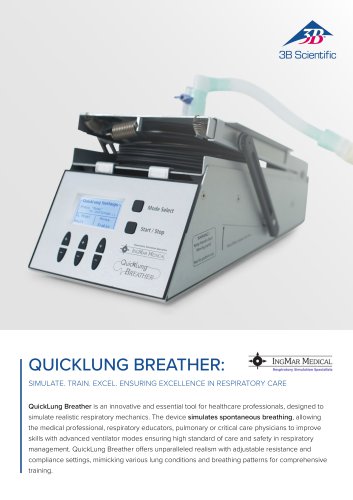 IngMar Sellsheet QuickLung
2 Pages
 Sellsheet VSI 1025586
2 Pages
 Sellsheet VSI 1025528
2 Pages
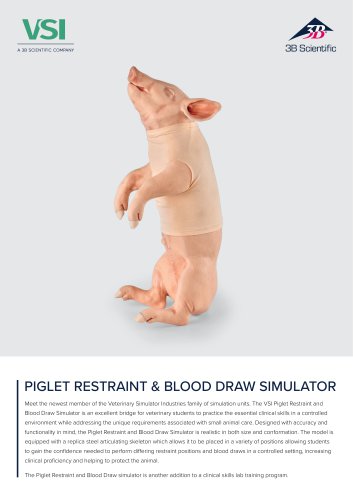 Sellsheet VSI 1025662
2 Pages
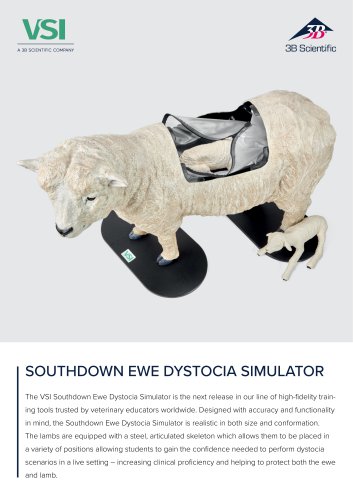 Sellsheet VSI 1025616
2 Pages
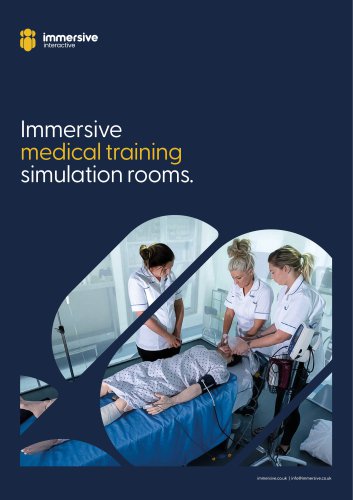 Immersive Brochure
13 Pages
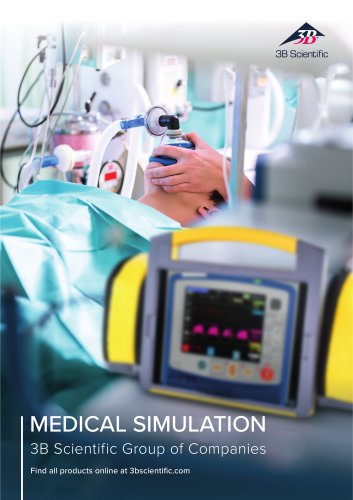 Medical Simulation
51 Pages
 Lifecast Brochure
16 Pages
 Atlas Product Manual
18 Pages
 Cardionics Brochure Simulation
23 Pages
 Acupuncture
35 Pages
 Best of Therapy
12 Pages
 Manual P120/P121/P122/P124/P125
60 Pages
 P10/1,P11/1 product manual
11 Pages
 P16 Product brochure
2 Pages
 Medical Simulation EMS TCCC
9 Pages
 Catalog Natural Sciences
196 Pages
 K17
K1716 Pages
 D25 Half Lower Jaw
13 Pages
 D20 Dentition Development
12 Pages
 D10
D1012 Pages
 L56
L5630 Pages
 L50, L51, L55
36 Pages
 C15, C16, C17, C18, C20
12 Pages
 P80 SIMone Product Manual
52 Pages
 P57 Quick instructions
16 Pages
 N30 / N31 Product Manual
12 Pages
 N15 Acupuncture Ears
2 Pages
 Female Breast
30 Pages








![Product Manual - I.v. Injection Arm P50/1 - P50/1 [1021418]](https://img.medicalexpo.com/pdf/repository_me/67454/product-manual-iv-injection-arm-p50-1-p50-1-1021418-249392_1mg.jpg)

![Product Manual - Hemorrhage Control Arm Trainer P102 - P102 [1022652]](https://img.medicalexpo.com/pdf/repository_me/67454/product-manual-hemorrhage-control-arm-trainer-p102-p102-1022652-249356_1mg.jpg)
![Product Manual - Trainer for wound care and bandaging techniques - P100 [1020592]](https://img.medicalexpo.com/pdf/repository_me/67454/product-manual-trainer-wound-care-bandaging-techniques-p100-1020592-249350_1mg.jpg)
![Product Manual - Postpartum Hemorrhage Trainer - PPH Trainer P97 - P97 [1021568]](https://img.medicalexpo.com/pdf/repository_me/67454/product-manual-postpartum-hemorrhage-trainer-pph-trainer-p97-p97-1021568-249337_1mg.jpg)


Archived catalogs
 P72+light Product manual
28 Pages
 P72+light Product brochure
2 Pages
 P10CCD product manual
16 Pages
 P10CCD product brochure
2 Pages
 P16 Product manual
8 Pages
 C41
C4116 Pages
 C18
C189 Pages
 G01
G0124 Pages
 3B Smart Anatomy
3 Pages
 M10
M1016 Pages
 A291
A29120 Pages
 F11
F1113 Pages
 P72
P7248 Pages
 B60
B6016 Pages
 A05/2 ,A11, A13
18 Pages
 A290 A291
20 Pages
 G21, G22
9 Pages
 K25
K2512 Pages
 K20, K21
12 Pages


- 3B Scientific anatomical model
- 3B Scientific training anatomical model
- 3B Scientific teaching anatomical model
- 3B Scientific training simulator
- 3B Scientific general care simulator
- 3B Scientific tooth model
- 3B Scientific upper body simulator
- Dental care model
- 3B Scientific training manikin
- 3B Scientific bone model
- 3B Scientific skull model
- 3B Scientific flexible anatomical model
- 3B Scientific surgery simulator
- 3B Scientific plastic anatomical model
- Transparent anatomical model
- 3B Scientific mouth anatomical model
- White anatomical model
- Vascular model
- Patient simulation unit