
- Catalogs
- 3B Scientific
- Quick Start Guide Atlas Baby


Quick Start Guide Atlas Baby
Quick Start Guide Atlas Baby
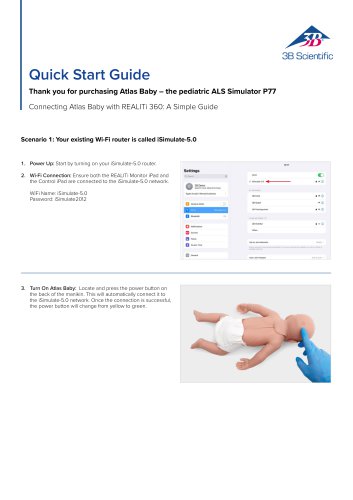
- Power Up: Turn on the iSimulate-5.0 router.
- Wi-Fi Connection: Connect both the REALITi Monitor iPad and Control iPad to the iSimulate-5.0 network using the password 'iSimulate2012'.
- Turn On Atlas Baby: Press the power button on the manikin to connect it to the network. The button changes from yellow to green upon successful connection.
- Launch REALITi App: Open the app on both iPads, selecting 'Staging' on the Monitor and 'Control' on the Control iPad.
- Connect iPads: Use 'Tap to Connect' on the Control iPad to link both devices. Ensure both iPads are on the same Wi-Fi network.
- Choose and Start a Scenario: Select a scenario from the Control iPad and start it. Launch the defibrillator from the main menu.
- Scan for Atlas Baby: Swipe from the right edge of the Monitor iPad and tap 'Rescan Devices' to connect to 'Atlas Baby'.
- Commence Simulation: Compress the manikin to view CPR compression in the ECG waveform and bar graph.
- Connect to Atlas Baby Wi-Fi Config: Access 'Settings' after connecting.
- Scan for Atlas Baby: Swipe from the right edge of the Monitor iPad, select 'Rescan Devices', and connect to 'Atlas Baby Wi-Fi Config'.
- Rename Wi-Fi SSID: Customize the Wi-Fi network name and password to match your router.
- Save Settings: Apply changes to the Wi-Fi configuration.
- Exit App: Close the app by double-tapping the home button and swiping up.
- Turn Off Atlas Baby: Power down the manikin.
- Connect iPads to New Network: Ensure both iPads are on the same Wi-Fi network as your router.
- Follow Steps 3 to 11 from Scenario 1: Complete the setup as per the first scenario.
Catalog excerpts
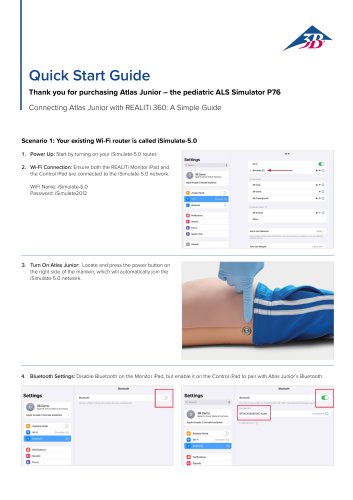
Quick Start GuideThank you for purchasing Atlas Baby - the pediatric ALS Simulator P77Connecting Atlas Baby with REALITi 360: A Simple Guide Scenario 1: Your existing Wi-Fi router is called iSimulate-5.0 1. Power Up: Start by turning on your iSimulate-5.0 router. 2. Wi-Fi Connection: Ensure both the REALITi Monitor iPad and the Control iPad are connected to the iSimulate-5.0 network. WiFi Name: iSimulate-5.0 Password: iSimulate2012 WiClOM IMliMlaM *Cp4« 3 Mon*« kottariot 3. Turn On Atlas Baby: Locate and press the power button on the back of the manikin. This will automatically connect it to the iSimulate-5.0 network. Once the connection is successful, the power button will change from yellow to green.
Open the catalog to page 1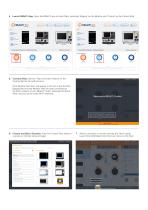
4. Launch REALITi App: Open the REALITi app on both iPads, selecting ‘Staging’ on the Monitor and ‘Control’ on the Control iPad. Welcome to REALITi Control 5. Connect iPads: Use the ‘Tap to Connect’ feature on the Control iPad to link both devices. If the Monitor iPad does not appear in the list, check that the Staging iPad and the Monitor iPad are both connected to the Wi-Fi network of your REALITi router: iSimulate-5.0 (both iPads must be on the same Wi-Fi network). Get started by tapping the connection bar. Please make sure there is a monitor running. -S/- 6. Choose and Start a Scenario: From...
Open the catalog to page 2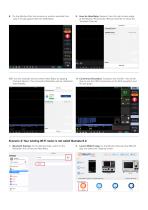
8. On the Monitor iPad, the scenario or monitor selected from step 7 should appear. Start the defibrillator. 9. Scan for Atlas Baby: Swipe in from the right screen edge of the Monitor iPad and tap “Rescan Devices” to show the “Available Devices”. 10. From the available devices select ‘Atlas Baby’ by tapping ‘Connect Device’. The connected Atlas Baby will be calibrated automatically. 11. Commence Simulation: Compress the manikin. You will be able to see the CPR compression in the ECG waveform and the bar graph. Scenario 2: Your existing Wi-Fi router is not called iSumlate-5.0 1. Bluetooth Settings:...
Open the catalog to page 3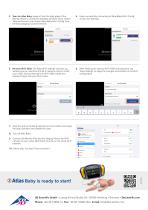
3. Scan for Atlas Baby: swipe in from the right edge of the 4. Upon successfully connecting to ‘Atlas Baby Wi-Fi Config,’ Monitor iPad’s to reveal the Available Devices’ menu. Select access the ‘Settings’. ‘Rescan Devices’ and choose Atlas Baby Wi-Fi Config’ from the list by tapping ‘Connect Device.’ PImm connect MMiTt Contra! •> 5. Rename Wi-Fi SSID: The Atlas Wi-Fi settings will show up, allowing you to customize the Wi-Fi network name to match your router. Ensure that both the Wi-Fi SSID (name) and password align with your Wi-Fi router. 6. After entering the desired Wi-Fi SSID and password,...
Open the catalog to page 4All 3B Scientific catalogs and technical brochures
 QuickLung Breather
12 Pages
 SAM4 - Auscultation Manikin
9 Pages
 Quick Start Guide Atlas
4 Pages
 Sellsheet eSono Abdominal
3 Pages
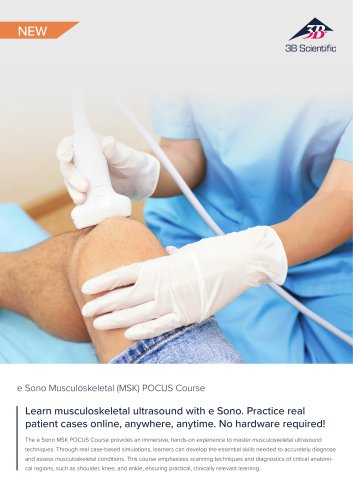 Sellsheet eSono MSK
3 Pages
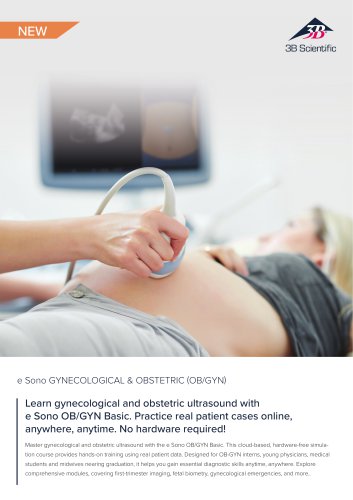 Sellsheet eSono OBGYN
3 Pages
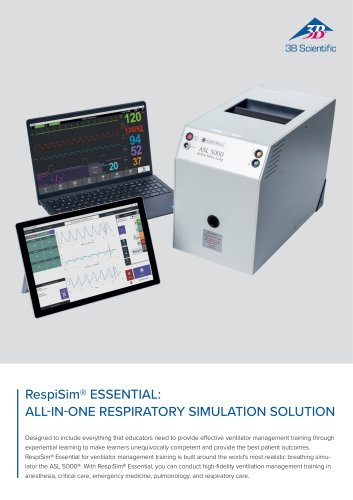 Sellsheet IngMar RespiSim
2 Pages
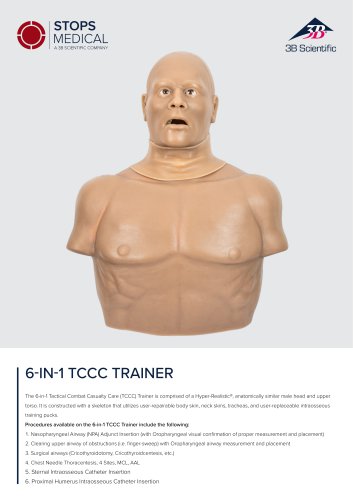 Sellsheet Stops 6N1 Trainer
2 Pages
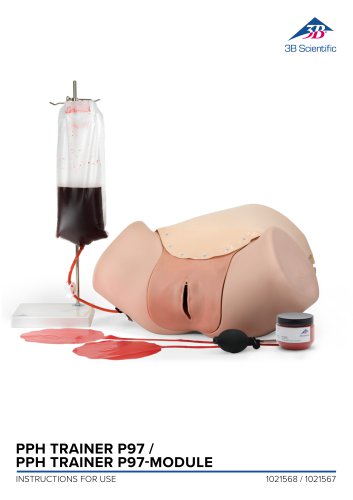 PPH Trainer P97
14 Pages
 Sellsheet Lifecast Neonatal
3 Pages
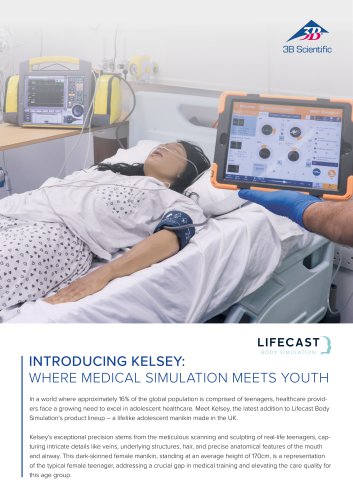 Sellsheet Lifecast Teenager
2 Pages
 Sellsheet Lifecast Baby V
2 Pages
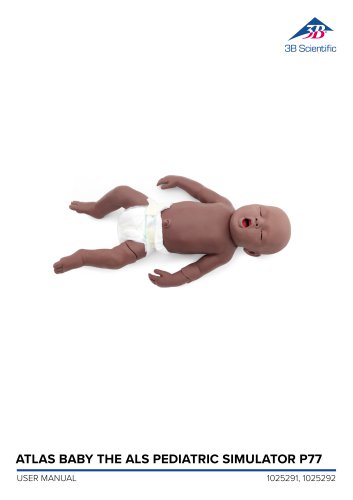 Product Manual Atlas Baby
16 Pages
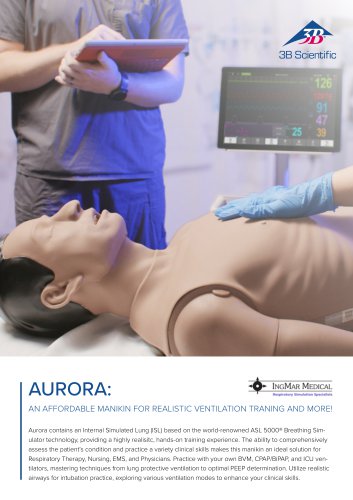 IngMar Sellsheet Aurora
2 Pages
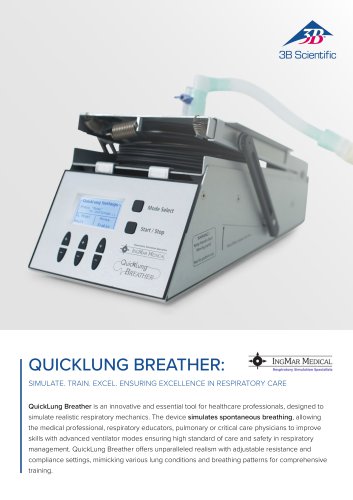 IngMar Sellsheet QuickLung
2 Pages
 Sellsheet VSI 1025586
2 Pages
 Sellsheet VSI 1025528
2 Pages
 Sellsheet VSI 1025662
2 Pages
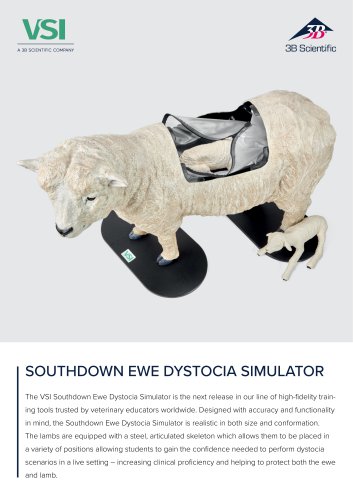 Sellsheet VSI 1025616
2 Pages
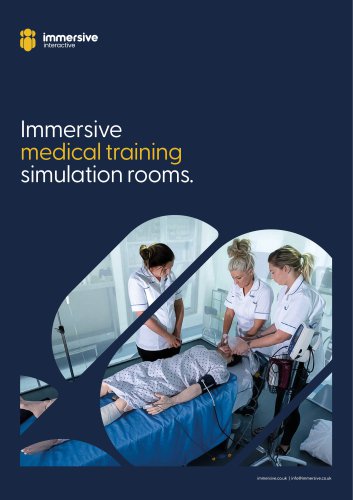 Immersive Brochure
13 Pages
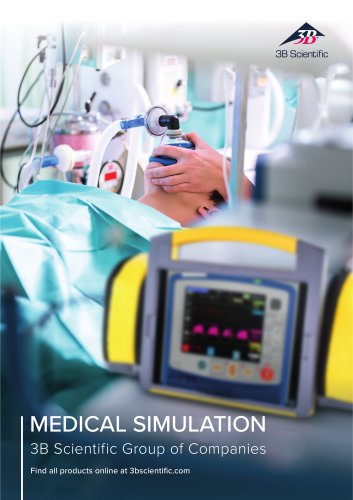 Medical Simulation
51 Pages
 Lifecast Brochure
16 Pages
 Atlas Product Manual
18 Pages
 Cardionics Brochure Simulation
23 Pages
 Acupuncture
35 Pages
 Best of Therapy
12 Pages
 Manual P120/P121/P122/P124/P125
60 Pages
 P10/1,P11/1 product manual
11 Pages
 P16 Product brochure
2 Pages
 Medical Simulation EMS TCCC
9 Pages
 Catalog Natural Sciences
196 Pages
 K17
K1716 Pages
 D25 Half Lower Jaw
13 Pages
 D20 Dentition Development
12 Pages
 D10
D1012 Pages
 L56
L5630 Pages
 L50, L51, L55
36 Pages
 C15, C16, C17, C18, C20
12 Pages
 P80 SIMone Product Manual
52 Pages
 P57 Quick instructions
16 Pages
 N30 / N31 Product Manual
12 Pages
 N15 Acupuncture Ears
2 Pages
 Female Breast
30 Pages








![Product Manual - I.v. Injection Arm P50/1 - P50/1 [1021418]](https://img.medicalexpo.com/pdf/repository_me/67454/product-manual-iv-injection-arm-p50-1-p50-1-1021418-249392_1mg.jpg)

![Product Manual - Hemorrhage Control Arm Trainer P102 - P102 [1022652]](https://img.medicalexpo.com/pdf/repository_me/67454/product-manual-hemorrhage-control-arm-trainer-p102-p102-1022652-249356_1mg.jpg)
![Product Manual - Trainer for wound care and bandaging techniques - P100 [1020592]](https://img.medicalexpo.com/pdf/repository_me/67454/product-manual-trainer-wound-care-bandaging-techniques-p100-1020592-249350_1mg.jpg)
![Product Manual - Postpartum Hemorrhage Trainer - PPH Trainer P97 - P97 [1021568]](https://img.medicalexpo.com/pdf/repository_me/67454/product-manual-postpartum-hemorrhage-trainer-pph-trainer-p97-p97-1021568-249337_1mg.jpg)


Archived catalogs
 P72+light Product manual
28 Pages
 P72+light Product brochure
2 Pages
 P10CCD product manual
16 Pages
 P10CCD product brochure
2 Pages
 P16 Product manual
8 Pages
 C41
C4116 Pages
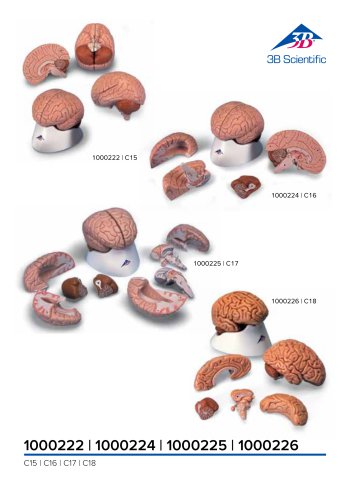 C18
C189 Pages
 G01
G0124 Pages
 3B Smart Anatomy
3 Pages
 M10
M1016 Pages
 A291
A29120 Pages
 F11
F1113 Pages
 P72
P7248 Pages
 B60
B6016 Pages
 A05/2 ,A11, A13
18 Pages
 A290 A291
20 Pages
 G21, G22
9 Pages
 K25
K2512 Pages
 K20, K21
12 Pages


- 3B Scientific anatomical model
- 3B Scientific training anatomical model
- 3B Scientific teaching anatomical model
- 3B Scientific training simulator
- 3B Scientific general care simulator
- 3B Scientific tooth model
- 3B Scientific upper body simulator
- Dental care model
- 3B Scientific training manikin
- 3B Scientific bone model
- 3B Scientific skull model
- 3B Scientific flexible anatomical model
- 3B Scientific surgery simulator
- 3B Scientific plastic anatomical model
- Stethoscope
- Transparent anatomical model
- 3B Scientific mouth anatomical model
- White anatomical model
- Vascular model
- Patient simulation unit