
- Catalogs
- Carestream
- Vue Motion


- Products
- Catalogs
- News & Trends
- Exhibitions
Vue Motion
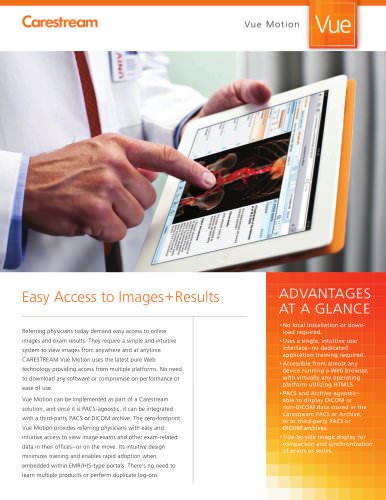
Vue Motion
Vue Motion is a web-based application designed to provide easy access to medical images and exam results for referring physicians. It is accessible from any device with a web browser and does not require any local installation or dedicated application training.
Key Features
- Accessibility: Accessible from almost any device running a web browser, utilizing HTML5, and is platform-independent.
- PACS and Archive Agnostic: Can display DICOM or non-DICOM data from Carestream PACS or third-party archives.
- Side-by-Side Image Display: Allows for comparison and synchronization of prior exams or series.
- Enhanced Collaboration: Supports sticky notes communication and easy sharing of exam links for second opinions.
- EMR/EHR Connectivity: Can be integrated within EMR or EHR portals, eliminating multiple logins.
- Comprehensive View: Supports various data formats including HL7, DICOM, PDF, JPEG, AVI, and more.
Advantages
- Intuitive Design: No application training required, with a zero-footprint design that eliminates software installation and maintenance.
- High-Speed Performance: Supported by advanced back-end rendering and streaming capabilities.
- FDA Cleared for iPad Use: Ensures compatibility with mobile devices for on-the-go access.
Conclusion
Vue Motion offers a simple, intuitive, and efficient solution for accessing and reviewing medical images and data, enhancing collaboration and streamlining workflows for healthcare professionals.
Catalog excerpts

Easy Access to Images + Results Referring physicians today demand easy access to online images and exam results. They require a simple and intuitive system to view images from anywhere and at anytime. CARESTREAM Vue Motion uses the latest pure Web technology providing access from multiple platforms. No need to download any software or compromise on performance or ease of use. Vue Motion can be implemented as part of a Carestream solution, and since it is PACS-agnostic, it can be integrated with a third-party PACS or DICOM archive. The zero-footprint Vue Motion provides referring physicians with easy and intuitive access to view image exams and other exam-related data in their offices– or on the move. Its intuitive design minimizes training and enables rapid adoption when embedded within EMR/HIS-type portals. There’s no need to learn multiple products or perform duplicate log-ons. local installation or download required. a single, intuitive user interface –no dedicated application training required. from almost any device running a Web browser, with virtually any operating platform utilizing HTML5. and Archive-agnostic– able to display DICOM or non-DICOM data stored in the Carestream PACS or Archive, or in third-party PACS or DICOM archives. image display for comparison and synchronization of priors or series.
Open the catalog to page 1
CARESTREAM Vu e M o t i o n Simple and On-Demand Physician Access Regardless of location, authorized users such as the referring physician can use Vue Motion to access the entire imaging patient portfolio– anytime, anywhere. Pure-Web and platform-independent technologies provide access from multiple operating systems and from virtually any browser-enabled device. Side-By-Side Image Comparison Vue Motion offers powerful capabilities for data display– including comparison of relevant prior exams side-by-side, with synchronized scrolling and display or reference lines between datasets in different...
Open the catalog to page 2All Carestream catalogs and technical brochures
 Image Suite / V4 Software
4 Pages
 CARESTREAM DRX-Ascend System
8 Pages
 Motion Mobile X-Ray System
4 Pages
 DRX-1 System
4 Pages
 M1-329
2 Pages
 Wireless detector sharing
2 Pages
 CARESTREAM DRX Family Brochure
12 Pages
 Vue Beyond
2 Pages
 Radiology Reporting
4 Pages
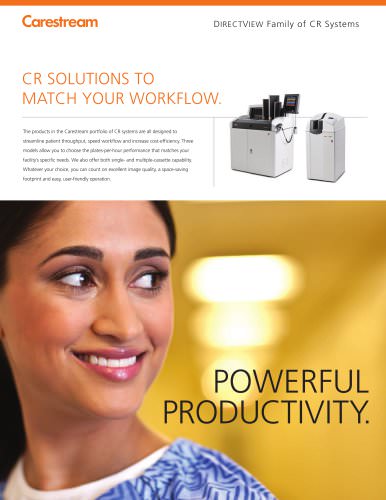 Directview CR Systems
4 Pages
 DRYVIEW Chroma
8 Pages
 DRYVIEW 5950
4 Pages
 MIN-R S Film
2 Pages
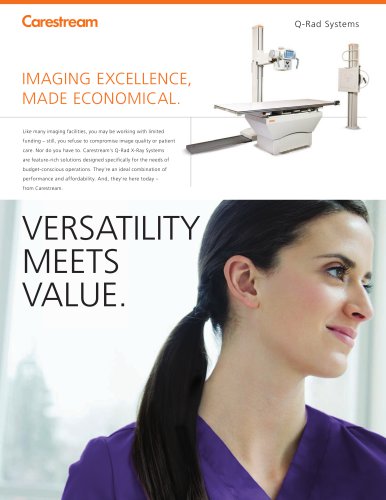 Q-Rad System
8 Pages
 DIRECTVIEW V5 Software
8 Pages
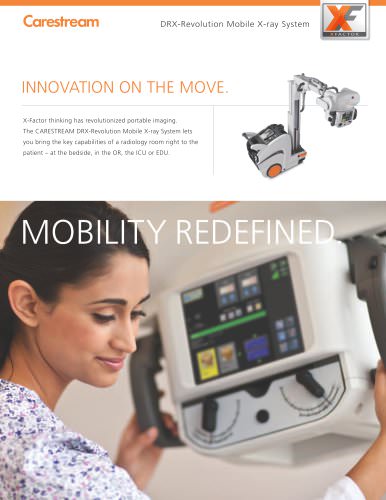 DRX-Revolution
8 Pages
 DRX-Evolution
8 Pages
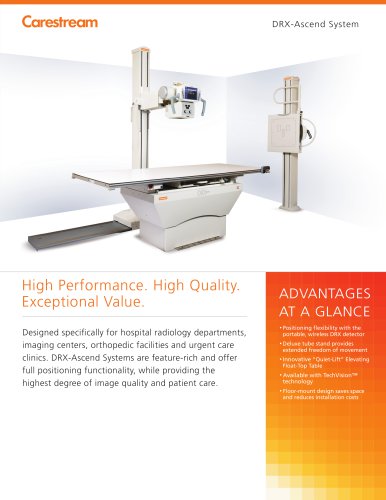 DRX-Ascend
4 Pages
 MIN-R 2000 Plus Film
2 Pages
 MIN-R EV Film
2 Pages
 CS 9300 System
12 Pages
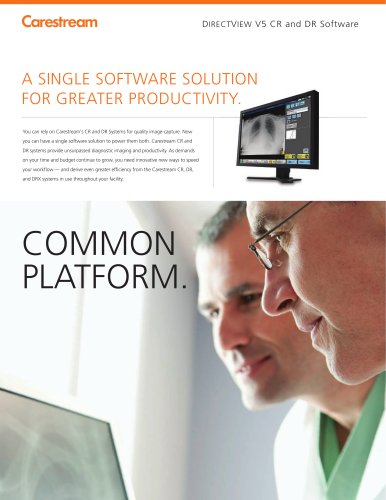 V5 Software
8 Pages
 Vue_Cloud
8 Pages
 Vue_Overview
16 Pages
 Cardio-PACS
8 Pages
 carestream PACS
6 Pages
 DRYVIEW
4 Pages
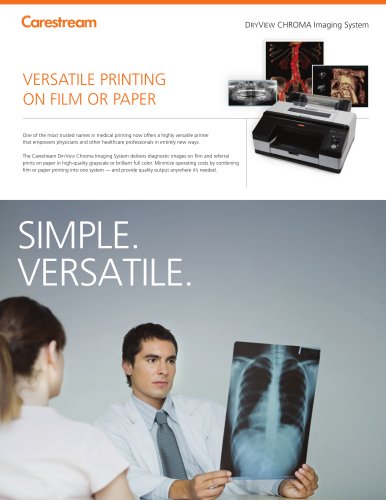 DRYVIEW-Chroma
8 Pages
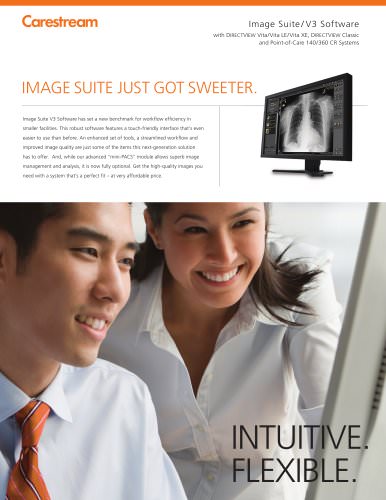 Image-Suite-CR-Systems
4 Pages
 MyVue
MyVue2 Pages
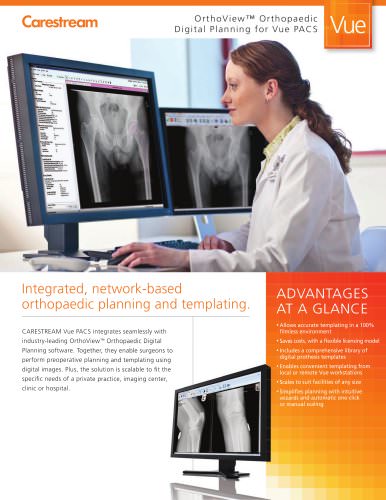 Brochure-orthoview
2 Pages
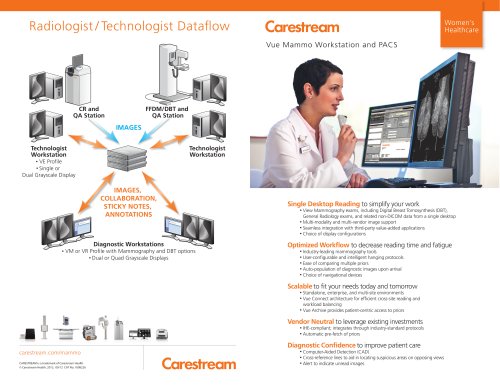 Vue-Mammo
2 Pages
 Vue-PACS
8 Pages
 Vue-Ris
8 Pages
 DryView 6850
4 Pages
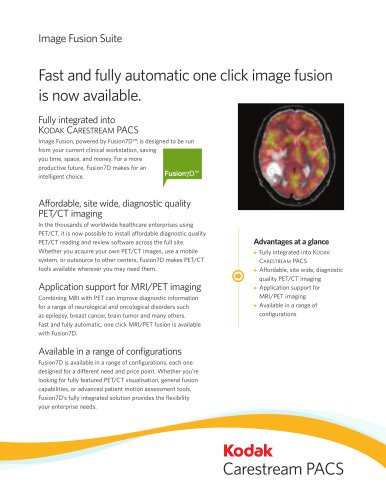 imageFusionSuite
2 Pages
 Viatronix_V3D
3 Pages
 Vue-Reporting
2 Pages







- Analysis software
- Radiology software
- Visualization software
- Tablet computer software
- Tablet PC software
- Flat panel detector
- Control software
- Digital radiography system
- Multipurpose radiography system
- X-ray system
- Multipurpose radiography X-ray system
- Diagnostic software
- Cloud-based software
- Portable flat panel detector
- Automated software
- Acquisition software
- Multipurpose radiography flat panel detector
- Capture software
- Radiography system with floor-standing bucky
- AI-assisted software