
- Catalogs
- Chengji Electronic Technology
- Chengji Laser hair removal CJ-HR-3


- Company
- Products
- Catalogs
- News & Trends
- Exhibitions
Chengji Laser hair removal CJ-HR-3

Chengji Laser hair removal CJ-HR-3
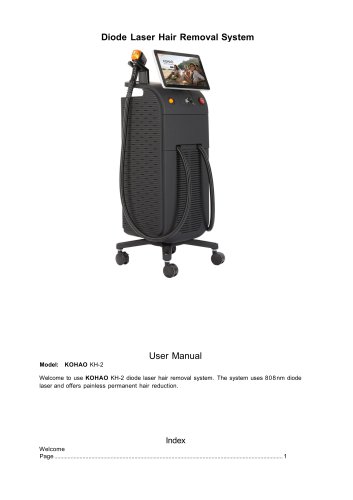
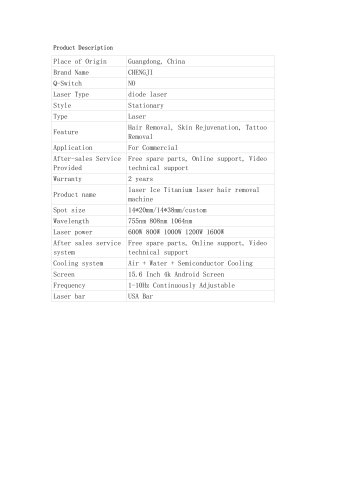
This manual provides instructions for the KH-DHRS-1 diode laser hair removal system, which uses an 808nm diode laser for painless permanent hair reduction.
Operators must wear protective glasses and be trained in safety and operation. The machine should not be used in environments with flammable anesthetics or oxidized gases.
The package includes the laser machine, handle, power supply line, pedal switch, funnel, patient goggles, operator safety glasses, and a user manual.
The system operates at 220VAC, with a cooling temperature range of -15℃ to 5℃. It features a 15.6” color touch screen and uses pure water as the laser cooling liquid.
The machine includes an emergency switch, key switch, light indicator, handle, and a color touch screen.
Instructions for installing the handle, adding water to the tank, and connecting the handle piece to the main machine are provided. Ensure the correct voltage and check the emergency button before starting.
Details on setting parameters such as fluence, energy, and frequency are provided. The system includes modes like SHR and HR for different treatment needs.
Only experienced professionals should perform treatments. Both operators and patients must wear goggles. Adjust laser power based on skin type and ensure the skin is prepared properly before treatment.
Guidelines for setting treatment parameters based on skin type and area are provided. SHR mode is recommended for new operators.
Regular maintenance includes replacing pure water monthly, operating in a temperature-controlled environment, and ensuring the handle piece is clean and properly stored.
Warranty does not cover damages from improper operation, such as running the system without water or incorrect voltage input.
Instructions for handling system warnings related to water temperature and flow rate are provided, along with troubleshooting steps.
The pump is equipped with a motor that has thermal overload protection. This means the motor will automatically shut off if the temperature rises due to an overload condition.
If the motor shuts off, it is important to close all nozzles, faucets, or valves. After a cooling period, the pump will automatically restart.
To prevent the motor from shutting off due to overload, ensure all water connectors are properly connected. Additionally, open the water inlet to balance air pressure inside and outside the water system. Allow the pump to operate for a while to increase the water flow rate.
Catalog excerpts

Diode Laser Hair Removal System User Manual Welcome to use KH-DHRS-1 diode laser hair removal system. The system uses 808nm diode laser and offers painless permanent hair reduction.
Open the catalog to page 1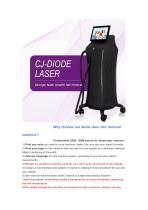
Note: Please do not open the machine before you read this user manual! 1. KH-DHRS-1 Diode Laser Hair Removal Machine could emit the high-intensity infrared laser beam. Please follow some operation regulations: According to the standard of NOHD, please wear the suitable protection glasses for operator and patient in order to protect the eyes, Please do not point the laser at the eyes directly. 2. Please make sure to be familiar with the structure and manual before operation. 3. Diode Laser Hair Removal Machine is only allowed to be used by people who had enough safety and operation training....
Open the catalog to page 2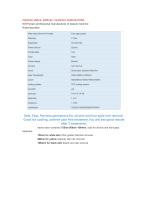
The machine is package as in the shipping case pictured below,If any damage occurs in transit, please contact us in time! a. Initial position, as shown in picture 1 b. Lift up the spanner and turn it right as in picture 2 above to the position shown in Picture 3. c. Flip the lever, then the box can be opened. Accessories Part Laser Machine Laser machine with case Power Supply Line Pedal Switch Patient Goggles Operator Safety Glasses User Manual Not attached for Frame machines Main Mechine Cooling Temperature System Cooling method Interface Language Aluminum Case Dimension (Machine) Gross Weight...
Open the catalog to page 3
Handle 15.6”Color Touch Screen Light Indicator Emergency Switch
Open the catalog to page 5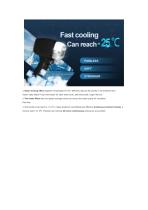
Do not power up the system before you read this manual! 1. Please check all the parts in package list to confirm all are received. 2. Remove the fitting and install the handle holder a. Unpack the accessories and unscrew the screws on the handle bracket as in picture 1 b. Insert the handle holder into the holding slot as in picture 2 c. Screw up as in picture 3 3. Install the handle picture 1 picture 2 picture 3 a.Please check the structure of inside of handpiece connector , those parts should be connected correctly . b.Insert it and rotate it to the right until it cannot rotate, as shown in...
Open the catalog to page 6
2) Find a 10A 220-250V VAC plug wire (you may need an European Model for the wire), connect to the back panel. 3) Check if the emergency button(Red Mushroom) is pressed down. If pressed down, please rotate as per arrow direction to rebound. 4) Use the key to start the system and you will enter the welcome interface of the system as below: 5) Press the welcome interface, you will enter the second pa>----*'■- --h picture above. Till now, you are successfully enter the hair removal s e follow the “6. OPERATION” chapter to start the treatment. 6) For any emergency situation, please press the emergency...
Open the catalog to page 7
When you enter into SHR Page,you can adjust fluence and energy by “A” and “ V”. In addition, you can press”Save” to keep your preferred parameter in record,then you can use the new parameter in next treatment. There are totally 3 parameters to be set, including: Fluence, PULSEWIDTH and FREQUENCY. 1) Fluence shows energy value of a single pulse laser per unit area. The step width is 1J/cm2. You can adjust it by pressing “A” and “V”. 2) ENERGY shows energy value of a single pulse laser. The step width is 1KJ. You can adjust it by pressing “A” and “V 3) GRIDSIZE is the number of Size of client's...
Open the catalog to page 8
11) INFO is used to display system information. 12) In this condition, you can set the parameter. It means that the machine is working, you can’t set the parameter. It shows the system status. A. Status: Water temperature high. The cooling water temperature range should be between 15~35℃. If it is higher than 35 ℃ , the laser will stop. Please wait till water temperature going down. The warning will disappear, and system can be set again. B. Status: Water flow rate low. It means the cooling water flow rate lower than minimum requirement. If the water flow rate ,which show at the bottom of the...
Open the catalog to page 9
2) Frequency shows the pulses per second of the laser. A higher repetition rate leads to higher pulse energy fluence. The frequency can be variable from 1Hz~10Hz with a step width of 1Hz. 3) Please refer to explanation of “SHR Mode” for other buttons. HRSTACK Page 1) Fluence shows energy value of a single pulse laser per unit area. The step width is 5J/cm². You can adjust it by press “△” and “▽”. 2) ENERGY Fixed frequency is 1HZ, accumulated light energy. Please refer to explanation of “SHR Mode” for other buttons. 3) Please refer to explanation of “SHR Mode” for other buttons. Treatment process...
Open the catalog to page 10
2.Shave the unwanted hair of the treatment area 4. get the suitable parameter. Ready work
Open the catalog to page 11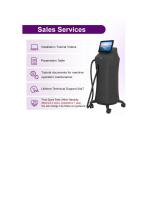
Diode Laser Hair Removal KH-DHRS-1 7.Treatment Notice 1. The treatment of the hair removal needs experienced professionals. Do not use it if you have no experience for such kind of laser device. 2. Operators and patients must wear laser goggles to protect eyes from any laser damage threat. 3. Please notice that this is a high power laser device and if the patients feel very painful, please stop the laser and check if there is anything happening to the patients’ skin. Adjust it as a proper power that the patients can stand to do the tr light color, you can adjust the laser power up to 25~40J/cm2....
Open the catalog to page 12
Diode Laser Hair Removal KH-DHRS-1 1. It’s better to replace pure water once per month. 2. The machine must be operated in a room with air-conditioner. The room temperature is better <28°C. 3. The environment temperature can not go below ZERO, or the ice may damage the water tanks and water channels inside the machine and the handle piece. 4. Clear the gel on the handle piece and make sure there is no dust around the Sapphire. 5. Do not bend the tube of the handle piece too hard, or this may cause water flow rate low warning. 6. Do not plug in & out the handle piece connectors frequently. This...
Open the catalog to page 13
Diode Laser Hair Removal KH-DHRS-1 After starting the hair removal machine by key switch, the system will enter self-check program, if some parts of machine has problem, there will be a warning showing in the “Status” column” on the screen, and warning sound can be heard at the same time. 1. Status: Water temperature high. The cooling water temperature range should be between 15~35℃. If it higher than 35℃, the laser will stop. Please wait till water temperature going down. The warning will disappear, and system can be set again. 2. Status: Water flow rate low. It means the cooling water flow...
Open the catalog to page 14All Chengji Electronic Technology catalogs and technical brochures
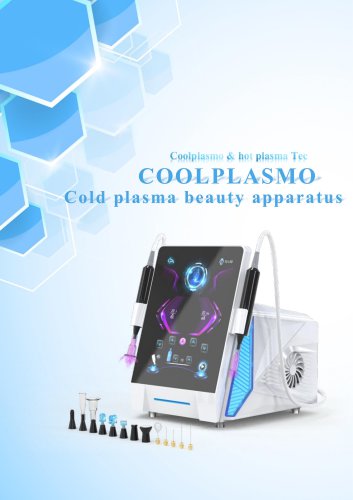 Chengji Facial Care CJ-CP-1
45 Pages
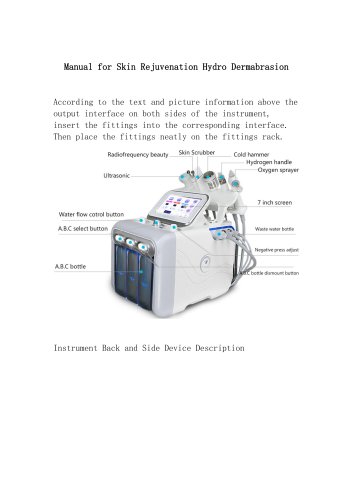 Chengji Facial Care CJ-SK-4
9 Pages
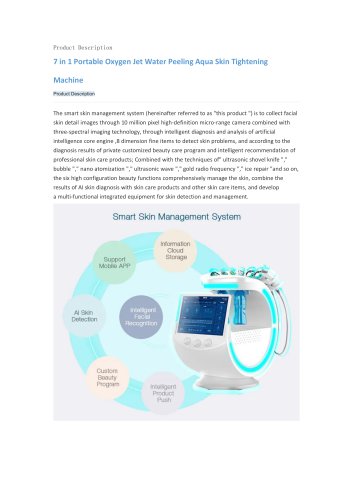 Chengji Facial Care CJ-SK-2
8 Pages
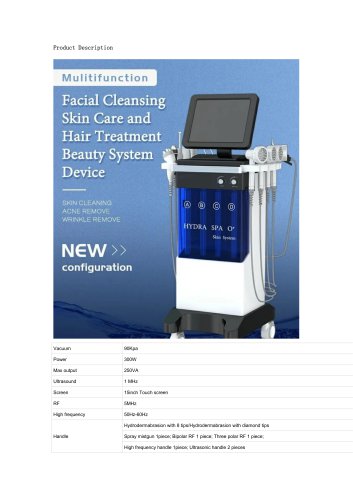 Chengji Facial Care CJ-SK-1
15 Pages
 Chengji Skin Tighting CJ-HF-2
12 Pages
 Chengji Weight Loss CJ-SL-1
13 Pages
 Chengji Emslim CJ-EMS-4
14 Pages
 Chengji Emslim CJ-EMS-2
6 Pages
 Chengji Emslim CJ-EMS-1
9 Pages
 CJ-PICOSECEND-TR-2
8 Pages
 Chengji Weight loss CJ-EMS-4
16 Pages
 Chengji Weight loss CJ-EMS-3
12 Pages
 Chengji HIFU 7D CJ-HF-1
6 Pages
 Chengji Laser hair removal KH-2
11 Pages
 Chengji Laser hair removal KH-1
12 Pages
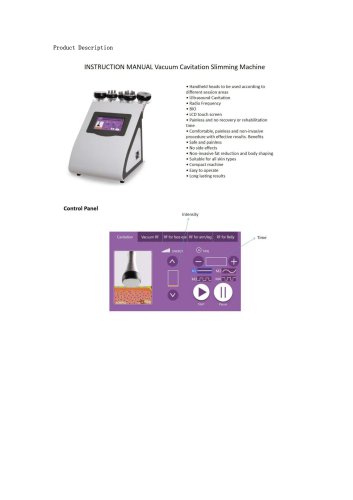 Chengji RF-Slimming SL-1
4 Pages
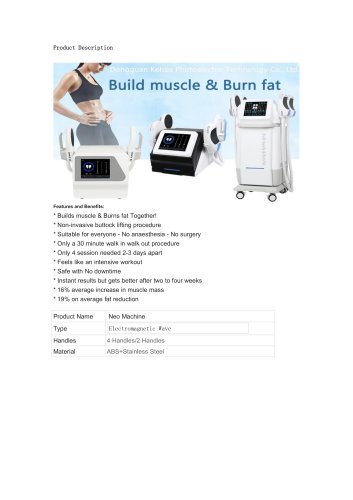 Chengji RF-Slimming EMS-2
6 Pages
 CJ BEAUTY MACHINE CATALOG
33 Pages
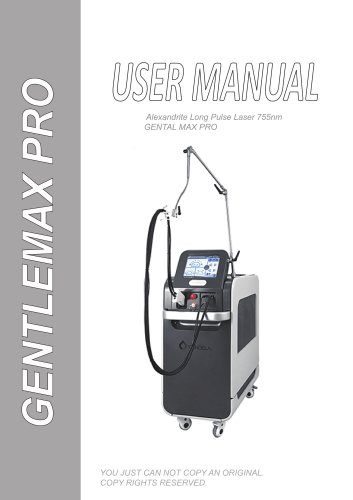
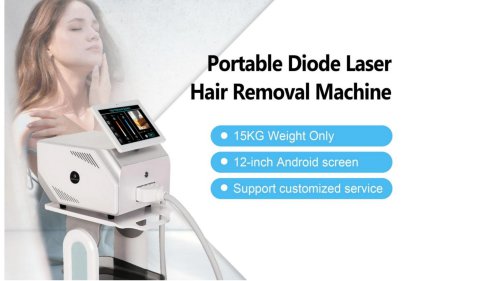

- Aesthetic medicine laser
- Skin and body treatment unit
- Trolley-mounted laser
- Tabletop laser
- Dermatology laser
- Hair removal laser
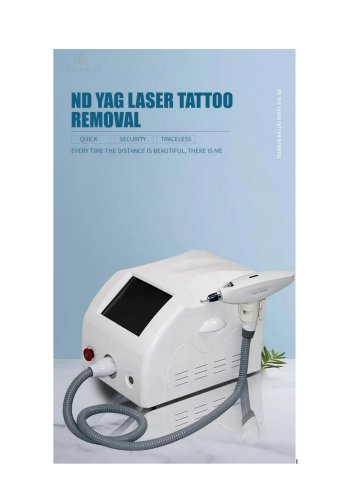
- Nd:YAG laser
- Skin rejuvenation laser
- Millisecond laser
- Tattoo removal laser
- CO2 laser
- Pigmented lesion treatment laser
- Acne treatment laser
- Picosecond laser
- Scar removal laser
- Vascular lesion treatment laser
- Alexandrite laser
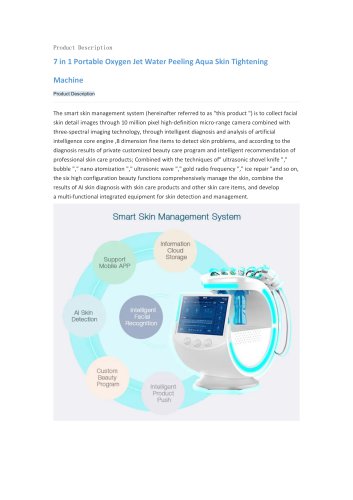
- Skin analysis system
- Muscle trainer