


D-Tec remote
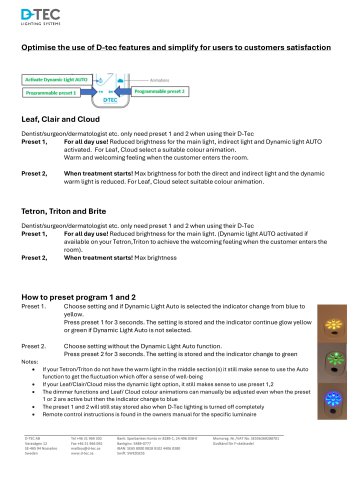
D-Tec remote
- Leaf, Clair, and Cloud:
- Preset 1: Designed for all-day use with reduced brightness for main, indirect, and dynamic lights. Dynamic light auto-activation creates a warm and welcoming atmosphere. Suitable color animations should be selected for Leaf and Cloud models.
- Preset 2: Intended for treatment sessions with maximum brightness for direct and indirect lights, while dynamic warm light is reduced. Suitable color animations should be selected for Leaf and Cloud models.
- Tetron, Triton, and Brite:
- Preset 1: For all-day use with reduced main light brightness. Dynamic light auto-activation is recommended if available to create a welcoming atmosphere.
- Preset 2: For treatment sessions with maximum brightness.
- Preset 1: Select the desired settings and activate Dynamic Light Auto if applicable. Hold the preset 1 button for 3 seconds to store the setting, indicated by a yellow or green glow.
- Preset 2: Select settings without Dynamic Light Auto. Hold the preset 2 button for 3 seconds to store the setting, indicated by a green glow.
- Even if certain models lack specific features like warm light or dynamic light, using presets 1 and 2 is still beneficial.
- Manual adjustments to dimmer functions and color animations are possible, but will change the indicator to blue.
- Presets remain stored even when the D-Tec lighting system is turned off.
- Refer to the owner's manual for remote control instructions specific to each luminaire model.
Catalog excerpts
Optimise the use of D-tec features and simplify for users to customers satisfaction Leaf, Clair and Cloud Dentist/surgeon/dermatologist etc. only need preset 1 and 2 when using their D-Tec Preset 1, For all day use! Reduced brightness for the main light, indirect light and Dynamic light AUTO activated. For Leaf, Cloud select a suitable colour animation. Warm and welcoming feeling when the customer enters the room. Preset 2, When treatment starts! Max brightness for both the direct and indirect light and the dynamic warm light is reduced. For Leaf, Cloud select suitable colour animation. Dentist/surgeon/dermatologist etc. only need preset 1 and 2 when using their D-Tec Preset 1, For all day use! Reduced brightness for the main light. (Dynamic light AUTO activated if available on your Tetron,Triton to achieve the welcoming feeling when the customer enters the room). Preset 2, When treatment starts! Max brightness Preset 1. Choose setting and if Dynamic Light Auto is selected the indicator change from blue to yellow. Press preset 1 for 3 seconds. The setting is stored and the indicator continue glow yellow or green if Dynamic Light Auto is not selected. Preset 2. Choose setting without the Dynamic Light Auto function. Press preset 2 for 3 seconds. The setting is stored and the indicator change to green • If your Tetron/Triton do not have the warm light in the middle section(s) it still make sense to use the Auto function to get the fluctuation which offer a sense of well-being • If your Leaf/Clair/Cloud miss the dynamic light option, it still makes sense to use preset 1,2 • The dimmer functions and Leaf/ Cloud colour animations can manually be adjusted even when the preset 1 or 2 are active but then the indicator change to blue • The preset 1 and 2 will still stay stored also when D-Tec lighting is turned off completely • Remote control instructions is found in the owners manual for the specific luminaire D-TEC AB Tel+46 31969 302 Bank: Sparbanken Konto nr 8289-1, 24.406.038-0 Momsreg- Nr./VAT No. SE556369288701 Varavagen 12 Fax+46 31966 092 Bankgiro: 5489-0777 Godkand for F-skattsedel Sweden www.d-tec.se Swift: SWEDSESS
Open the catalog to page 1All D-TEC AB catalogs and technical brochures
 dtec-handbook
12 Pages
 LED-panel
1 Page
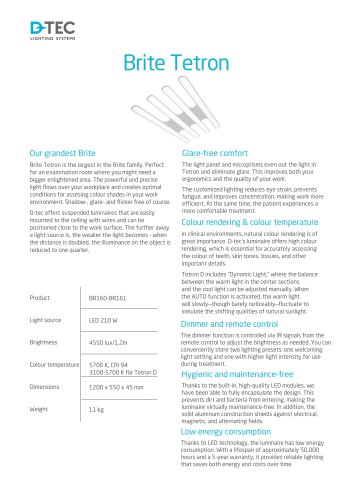 Brite Tetron
1 Page
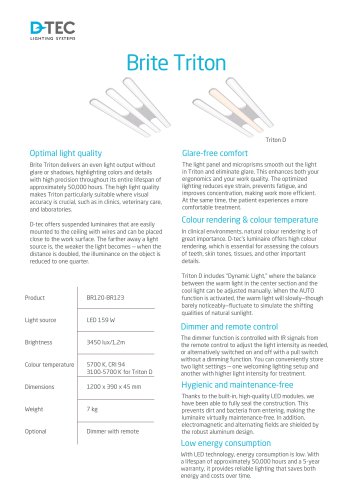 Brite Triton
1 Page
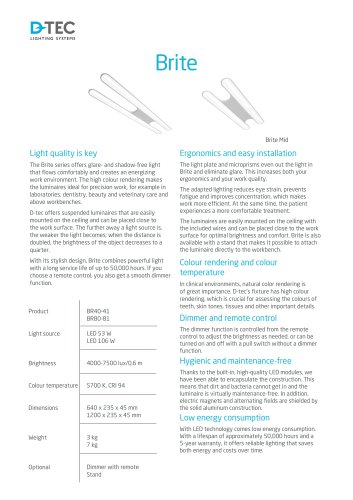 Brite
1 Page
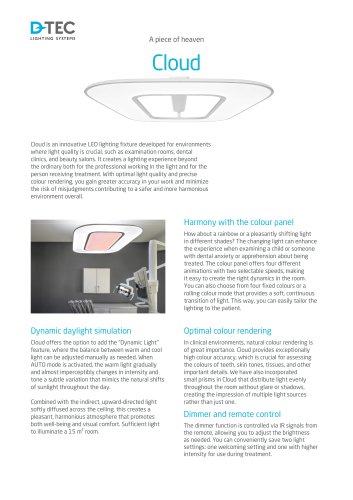 Cloud
2 Pages
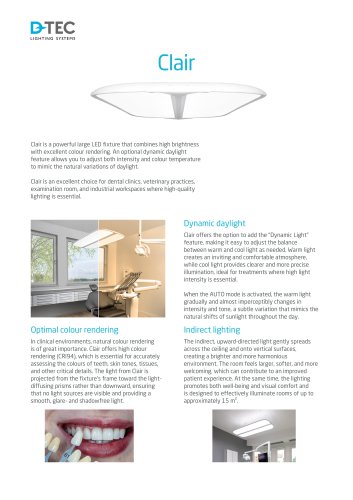 D-tec product sheet Cloud
2 Pages
 D-tec Leaf product sheet
2 Pages

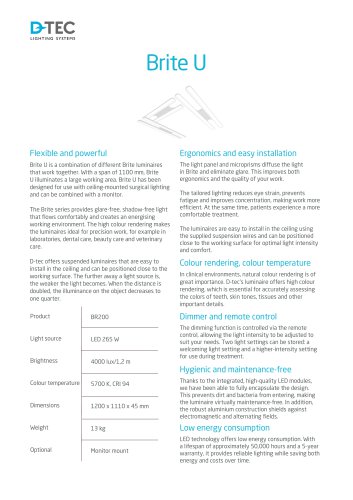
Archived catalogs
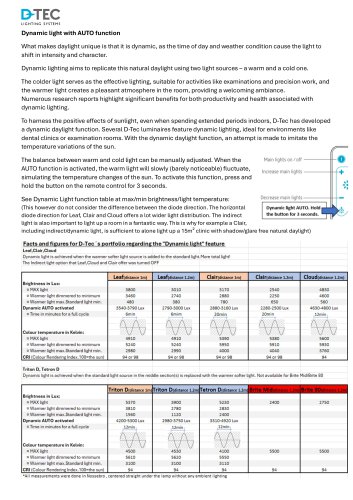
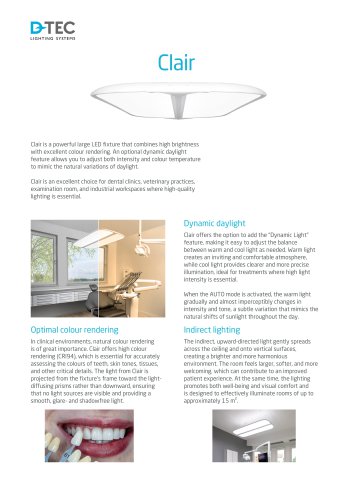 D-tec product sheet Clair
2 Pages
 D-TEC Product catalogue
11 Pages
 Zones d'eclairage
1 Page
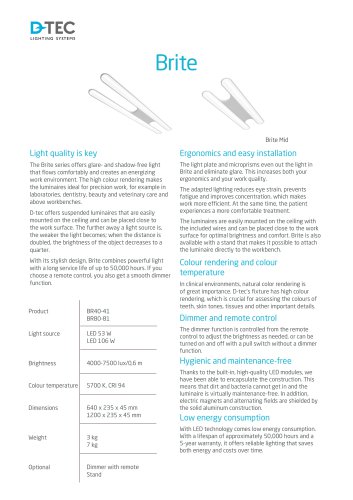
 D-TEC Brite
3 Pages
 D-TEC Lighitng Handbook
12 Pages
 D-tec brochure 2025
13 Pages
 Clair
3 Pages


- Examination lamp
- LED examination lamp
- Flexible examination lamp
- LED lighting
- Ceiling-mounted lighting
- Dental office examination lamp
- Hospital lighting
- Ceiling-mounted examination lamp
- Gynecological examination lamp
- Variable height examination lamp
- Dental facility lighting
- Dental clinic lighting
- Clinic lighting
- Veterinary clinic lighting
- Laboratory lighting
- Shadowless examination lamp
- Dental laboratory lighting
- Medical examination lamp
- Aesthetic medicine lighting
- Clinical examination lamp