
- Catalogs
- Datrend Systems
- vPad-AIMS

vPad-AIMS
vPad-AIMS
vPad-AIMS™ is a software application designed to automate preventative maintenance (PM) inspections and performance testing of medical equipment using vPad safety analyzers. It interfaces with the AIMS® CMMS system to manage equipment inventory and service activities, forming part of a suite of Apps that enable a bidirectional interface between the vPad platform and CMMS systems.
CMMS programs manage equipment inventory and service activities using computer-generated checklists. The vPad-mT App allows medTester Checklists and equipment information from CMMS to be used with the vPad system, emulating medTester behavior.
The suite includes Apps like CMX, vPad-mT, vPad-Check, vPad-AS, and vPad-NFPA, which automate equipment maintenance and inspection, providing a "closed loop" solution from CMMS preventive maintenance schedules to the return of test results to the CMMS.
The vPad-AIMS App is typically pre-installed on the vPad tablet and requires activation using a code provided by the dealer. Setup involves connecting to a WiFi network, entering the Host URL and Client ID for the AIMS database, and initializing Facilities within the AIMS database.
Upon startup, the vPad-AIMS App displays a main menu with test reports from completed tests. The Settings menu allows configuration for communication with the AIMS database, including entering the Host URL and Client ID.
- Automates PM inspections and performance testing.
- Interfaces with AIMS CMMS for equipment management.
- Part of a suite of Apps for comprehensive maintenance solutions.
- Requires activation and setup for database communication.
The document outlines procedures for managing data transfer between the AIMS server and the vPad tablet, including steps for downloading data, copying files, and managing work orders. Users can automate file copying by enabling the Auto Copy On option in the settings. It also explains handling different types of AIMS checklists and managing work order statuses.
The settings menu allows users to export and import configurations, such as URL and ID, to set up multiple tablets efficiently. Facilities can be added or removed from the AIMS database, and only selected facilities will be queried for data, emphasizing the importance of selecting the correct facilities to optimize processing time.
PM schedules and equipment inventories must be transferred to the vPad tablet. The document details the process of requesting data from AIMS and the importance of updating the Work Order file regularly, highlighting potential delays in downloading large files like the Equipment List.
Test reports created by vPad-mT are transferred to AIMS as Work Order Updates. The document explains the process of selecting and transferring files, ensuring data integrity by validating device control numbers and work order numbers, and notes exceptions for new devices or tests performed without a work order number.
The document mentions that software applications may be upgraded to enhance features or correct operational issues. Users are advised to contact Datrend or local dealers for upgrade information. Maintenance upgrades may be provided to improve performance or add new features.
Catalog excerpts

AIMS Interface App for vPad Safety Analyzers Operating Manual
Open the catalog to page 1
AIMS Interface App for vPad Safety Analyzers Operating Manual © 2016-2019 Datrend Systems Inc. Unit 130 - 4020 Viking Way Richmond, BC • CANADA • V6V 2L4 Tel: 800.667.6557 (North America Only) or 604.291.7747 • Fax 604.294.2355 e-mail: [email protected]
Open the catalog to page 3
To order this manual, use Part Number 6100-121 Revision Revision History Description Initial release GUI layout change, WO status Copyright Datrend Systems Inc. (“DSI”) agrees to a limited copyright release that allows you to reproduce manuals and other printed materials for use in service training programs and other technical publications. If you would like other reproductions or distributions, submit a written request to Datrend Systems Inc. Unpacking and Inspection Follow standard receiving practices upon receipt of goods. Check the shipping carton for damage. If damage is found, stop unpacking....
Open the catalog to page 5
Warranty Warranty and Product Support Software Applications (Apps) for use in conjunction with ES601 and vPad Safety Analyzers and other Datrend Products are supplied subject to the Terms and Conditions agreed to by the act of Activating the App. In the event no Activation is required, the Terms and Conditions published on the Datrend Systems Inc. (DSI) website shall prevail. By using the App, you agree to these terms and Conditions. IN NO EVENT SHALL DATREND SYSTEMS INC. BE LIABLE FOR CONSEQUENTIAL DAMAGES. DSI DISCLAIMS ALL OTHER WARRANTIES, EXPRESSED OR IMPLIED, INCLUDING ANY WARRANTY OF MERCHANTABILITY...
Open the catalog to page 6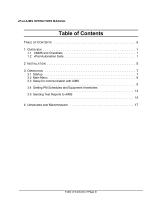
vPad-AIMS OPERATORS MANUAL Table of Contents TABLE OF CONTENTS . . . . . . . . . . . . . . . . . . . . . . . . . . . . . . . . . . . . . . . . . . . . . . 1 OVERVIEW . . . . . . . . . . . . . . . . . . . . . . . . . . . . . . . . . . . . . . . . . . . . . . . . . . . . 1 1.1 CMMS and Checklists . . . . . . . . . . . . . . . . . . . . . . . . . . . . . . . . . . . . . . . . . . . . 1 1.2 vPad Automation Suite . . . . . . . . . . . . . . . . . . . . . . . . . . . . . . . . . . . . . . . . . . . . 1 Table of Contents # Page iii
Open the catalog to page 7
Table of Contents ■ Page iv
Open the catalog to page 8
vPad-AIMS OPERATORS MANUAL 1 Overview vPad-AIMS™ is a software application (App) which may be installed on vPad-ES™ , vPad-353™ and vPad-623™ electrical safety analyzers, and which may be used to automate preventative maintenance (PM) inspections, performance testing and other types of service performed on medical equipment, when used in conjunction with the AIMS® CMMS system from Phoenix Data Systems. vPad-AIMS is one component of a suite of Apps that enables bidirectional interface between the vPad platform and Computerized Maintenance Management Software (CMMS) systems. A CMMS program is a...
Open the catalog to page 9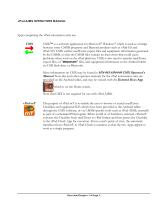
vPad-AIMS OPERATORS MANUAL Apps comprising the vPad automation suite are: CMX™ is a software application for Microsoft® Windows® which is used as a bridge between some CMMS programs and Datrend products such as vPad-ES and vPad-353. CMX verifies medTester export files and equipment information generated by the CMMS, so that the CMMS files contain no data errors that could cause problems when used on the vPad platform. CMX is also used to transfer medTester export files, or "MTEXPORT" files, and equipment information to the Android tablet via USB flash drive or Bluetooth. More information on CMX...
Open the catalog to page 10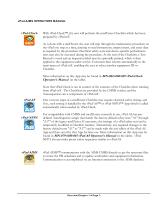
vPad-AIMS OPERATORS MANUAL With vPad-Check™, the user will perform the medTester Checklist which has been prepared by vPad-mT. As is done with a medTester, the user will step through the maintenance procedure on the vPad one step at a time, pausing to read instructions, inspect items, and enter data as required by the procedure. Electrical safety tests and device-specific performance tests may also be executed during the procedure. At the end of the Checklist, a Test Record is saved and an inspection label may be optionally printed, which is then applied to the equipment under service. Execution...
Open the catalog to page 11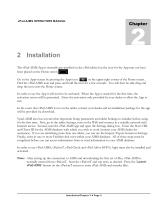
vPad-AIMS OPERATORS MANUAL 2 Installation The vPad-AIMS App is normally pre-installed on the vPad tablet, but the icon for the App may not have been placed on the Home screen . Go to the Apps screen by pressing the Apps icon in the upper right corner of the Home screen. Find the vPad-AIMS icon and press and hold the icon for a few seconds. You will then be able drag and drop the icon onto the Home screen. In order to use the App it will need to be activated. When the App is started for the first time, the activation screen will be presented. Enter the activation code provided by your dealer to...
Open the catalog to page 13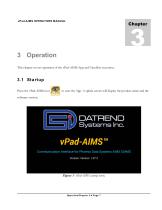
vPad-AIMS OPERATORS MANUAL 3 Operation This chapter covers operation of the vPad-AIMS App and Checklist execution. Press the vPad-AIMS icon to start the App. A splash screen will display the product name and the software version. vPad-AIMS Communication Interface for Phoenix Data Systems AIMS CMMS Figure 1 - vPad-AIMS startup screen.
Open the catalog to page 15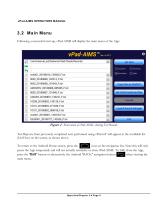
vPad-AIMS OPERATORS MANUAL 3.2 Main Menu Following a successful start-up, vPad-AIMS will display the main menu of the App: Figure 2 - Main menu of vPad-AIMS, showing Test Records. Test Reports from previously completed tests performed using vPad-mT will appear in the scrollable list (ListView) on the screen, as shown above. To return to the Android Home screen, press the icon on the navigation bar. Note this will only pause the App temporarily and will not actually terminate or close vPad-AIMS. To fully close the App, press the "Exit" button or alternatively the Android "BACK" navigation button...
Open the catalog to page 16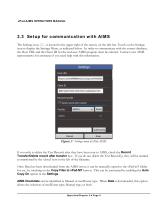
vPad-AIMS OPERATORS MANUAL 3.3 Setup for communication with AIMS The Settings icon, , is located in the upper right of the screen, on the title bar. Touch on the Settings icon to display the Settings Menu, as indicated below. In order to communicate with the correct database, the Host URL and the Client ID for the end user AIMS program must be entered. Contact your AIMS representative for assistance if you need help with this information. Figure 3 - Settings menu of vPad-AIMS. If you wish to delete the Test Records after they have been sent to AIMS, check the Record Transfer/Delete record after...
Open the catalog to page 17All Datrend Systems catalogs and technical brochures
 Model 10A
20 Pages
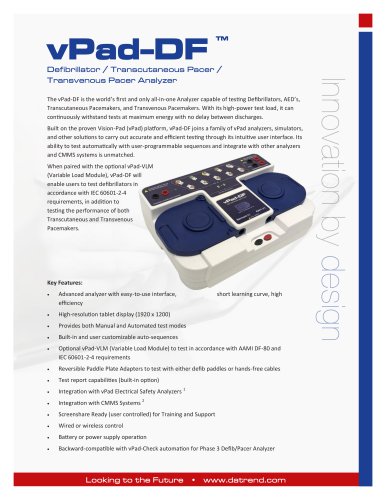 vPad-DF
14 Pages
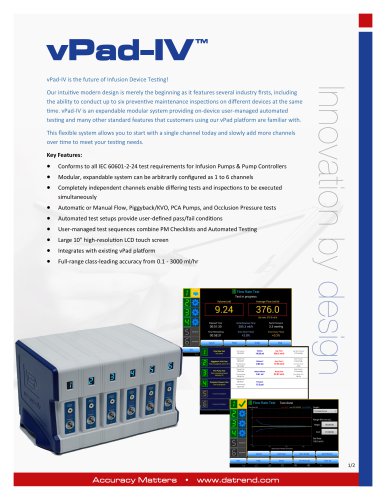 vPad-IV
2 Pages
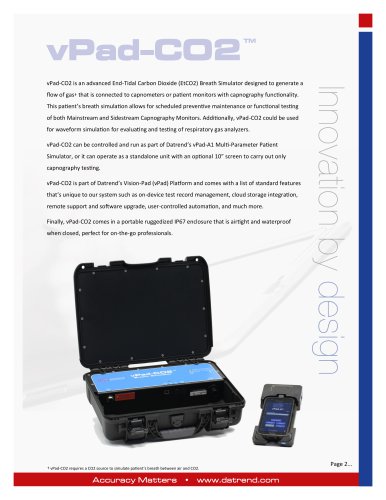 Breath Simulator vPad-CO2 TM
2 Pages
 vPad-O2
106 Pages
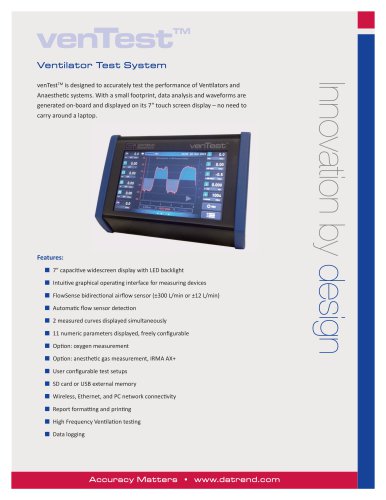 venTest
2 Pages
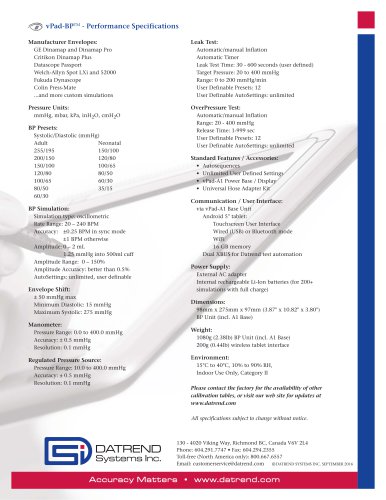 vPad-BP
1 Page
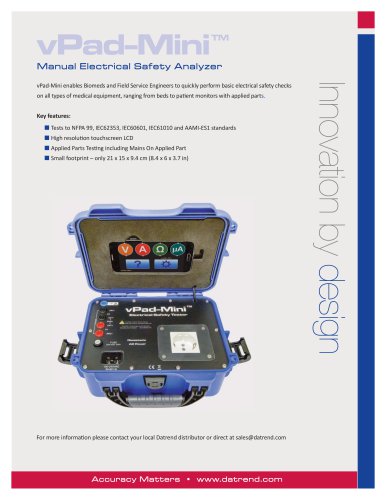 vPad-Mini
2 Pages
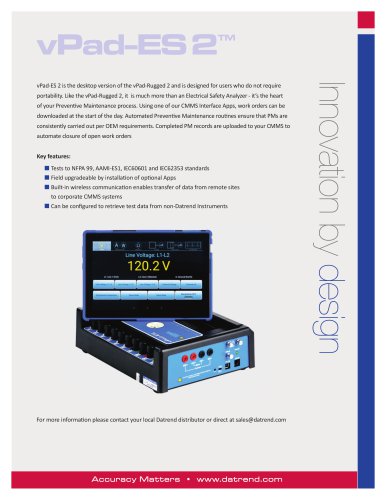 vPad-ES2
2 Pages
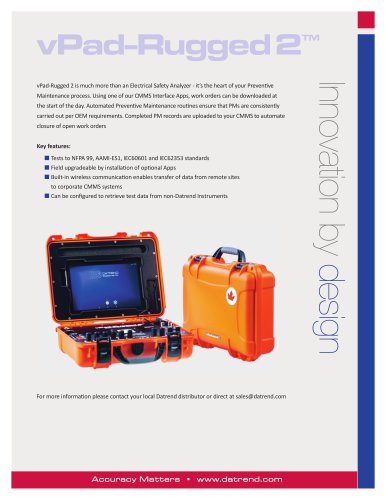 vPad-Rugged2
2 Pages
 Infutest Solo
2 Pages
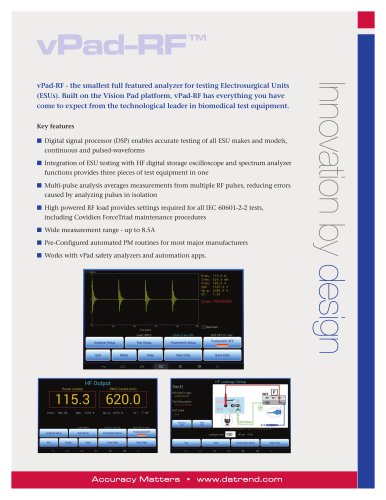 vPad-RF
2 Pages
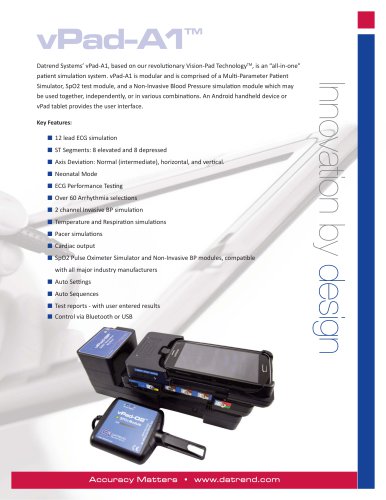 vPad-A1
2 Pages
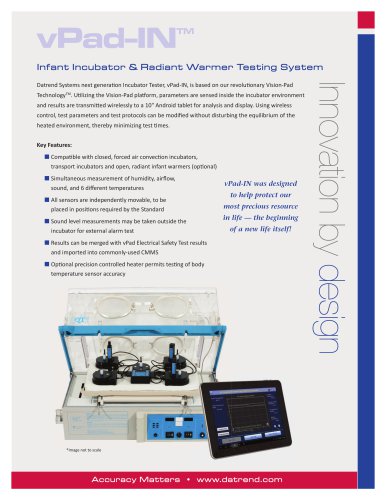 vPad-IN
2 Pages
 Model 20A
1 Page
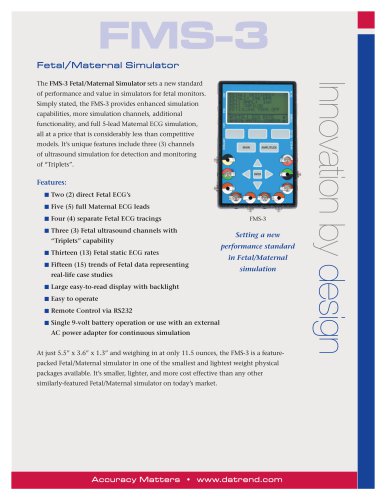 FMS-3
2 Pages
 AMPS-1
2 Pages
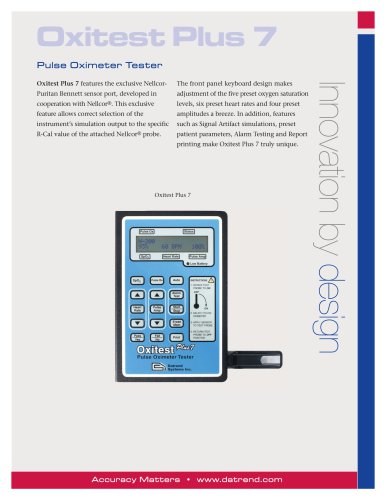 Oxitest Plus7
2 Pages
 Phase 3 VLM
2 Pages
Archived catalogs
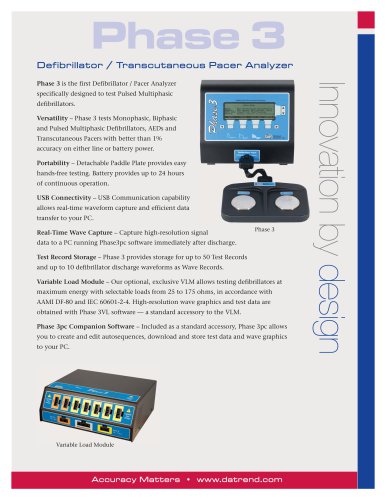 Phase 3
2 Pages
- Datrend medical device tester
- Patient simulation unit
- Control analyser
- Portable simulation unit
- Monitoring simulator
- Flow testing system
- Emergency care simulator
- Testing system with touchscreen
- Pressure testing system
- Continuous testing system
- USB testing system
- Gynecological simulator
- Electric tester
- Heart rate simulator
- Monitoring patient simulator
- ECG simulator
- Intensive care simulator
- Breathing simulator
- SpO2 simulator
- Fetus simulator