
- Catalogs
- FSN Medical Technologies
- 4K recorder


- Products
- Catalogs
- News & Trends
- Exhibitions
4K recorder
4K recorder
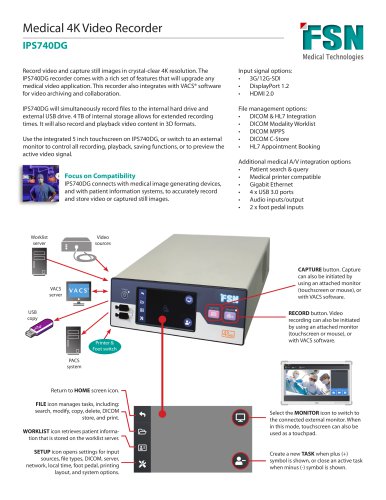
The IPS740DG is a medical 4K video recorder designed to capture video and still images in high resolution. It integrates with VACS® software for video archiving and collaboration, offering a comprehensive solution for medical video applications.
- Recording and Storage: Simultaneous recording to internal 4TB hard drive and external USB drive. Supports 3D video formats and offers extended recording times.
- Control and Display: Features a 5-inch touchscreen for control, with the option to connect to an external monitor.
- Compatibility: Connects with medical imaging devices and patient information systems. Supports input signals like 3G/12G-SDI, DisplayPort 1.2, and HDMI 2.0.
- File Management: Integrates with DICOM and HL7 for efficient file management and patient data handling.
- Video Recording: Supports resolutions up to 4096x2160p60 and 3840x2160p60. Encoding formats include H.264 and H.265, with MP4 as the recording file format.
- Image Capture: Supports BMP, JPEG, and DICOM formats.
- Audio: Encodes audio in AAC format.
- Connectivity: Offers multiple input and output options, including HDMI, DisplayPort, SDI, USB, and Ethernet.
- Power and Dimensions: Operates on AC 100-240V, with a maximum power consumption of 60W. Dimensions are 260mm x 95mm x 330mm, weighing 4.1kg.
- Environmental Conditions: Operates between 0° to +40°C and stores between -20° to +60°C, with humidity levels of 10-85% RH.
The device complies with CE-MDR 2017/745 Class 1 Medical Device standards and other certifications including UL 60601-1, IEC60601-1, EN 60601-1-2, FCC Part 15B, CCC, ISO9001, ISO13485, and RoHS.
Catalog excerpts
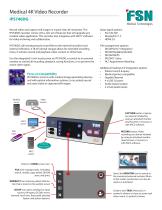
Medical 4K Video Recorder IPS740DG Record video and capture still images in crystal-clear 4K resolution. The IPS740DG recorder comes with a rich set of features that will upgrade any medical video application. This recorder also integrates with VACS® software for video archiving and collaboration. Input signal options: • 3G/12G-SDI • DisplayPort 1.2 • HDMI 2.0 IPS740DG will simultaneously record files to the internal hard drive and external USB drive. 4 TB of internal storage allows for extended recording times. It will also record and playback video content in 3D formats. File management options: • DICOM & HL7 Integration • DICOM Modality Worklist • DICOM MPPS • DICOM C-Store • HL7 Appointment Booking Use the integrated 5 inch touchscreen on IPS740DG, or switch to an external monitor to control all recording, playback, saving functions, or to preview the active video signal. IPS740DG connects with medical image generating devices, and with patient information systems, to accurately record and store video or captured still images. Worklist server Additional medical A/V integration options • Patient search & query • Medical printer compatible • Gigabit Ethernet • 4 x USB 3.0 ports • Audio inputs/output • 2 x foot pedal inputs Video sources CAPTURE button. Capture can also be initiated by using an attached monitor (touchscreen or mouse), or with VACS software. VACS server USB copy Printer & Foot switch RECORD button. Video recording can also be initiated by using an attached monitor (touchscreen or mouse), or with VACS software. PACS system Return to HOME screen icon. FILE icon manages tasks, including: search, modify, copy, delete, DICOM store, and print. WORKLIST icon retrieves patient information that is stored on the worklist server. SETUP icon opens settings for input sources, file types, DICOM, server, network, local time, foot pedal, printing layout, and system options. Select the MONITOR icon to switch to the connected external monitor. When in this mode, touchscreen can also be used as a touchpad. Create a new TASK when plus (+) symbol is shown, or close an active task when
Open the catalog to page 1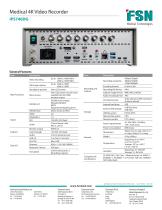
Medical 4K Video Recorder General Features Item Description Item Description Video recording Still image capture Standalone preview Main Functions Menu access DICOM store HDMI Monitor output Keyboard / Mouse Foot pedal Front LCD screen (5 inch touch enabled) GUI on HDMI monitor output._ DICOM Store (Image) Modality Worklist MPPS Appointment Booking (HL7) Direct Access to PACS 20_ 3.5mm Stereo line out 2 on front, 2 on back Mini-USB_ 3.5mm stereo jack x 2 Recording, Capture Recording resolution Encoding formats Recording file format Capture image format Audio encoding format Internal hard drive...
Open the catalog to page 2All FSN Medical Technologies catalogs and technical brochures
 2026 Brochure
17 Pages
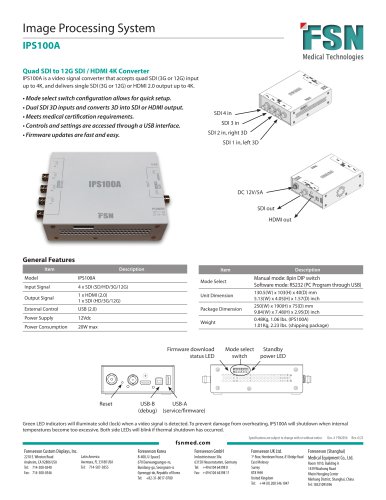 4K video converter
1 Page
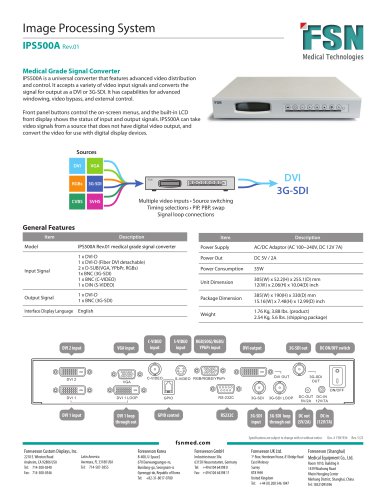 Universal video converter
1 Page
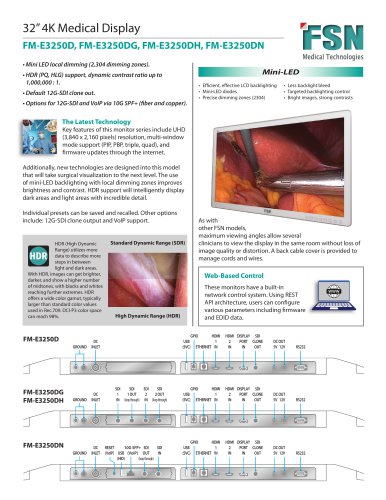 32" 4K MiniLED monitors
2 Pages
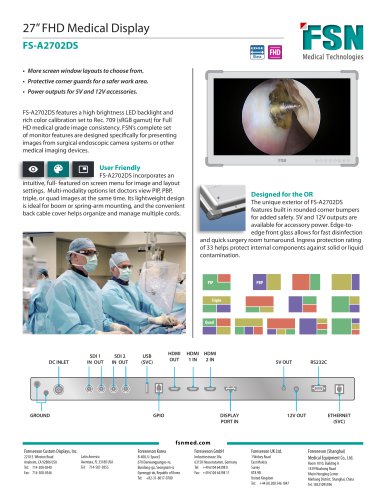 27" FHD monitor
2 Pages
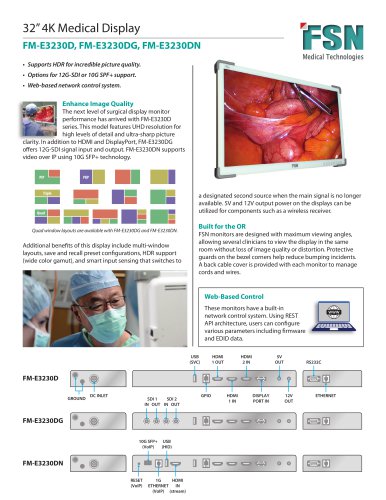 32" 4K monitors
2 Pages
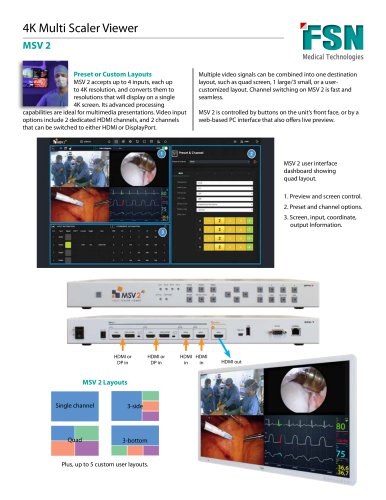 4K multiviewer
2 Pages
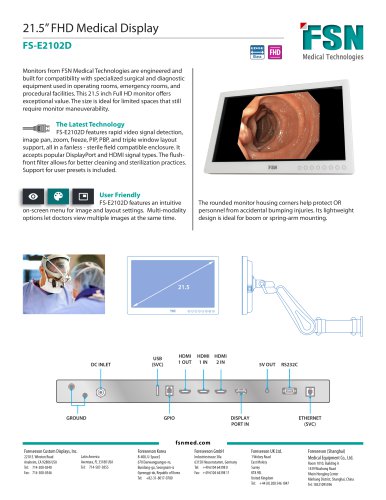 21.5" FHD monitor
2 Pages
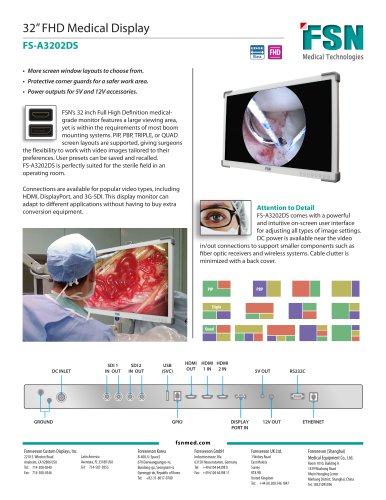 32" FHD monitor
2 Pages
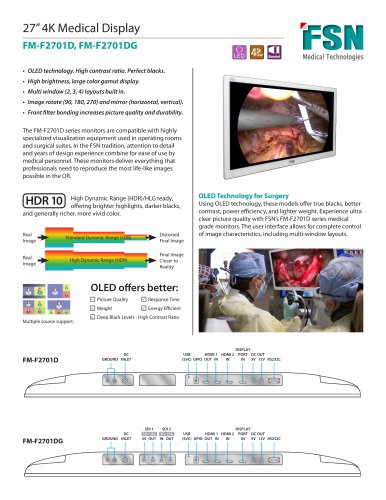 27" 4K OLED monitors
2 Pages
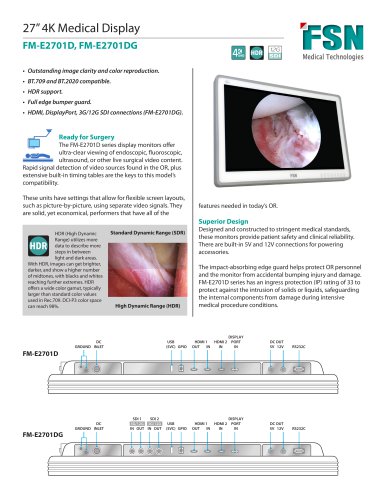 27" 4K monitors
2 Pages
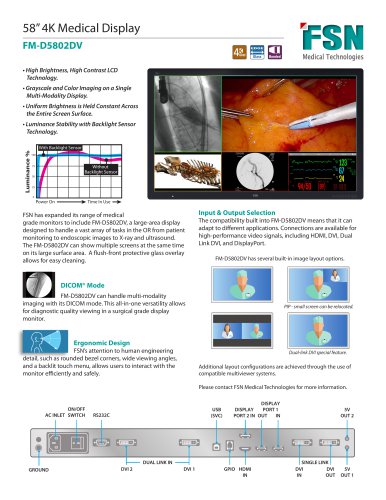 58" 4K Monitor 8MP
2 Pages
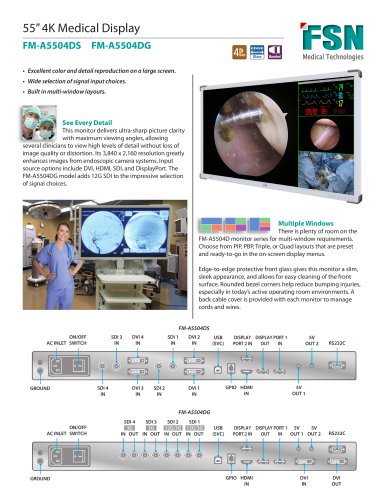 55" 4K Monitors (2D)
2 Pages
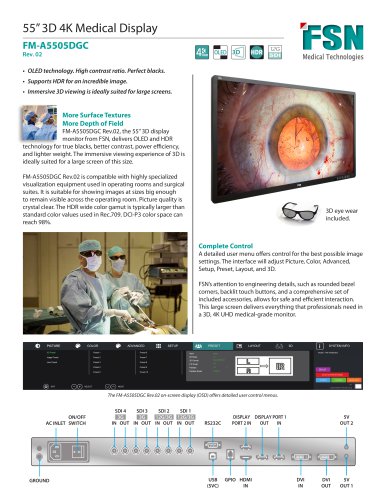 FM-A5505DGC 55" 4K/3D
2 Pages
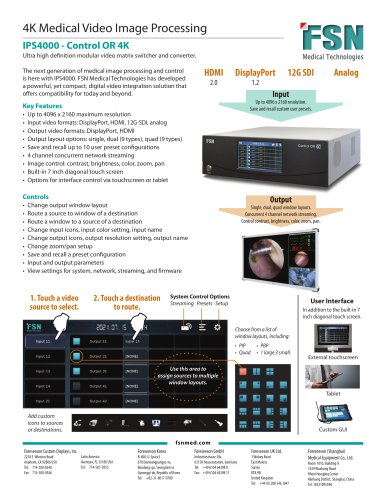 IPS4000
2 Pages
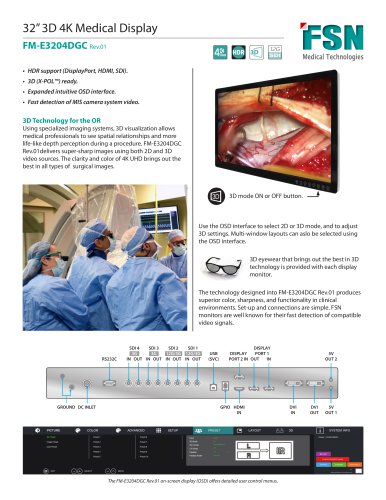 FM-E3204DGC 32" 4K/3D
2 Pages
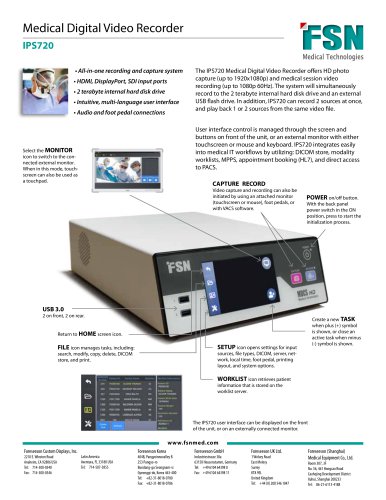
Archived catalogs

- HDMI display
- Medical imaging display
- DisplayPort display
- DVI display
- Surgical display
- Full HD monitor
- 16:9 display
- VGA display
- 4K UHD display
- Endoscopy display
- High-brightness display
- OR display
- Medical device control panel
- Endoscopy video processor
- Diagnostic display
- 3G-SDI display
- 27" display
- Anti-glare display
- Multi-touch display
- S-Video display