
- Catalogs
- Jiangsu Fuyou Medical
- Operating Room Control Panel

- Company
- Products
- Catalogs
- News & Trends
- Exhibitions
Operating Room Control Panel
1 /2Pages
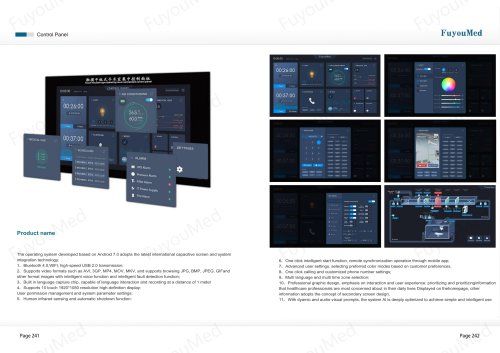
Operating Room Control Panel
1 /2Pages
Catalog excerpts
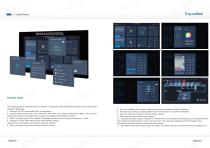
Control Panel FuyouMed tti J..«^yp* •pir.uSfl room contro.liod control ponol CONTPOl Product name The operating system developed based on Android 7.0 adopts the latest international capacitive screen and system integration technology; Is Bluetooth 4.0,WIFI, high-speed USB 2.0 transmission; 2s Supports video formats such as AVI, 3GP, MP4, MOV, MKV, and supports browsing JPG, BMP, JPEG, GIFand other format images with intelligent voice function and intelligent fault detection function; 3s Built in language capture chip, capable of language interaction and recording at a distance of 1 meter 4s Supports 10 touch 1920*1080 resolution high-definition display: User permission management and system parameter settings; 5s Human infrared sensing and automatic shutdown function: 6s One click intelligent start function, remote synchronization operation through mobile app; 7s Advanced user settings, selecting preferred color modes based on customer preferences. 8s One click calling and customized phone number settings; 9s Multi language and multi time zone selection; 10s Professional graphic design, emphasis on interaction and user experience: prioritizing and prioritizinginformation that healthcare professionals are most concerned about in their daily lives Displayed on thehomepage, other information adopts the concept of secondary screen design, 11s With dyamic and audio-visual prompts, the system Al is deeply optimized to achieve simple and intelligent use
Open the catalog to page 1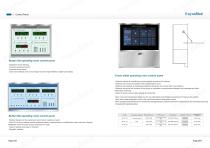
FuyouMed Button flat operating room control panel •Capacitive touch sensing •Dynamic switching function •Imported acrylic panel Dual color backlight and sound design-imported high-definition digital tube display Touch tablet operating room control panel •Optimize central air conditioning monitoringand access to BA systems ■Optimized clock synchronization with hospitalmaster clock ■Optimize the opening of shadowless lighting andmonitor and control with nurse stations •Optimize the group call function of the phone to realizethe communication between the broadcast and other information terminals...
Open the catalog to page 2All Jiangsu Fuyou Medical catalogs and technical brochures
 Operating Lamp
1 Page
 Operating Lamp
1 Page
 Operating Lamp
1 Page
 Operating Lamp
1 Page
 Operating Lamp (2025)
1 Page
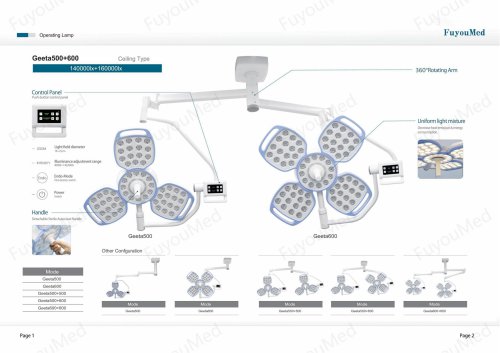 Operating Lamp
1 Page
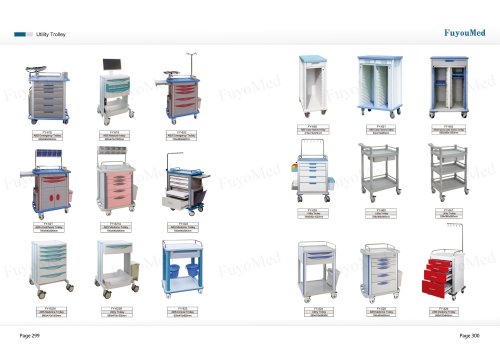 Utility Trolley
1 Page
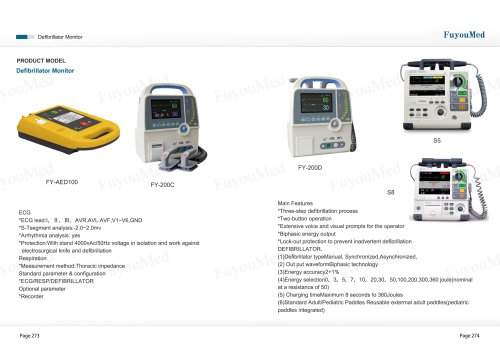 Defibrillator Monitor
1 Page
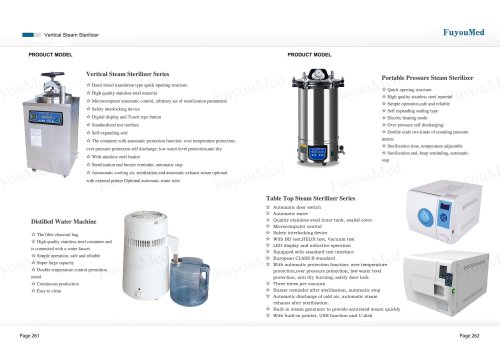 Sterilizer
4 Pages
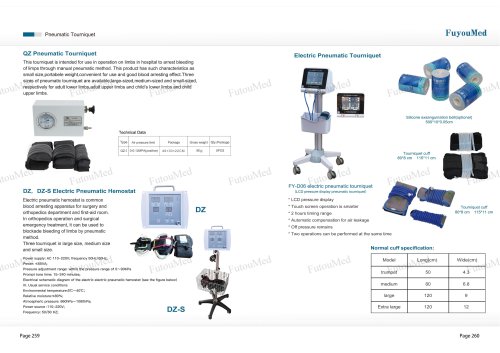 Pneumatic Tourniquet
1 Page
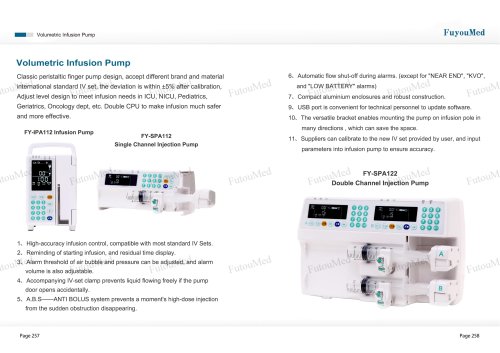 Volumetric Infusion Pump
1 Page
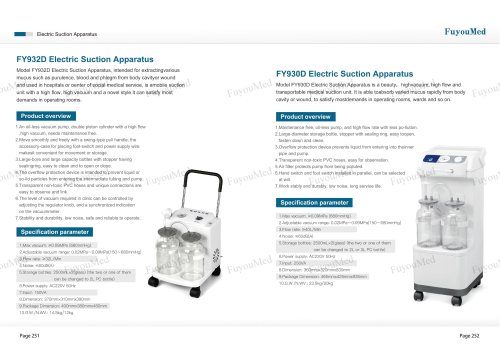 Electric Suction Apparatus
2 Pages
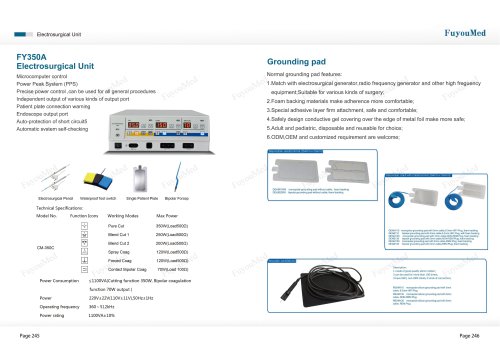 Electrosurgical Unit
3 Pages
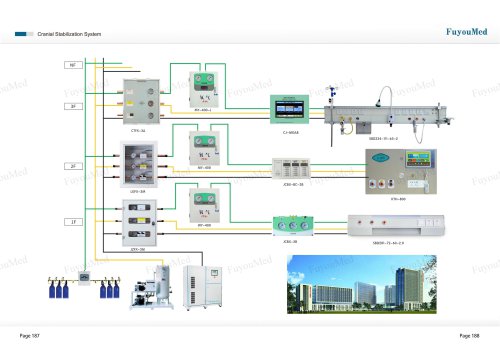 Medical Bed Head Unit
12 Pages
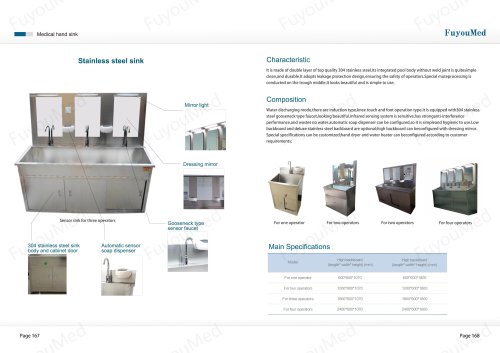 Medical hand sink
7 Pages
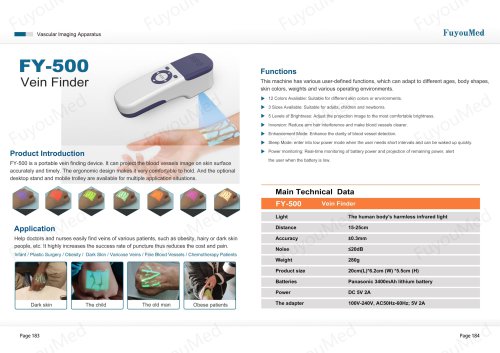 Vein Finder
2 Pages
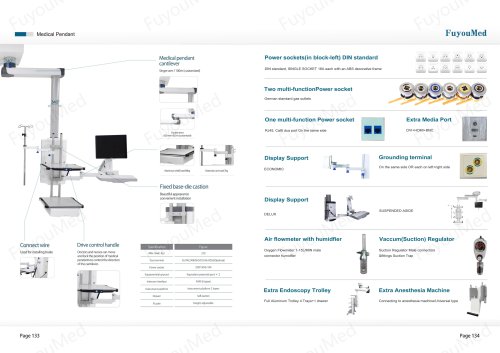 Medical Pendant
15 Pages
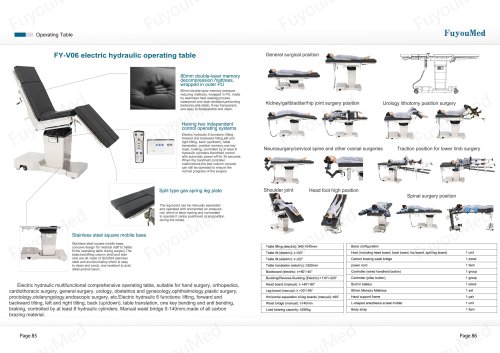 Operating Table
24 Pages
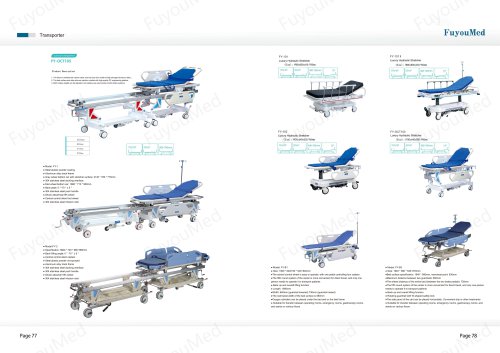 Transporter
4 Pages
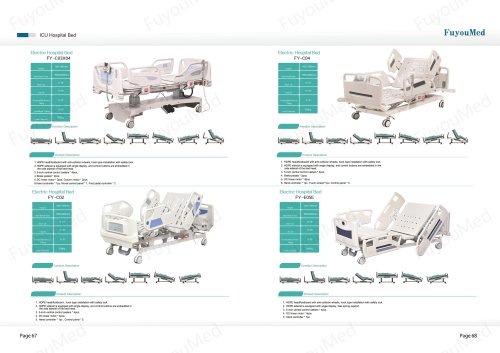 Hospital Bed
5 Pages
 Medical Display
6 Pages
 Balance Arm & Spring Arm
1 Page
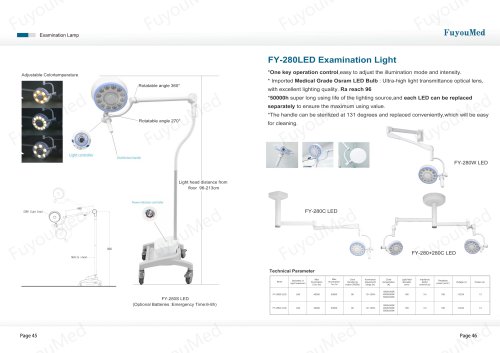 Examination Lamp
5 Pages
 FUYOUMED ICU OR DOOR
13 Pages
 Medical GAS
8 Pages
 Surgical pendant
4 Pages


Archived catalogs
 Operating Lamp
22 Pages
 Operating lamp
8 Pages
 Operating Lamp
1 Page
- Medical dolly
- Hospital bed
- Examination couch
- Logistics trolley
- Sterilizer
- Treatment cart
- Hospital trolley
- Hospital wardrobe
- Medical device trolley
- Surgical lighting system
- Anodized aluminum trolley
- Inclinable bed
- Steam sterilizer
- Height-adjustable examination couch
- LED surgery light
- Trolley with tray
- Positioning pillow
- Plastic trolley
- Stretcher trolley
- Manual bed