
- Catalogs
- Key Source International
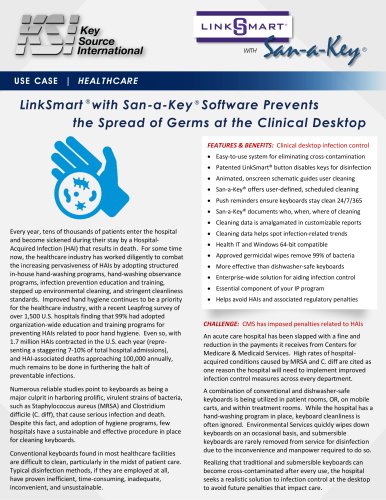
- LinkSmart with San-a-Key Instructions

LinkSmart with San-a-Key Instructions
LinkSmart with San-a-Key Instructions
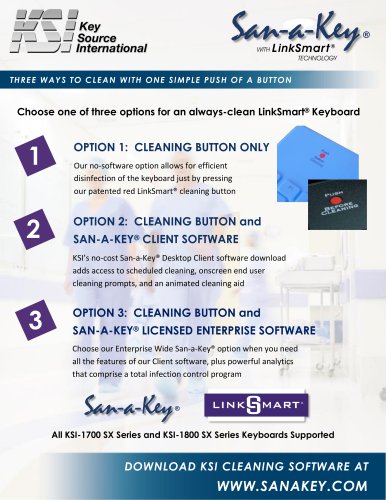
- Connect the keyboard via USB.
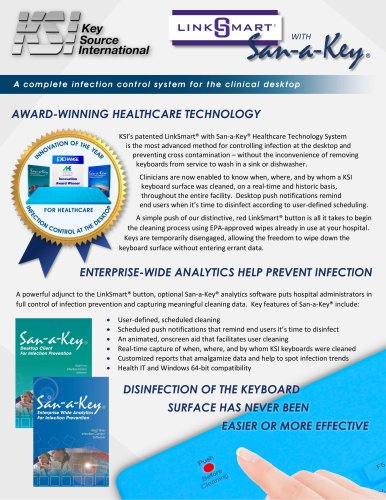
- Press the red LinkSmart® button to enter cleaning mode (indicated by blinking green LEDs).
- Clean the keyboard with approved products.
- After 3 seconds, the keyboard returns to normal mode.
- Download and install the no-cost San-a-Key® Desktop Client software.
- Use the software to schedule cleanings and receive onscreen prompts.
- During cleaning, an onscreen animation guides the process, turning red keys to black as they are cleaned.
- The keyboard icon changes color to indicate cleanliness status.
- Provides enterprise-wide analytics and infection control data.
- Tracks cleaning activities by time, location, and personnel.
- Generates reports for compliance and infection trend analysis.
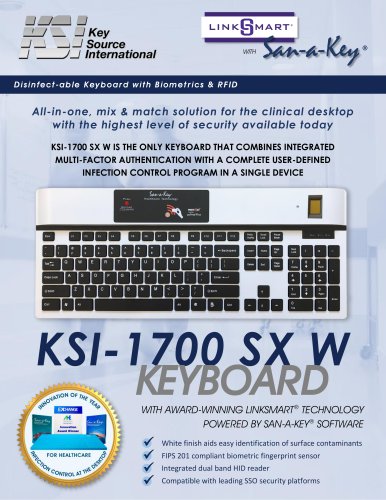
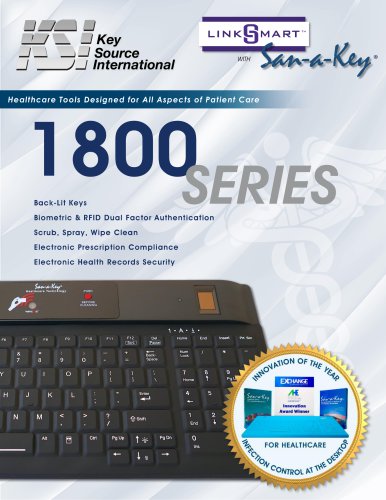
- Compatible with KSI-1700 SX and KSI-1800 SX Series Keyboards.
- System requirements include Windows 7, 8, 10, Linux, Apache, or MySQL Server.
- San-a-Key® analytics help identify infection trends and improve patient care.
Catalog excerpts
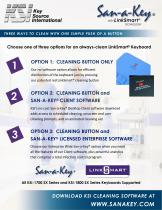
THREE WAYS TO CLEAN WITH ONE SIMPLE PUSH OF A BUTTON Choose one of three options for an always-clean LinkSmart® Keyboard OPTION 1: CLEANING BUTTON ONLY OPTION 2: CLEANING BUTTON and Our no-software option allows for efficient disinfection of the keyboard just by pressing our patented red LinkSmart® cleaning button SAN-A-KEY® CLIENT SOFTWARE KSI’s no-cost San-a-Key® Desktop Client software download adds access to scheduled cleaning, onscreen end user cleaning prompts, and an animated cleaning aid OPTION 3: CLEANING BUTTON and SAN-A-KEY® LICENSED ENTERPRISE SOFTWARE Choose our Enterprise Wide San-a-Key® option when you need all the features of our Client software, plus powerful analytics that comprise a total infection control program San-a-Key ® All KSI-1700 SX Series and KSI-1800 SX Series Keyboards Supported DOWNLOAD KSI CLEANING SOFTWARE AT
Open the catalog to page 1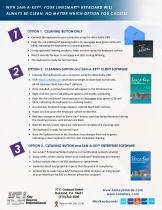
OPTION 1: CLEANING BUTTON ONLY • Connect the keyboard to your computer using the detachable USB • Push the red LinkSmart® cleaning button to disengage keys (green LEDs will blink, indicating the keyboard is in cleaning mode) • Using approved cleaning products, wipe, scrub or spray the keyboard surface • Wait 3 seconds for keys to reengage and LEDs to stop blinking • The keyboard is ready for normal input • Connect the keyboard to your computer using the detachable USB • Visit http://sanakey.com and follow prompts to download our no-cost, 64-bit Desktop Client San-a-Key® software • Once installed,...
Open the catalog to page 2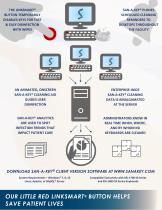
SAN-A-KEY® PUSHES SCHEDULED CLEANING REMINDERS TO DESKTOPS THROUGHO UT THE FACILITY THE LINKSMART® BUTTON TEMPORARILY DISABLES KEYS FOR FAST & EASY DISINFECTION WITH WIPES AN ANIMATED, ONSCREEN SAN-A-KEY® CLEANING AID GUIDES USER DISINFECTION SAN-A-KEY® ANALYTICS ARE USED TO SPOT INFECTION TRENDS THAT IMPACT PATIENT CARE ENTERPRISE-WIDE SAN-A-KEY® CLEANING DATA IS AMALGAMATED AT THE SERVER ADMINISTRATORS KNOW IN REAL TIME WHEN, WHERE, AND BY WHOM KSI KEYBOARDS ARE CLEANED System Requirements - Windows® 7, 8, 10 Linux, Apache, or MySQL® Server Compatible Exclusively with KSI-1700 SX Series and...
Open the catalog to page 3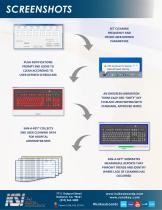
PUSH NOTIFICATIONS PROMPT END USERS TO CLEAN ACCORDING TO USER-DEFINED SCHEDULING SET CLEANING FREQUENCY AND OTHER USER-DEFINED PARAMETERS AN ONSCREEN ANIMATION TURNS EACH RED "DIRTY" KEY TO BLACK UPON WIPING WITH STANDARD, APPROVED WIPES SAN-A-KEY® COLLECTS END USER CLEANING DATA FOR HOSPITAL ADMINISTRATORS SAN-A-KEY® GENERATES MEANINGFUL REPORTS THAT PINPOINT TRENDS AND IDENTIFY WHERE LACK OF CLEANING HAS OCCURRED 7711 Oakport Street Oakland, CA 94621 (510) 562-5000 www.ksikeyboards.com www.sanakey.com @ksikeyboards twitter facebook
Open the catalog to page 4All Key Source International catalogs and technical brochures
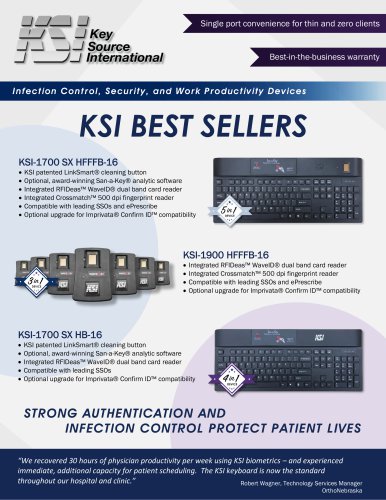 KSI Best Sellers
2 Pages
 KSI Product Catalog
34 Pages
 KSI-1801 SX W Datasheet
2 Pages
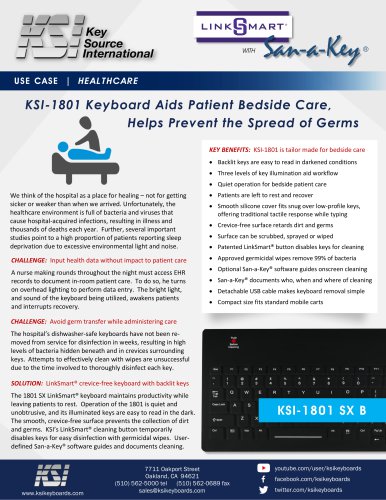
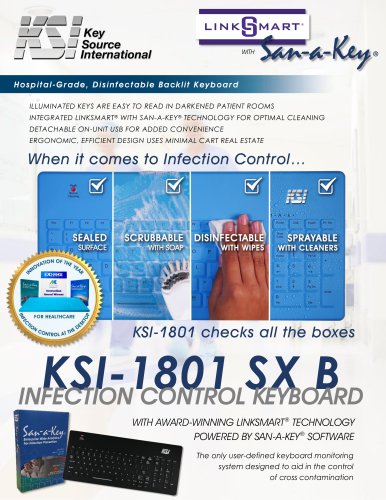 KSI-1801 SX B Datasheet
2 Pages
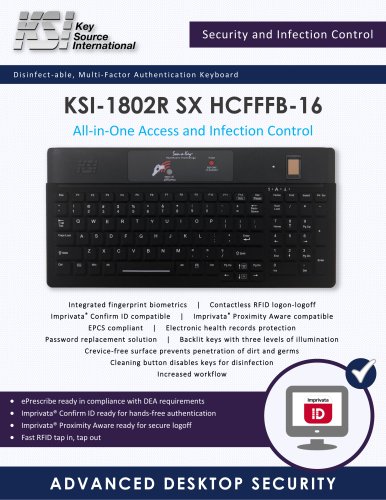
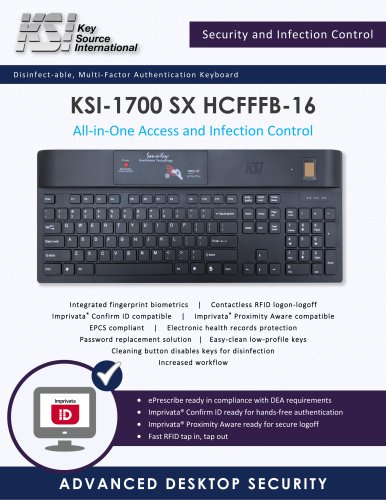 KSI-1700 HCFFFB-16 Datasheet
2 Pages
 KSI-1900 HCFFFB-16 Datasheet
2 Pages
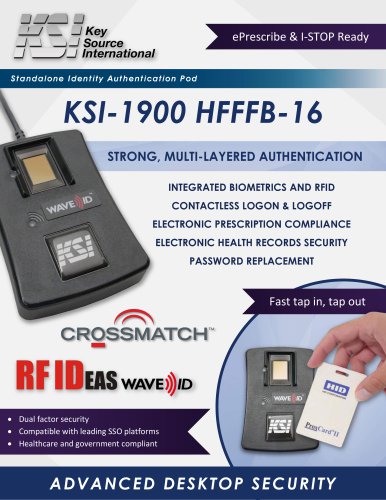 KSI-1900 HFFFB-16 Datasheet
2 Pages
 KSI-1700 SX HR-16 Datasheet
2 Pages
 KSI-1900 ADJ BRACKET
2 Pages









- Control software
- Hygienic keyboard
- Windows software
- Silicone keyboard
- Waterproof keyboard
- Planning software
- Washable medical keyboard
- Hospital software
- Keyboard with numeric keypad
- Disinfectable keyboard
- Backlit keyboard
- Medical mouse
- USB medical mouse
- Silicone medical mouse
- Infection control keyboard
- Waterproof medical mouse
- LED-backlit keyboard
- Hygiene medical mouse
- Optical medical mouse
- Washable medical mouse