
SendToPACS
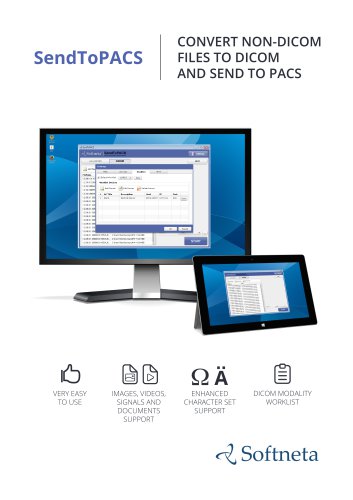
SendToPACS
- High-quality conversion of files to DICOM format.
- Video conversion options to DICOM as MPEG2 or MPEG4.
- Capability to send DICOM files to PACS servers or workstations.
- Support for DICOM modality worklist and advanced search functionalities.
- Connectivity verification through echo tests.
- Integration with Windows context menu and drag-and-drop functionality.
- Multi-language support.
- Display worklist results in UTF-8 or Latin1.
- Query HTTP/HTTPS worklists.
- Customizable modality representation values.
- Support for specific character sets: Latin1 (ISO_IR 100) or UTF-8 (ISO_IR 192).
- Customizable SOP Class UID and video conversion CPU resources.
- Images: jpg, png, tif, bmp, dcm.
- Videos: mov, mpeg, mpg, avi, mp4, wmv.
- Documents: Structured Report and PDF files.
- Signals: ECG and others.
Catalog excerpts

CONVERT NON-DICOM FILES TO DICOM AND SEND TO PACS 6 VERY EASY TO USE IMAGES, VIDEOS, SIGNALS AND DOCUMENTS SUPPORT DICOM MODALITY WORKLIST
Open the catalog to page 1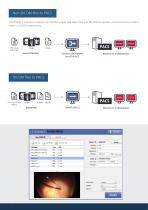
Non-DICOM files to PACS SendToPACS software converts non-DICOM images and video files into DICOM format files, and sends them to PACS server or DICOM workstation. Non-DICOM files PACS server or Workstation DICOM files to PACS DICOM files PACS server or Workstation
Open the catalog to page 2
SendToPACS features: Main features: •• Files conversion to DICOM with the highest possible quality; •• Selectable video conversion to DICOM as MPEG2 or MPEG4 format; •• Sending DICOM files to PACS server or DICOM workstation; •• DICOM modality worklist support, advanced worklist search; SendToPACS supports the following files and formats Images: jpg, png, tif, bmp, dcm. •• Connectivity verification (echo); •• Windows context menu support; •• Drag and drop files or folders; •• Multi-language support. Customization: •• Displays worklist result in UTF-8 or Latin1; •• Possibility to query HTTP/HTTPS...
Open the catalog to page 3
Workflow with SendToPACS Non-DICOM / DICOM PERSONAL COMPUTER SendToPACS OPHTHALMOLOGY LAPTOP COMPUTER TABLET, MOBILE DEVICE Workstation, computer, mobile device etc. with Viewer E-mail: [email protected] Phone: +370 672 42852 Address: K. Barsausko str. 59, Lithuania
Open the catalog to page 4All MEDDREAM catalogs and technical brochures
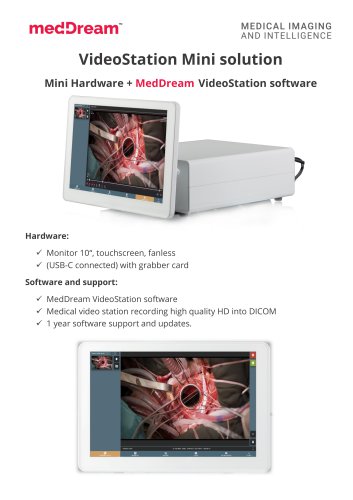 VideoStation Mini solution
2 Pages
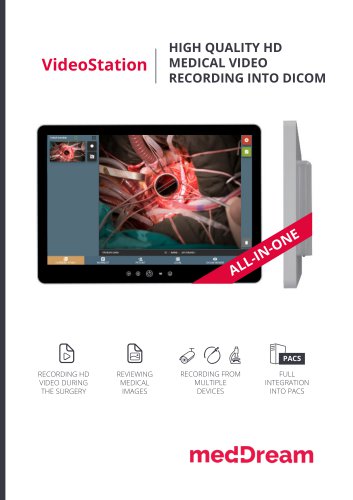 VideoStation
8 Pages
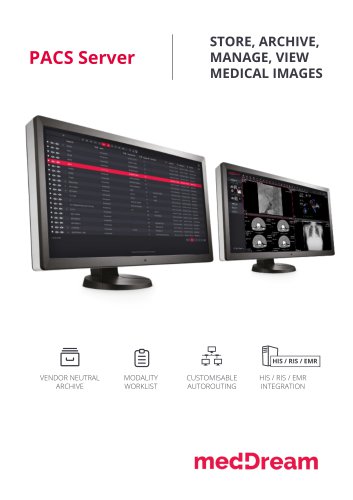 PACS Server
4 Pages


Archived catalogs
 Video Station
8 Pages
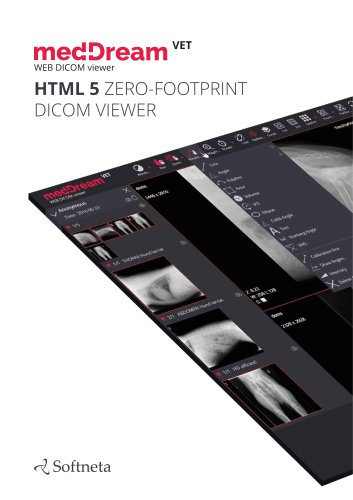 MedDream VET DICOM Viewer
10 Pages
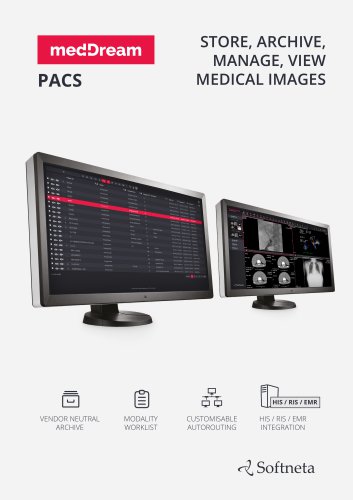 MedDream PACS
4 Pages
 Surgery Workstation
8 Pages
 MedDream WEB DICOM Viewer
12 Pages
 PACS
PACS4 Pages
 MedDreamX
2 Pages
- Analysis software
- Radiology software
- Visualization software
- Tablet computer software
- Tablet PC software
- Reporting software
- Windows software
- Diagnostic software
- Cloud-based software
- Hospital software
- Design software
- Measurement software
- Web-based software
- Sharing software
- Medical software on site
- Server-based software
- Image analysis software
- Smartphone software
- Veterinary software