
- Catalogs
- Miramhoo Aesthetics
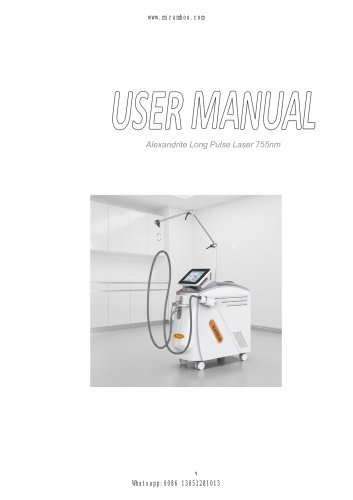
- 755nm 1064nm Alexandrite long pulse laser hair removal

755nm 1064nm Alexandrite long pulse laser hair removal
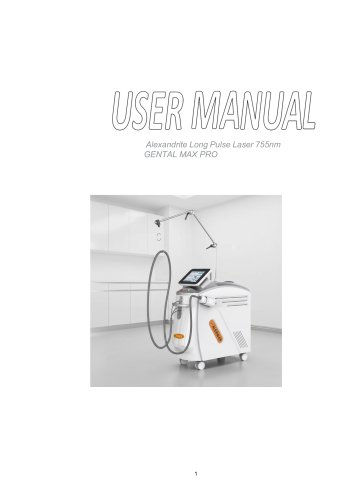
755nm 1064nm Alexandrite long pulse laser hair removal
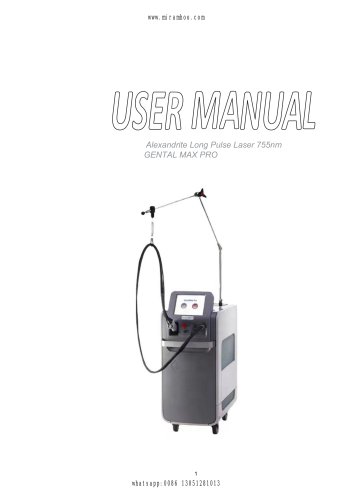
The Alexandrite Long Pulse Laser 755nm GENTAL MAX PRO includes essential components such as a caster for support and transport, a handrail for movement, a monitor for operation, and a headpiece for treatment. It also features a cooling system and safety mechanisms like an emergency stop and key switch.
Electric Safety: Ensure compatibility with local voltage and proper grounding. Maintenance should be performed by qualified technicians.
Optical Safety: Operators must use protective goggles, and patients should wear eye patches. Avoid direct exposure to laser beams.
Safety Labels: Proper labeling is required to indicate laser caution.
Laser Specifications: Operates at 1064nm and 755nm wavelengths with a maximum energy of 353J and a pulse width of 100ms.
Environmental Requirements: Operate in non-corrosive environments with controlled temperature and humidity.
Includes steps for installing the fiber support arm, connecting the headpiece, adding water, and connecting the foot-pedal and electric plug.
System Operation: Instructions for starting the machine, selecting wavelengths, and adjusting parameters.
Treatment Procedure: Steps for preparing the machine and patient, setting parameters, and conducting treatment.
Preventive Maintenance: Conducted by authorized personnel to ensure optimal operation.
Routine Maintenance: Includes visual inspections and cleaning of the machine and components.
Emergency Stop Switch Test: Regular testing to ensure functionality.
Pressing the stop button immediately shuts off the device. To restart, rotate the urgent stop switch button in the direction indicated by the arrow.
1. Shut down the machine and unplug the power cord.
2. Locate the insurance tube position as shown in the diagram.
3. Use a screwdriver to remove the insurance tube module.
4. The module contains two fuses: one active and one spare. Replace the active fuse with the spare if needed.
5. Ensure the insurance tube is securely in place.
6. Reconnect the power cord and test the machine.
Note: Ensure the new fuse matches the original specifications.
Moving: Use the handle knob and scroll wheel to move the machine between rooms. Remove the pedal and power cord before moving.
Transporting: Unplug the machine and remove the pedal. Use original packaging materials for transportation to avoid warranty issues. Contact the company for packaging materials if needed.
Refer to the warranty card for details.
For issues not covered, contact the company's maintenance department.
Catalog excerpts
Alexandrite Long Pulse Laser 755nm GENTAL MAX PRO
Open the catalog to page 1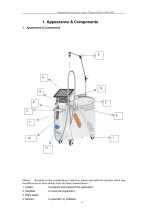
Alexandrite Long Pulse Laser 755nm-GENTAL MAX PRO (Noted: This photo is only considered as a reference; please reply with the real laser which may has differences at some details from the photo showed above.) 1. Caster: to support and transport the equipment. 2. Handrail: to move the equipment. 4. Monitor: to operation by software.
Open the catalog to page 4
Alexandrite Long Pulse Laser 755nm-GENTAL MAX PRO Alexandrite Long Pulse Laser 755nm-GENTAL MAX PRO to conduct laser energy. to hold t the wires and cooling tubes.
Open the catalog to page 5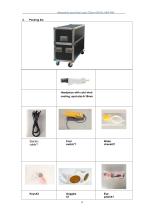
Alexandrite Long Pulse Laser 755nm-GENTAL MAX PRO 2. Packing list Headpiece with cold wind cooling, spot-size 6-18mm
Open the catalog to page 6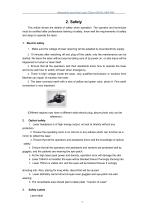
Alexandrite Long Pulse Laser 755nm-GENTAL MAX PRO This article shows the details of safety when operation. The operator and technician must be certified after professional training of safety, know well the requirements of safety and steps to operate the laser. 1. Make sure the voltage of laser requiring will be adapted by local electricity supply. 2. 10 minutes after switching off and plug off the cable, only the maintenance can be started. No leave the laser without anyone taking care of by power on, or else injure will be happened to human or laser itself. 3. Ensure that all the operators and...
Open the catalog to page 7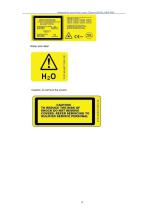
Alexandrite Long Pulse Laser 755nm-GENTAL MAX PRO Water tank label Caution, no remove the covers.
Open the catalog to page 8
Alexandrite Long Pulse Laser 755nm-GENTAL MAX PRO 3. Specifications 1. Machine specification
Open the catalog to page 9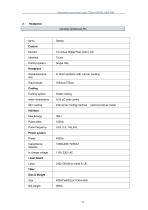
Alexandrite Long Pulse Laser 755nm-GENTAL MAX PRO
Open the catalog to page 10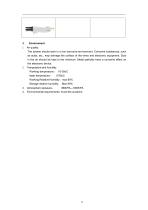
The system should work in a non-corrosive environment. Corrosive substances, such as acids, etc., may damage the surface of the wires and electronic equipment. Dust in the air should be kept to the minimum. Metal particles have a corrosive effect on the electronic device. Working Relative Humidity: max 80% Storage relative humidity: Max 90% 4. Environmental requirements: Avoid the sunshine
Open the catalog to page 11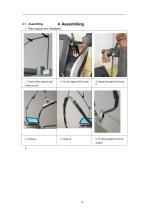
1. Fiber support arm installation 1. Find the fiber support arm. 2. Fix arm tightly with screws. 3. Adjust the angle and screw it.
Open the catalog to page 12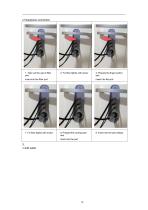
2. Fix fiber tightly with screw. insert into the fiber port 7. Fix fiber tightly with screw. 3. Prepare the finger switch and insert into the port. 8. Prepare the cooling tube and insert into the port. 9. Insert into the port deeply.
Open the catalog to page 13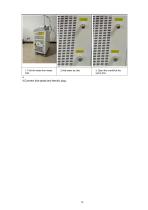
1. Find the water from water inlet 3. Open the overfall at the same time 4.Connect foot-pedal and electric plug.
Open the catalog to page 14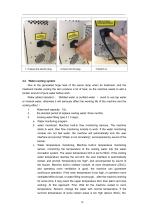
1. Prepare the electric plug. 4.2. Water-cooling system Due to the generated huge heat of the xenon lamp when do treatment, and the treatment handle cooling the skin produce a lot of heat, so the machine needs to add a certain amount of pure water before work. Water added standard : Distilled water or purified water ( avoid to use tap water or mineral water, otherwise it will seriously affect the working life of the machine and the cooling effect.) 1. 2. Water tank capacity:15L. the shortest period of replace cooling water: three months. Cooling water filling (see 4.1.3 step): a. Water monitoring...
Open the catalog to page 15
operating room should install air-conditioning equipment to ensure the temperature about 25oC before using the machine; otherwise the water temperature will be a sharp rise in a short time, which will not all shortens the working time of the machine , but also affect the service life of the machine. d. Water quality monitoring. Machine Built-in cooling water quality monitoring module. if the water is impurities, and water quality is bad, the machine will no longer monitor the water flow, suggesting that "water is not circulating." It should replace the cooling water in this time. e. water level...
Open the catalog to page 16
5. Monitor Operations Guide This chapter describe the treatment handle of Alex. And Nd Yag laser system, the proposed treatment parameters and operation method. Please make sure to read in detail before using the product. 1. System operation 1.1. Start the machine。 1. Make sure the power cord is connected, insert the key, screw to the right, the start device inside the machine will start the machine, the user interface will light. 1. At this page, please select the wavelength related for treatment. YAG is 1064nm, Alex is 755nm. Now we click “YAG” for example.
Open the catalog to page 17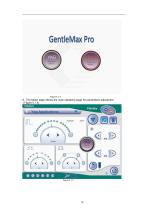
4. The below page shows the main operating page for parameters adjustment. ( Figure 5.1.4).
Open the catalog to page 18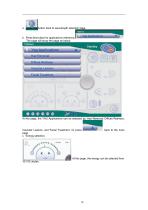
a. press this button back to wavelength selection page. b. Press this button for applications reference, The page will show the page as below, At this page, the YAG Applications can be selected by, Hair Removal, Diffuse Redness, Vascular Lesions, and Facial Treatment. Or press page. c. Energy selection, At this page, the energy can be selected from
Open the catalog to page 19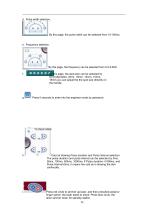
d. Pulse width selection, By this page, the pulse width can be selected from 10-100ms. e. Frequency selection, By this page, the frequency can be selected from 0.5-2.0HZ. f. By this page, the spot-size can be selected by 6mm(diameter), 8mm, 10mm, 12mm, 15mm, 18mm.you can adjust the the spot size directily on the handle. Press 5 seconds to enter into the engineer mode by password. Cold air blowing Pulse duration and Pulse interval selection. The pulse duration and pulse interval can be selected by 0ms, 50ms, 100ms, 500ms, 1000ms. If Pulse duration =1000ms, and Pulse Interval=0ms, it means the...
Open the catalog to page 20
Press to shift wavelength from YAG to Alex. 4. “Alex” page. The alex page shows following,
Open the catalog to page 21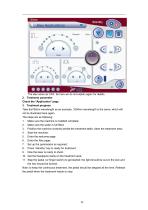
The alex same as YAG. So here we do not explain again for details. Take the755nm wavelength as an example. 1064nm wavelength is the same, which will not be illustrated here again. 1. Make sure the machine is installed complete; 2. Make sure the water is full filled; 3. Position the machine correctly beside the treatment table; clean the treatment area; 5. Enter the welcome page; 6. Enter the Alex page; 8. Press “standby” key to ready for treatment; 9. Now the laser is ready to shoot. 10. Get the headpiece ready on the treatment area; 11. Step the pedal (or finger switch) to get started; the light...
Open the catalog to page 22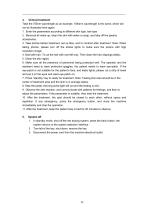
Take the 755nm wavelength as an example. 1064nm wavelength is the same, which will not be illustrated here again. 1. Enter the parameters according to different skin type, hair type 2. Removal all make up, clean the skin with water or soap, and take off the jewelry accessories; 3. Take photos before treatment, set up files, and to contract after treatment. Note: When taking photos, please turn off the strobe lights to make sure the picture with high resolution image; 4. Deal with hair. To cut the hair with root left only. Then clean the hair clippings totally; 5. Clean the skin again; 6. Make...
Open the catalog to page 23All Miramhoo Aesthetics catalogs and technical brochures
 Portable Velaslim 4 handle
20 Pages
 M17 Skin Analyzer VISIA 3D
2 Pages

Archived catalogs
 Emslim&Endorsfera 2 in 1
1 Page
 Morpheus8 RF-2
32 Pages
 Portable diode laser-1
30 Pages
 hydrabeauty 14 handle
13 Pages
 Alexandrite laser candela Laser
26 Pages
 endorshape 360
1 Page
 4 wavelength Diodelaser
22 Pages
 Hydradermabrasion
13 Pages
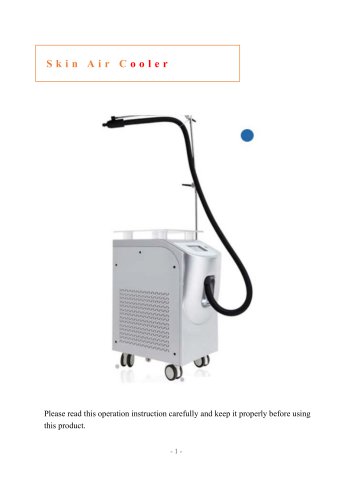 Cryo Zimmer skin Cooler-1
11 Pages
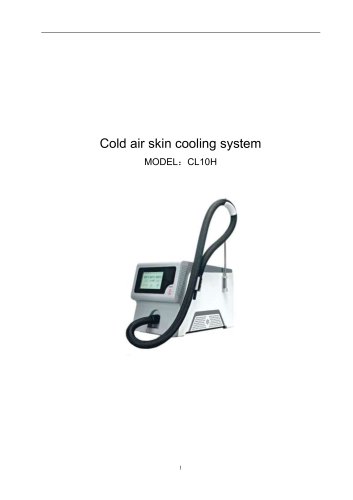 Cryo Zimmer skin Cooler-2
10 Pages
 Poratble Fractional Laser-1
11 Pages
 DL4
DL46 Pages
 Miramhoo-HRL2
6 Pages
 Miramhoo-DL5
6 Pages
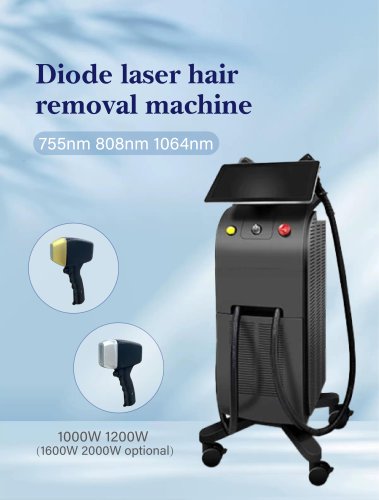 Miramhoo-DL4
6 Pages
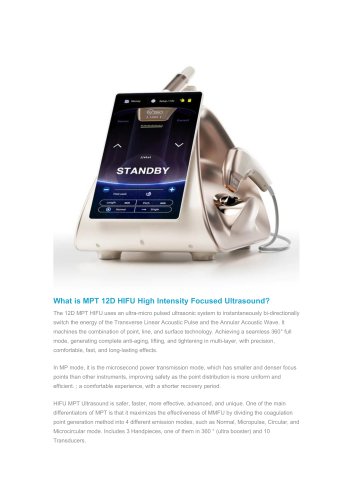 22D HIFU-1
9 Pages
 Shockwave ESWT
19 Pages
 Skin Analysis-2
6 Pages
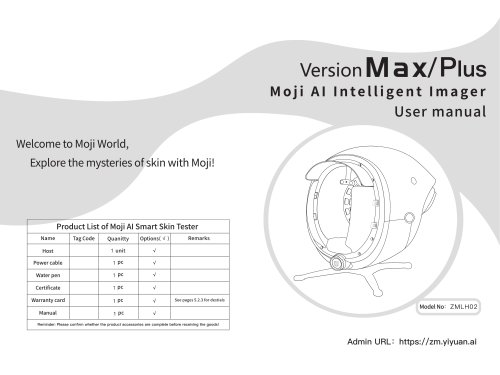 Skin analysis-1
11 Pages
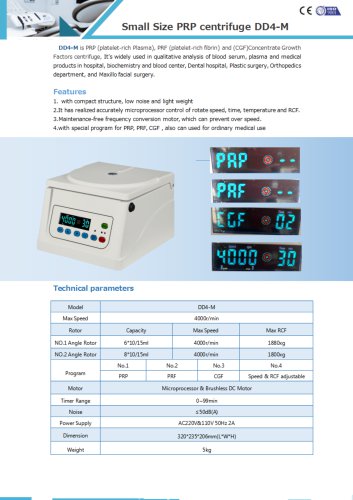 PRP Centrifuge-1
1 Page
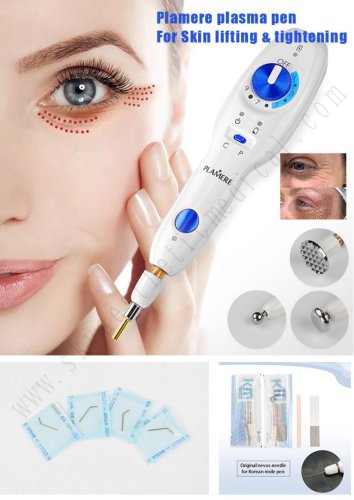 Plamere Plasma Pen-1
7 Pages
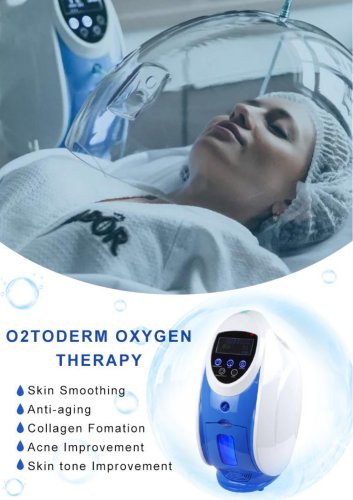 O2toDerm Oxygen + LED Dome
7 Pages
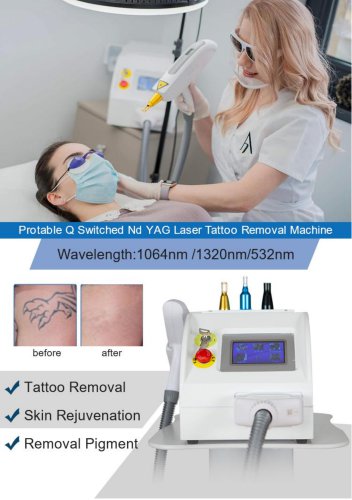 carbon peeling
6 Pages
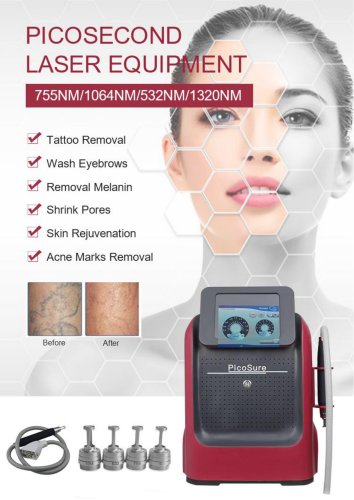 Portable Picolaser-3
8 Pages
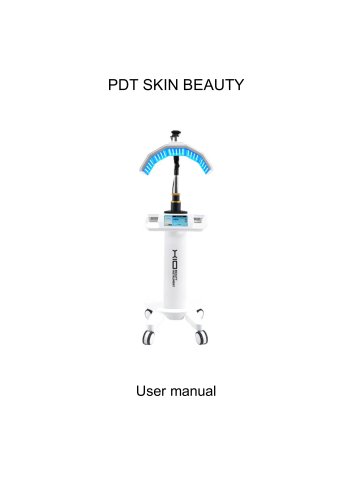 LED Facial therapy lamp-3
9 Pages
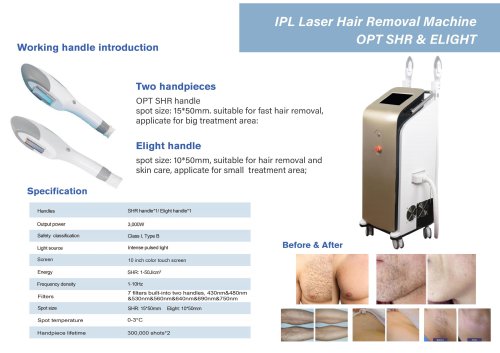 Miramhoo-IPL2
1 Page
 Miramhoo-HRL4
1 Page
 smart Ice Blue 7 in 1
8 Pages
 Oxygen+Hydrofacial 7 handle
9 Pages
 Miramhoo-HL2
5 Pages
 Portable Aquafacial 6 handle
6 Pages
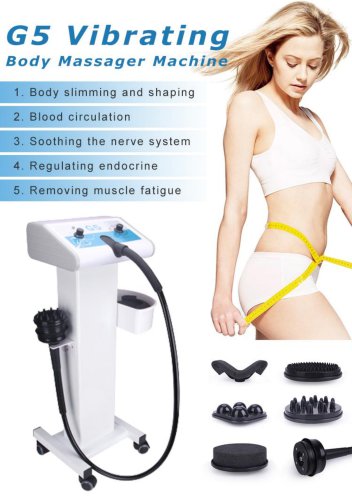 G5 Massager 1 handle -1
6 Pages
 Microneeding RF-4
6 Pages
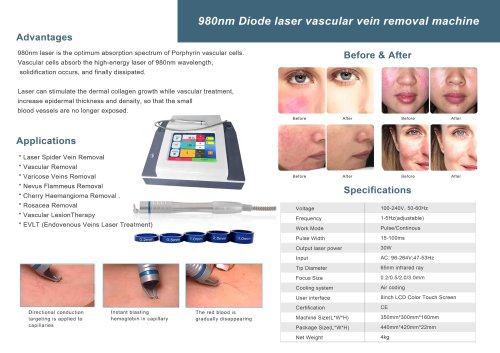 vascular removal laser-2
1 Page
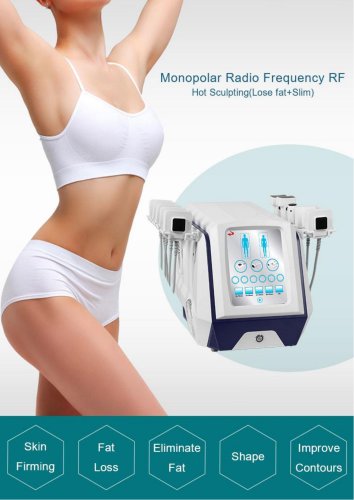 truSculpt ID
6 Pages
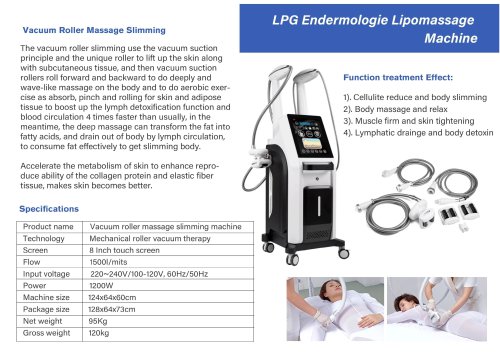 Miramhoo-BSF4
1 Page
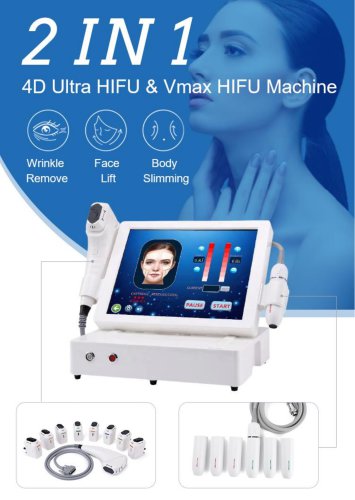 4d hifu with 2 handle-5
5 Pages
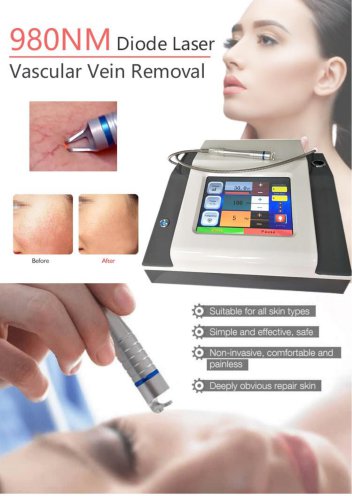 vascular removal laser-1
5 Pages


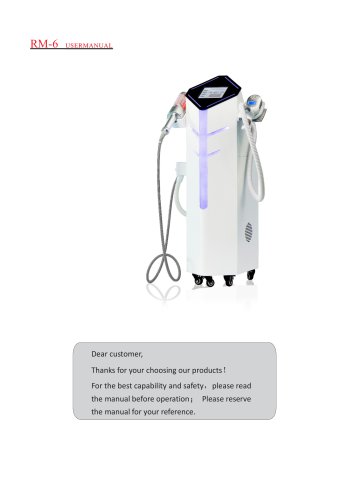
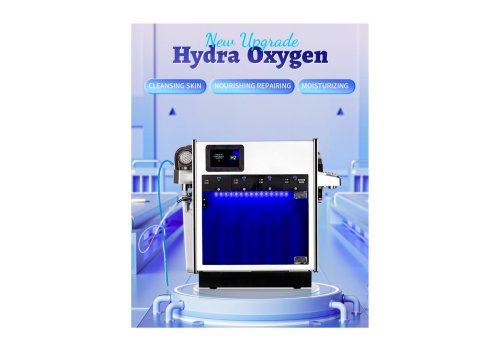
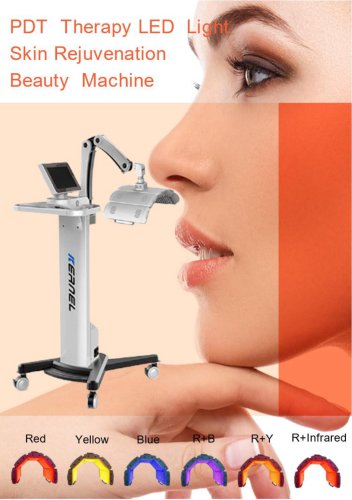
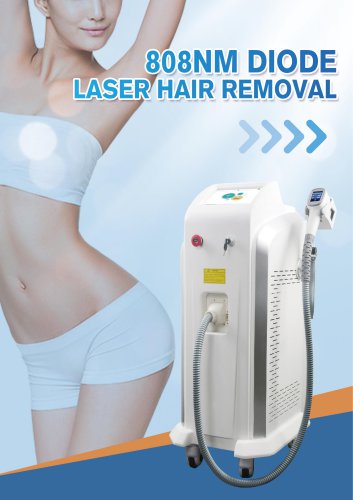

- Skin and body treatment unit
- Aesthetic medicine laser
- Trolley-mounted laser
- Diode laser
- Laboratory centrifuge
- Benchtop centrifuge
- Tabletop laser
- Dermatology laser
- Hair removal laser
- Nd:YAG laser
- Phototherapy lamp
- Skin rejuvenation laser
- Millisecond laser
- Class 4 laser
- Universal centrifuge
- Surgical laser
- Visible light phototherapy lamp
- Heat therapy unit
- Tattoo removal laser
- CO2 laser