
- Catalogs
- Miramhoo Aesthetics
- Cryo Zimmer skin Cooler-1

Cryo Zimmer skin Cooler-1
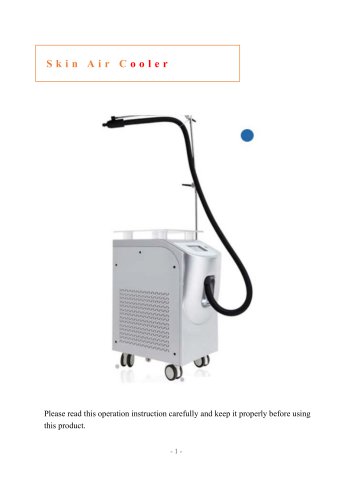
Cryo Zimmer skin Cooler-1
Before using the Skin Air Cooler, familiarize yourself with the manual to ensure proper use and safety. The device should be placed upright for over 3 hours before use and should not be tilted more than 30° during movement. Ensure the input power matches the unit's requirements to avoid damage.
Product Introduction
The Skin Air Cooler uses a variable frequency air compression fan to cool the skin, protecting it during cosmetic procedures like laser treatments. It provides cold protection to the epidermis before, during, and after surgery, reducing thermal damage and improving treatment comfort and satisfaction.
Product Advantages
The cooler mitigates post-surgery thermal damage and enhances epidermal tolerance to heat, allowing high energy density application to deep tissues. It aids in skin rejuvenation and weight loss by protecting the dermis and subcutaneous tissue.
Parameters
- Product Name: HS-CL15A
- Input Power: 1200W
- Power Supply: AC110V/220V
- Air Volume: 0-1m3/min, 5 speed levels
- Refrigerant: 404A (Environmentally friendly)
- Noise: <65db
- Minimum Temperature: -30℃
- Weight: 50kg
- Size: 310*550*730mm
Product Installation
Install the cooler on a horizontal plane with adequate space for air circulation. Connect the bracket and air tube properly, ensuring the power supply is grounded to prevent electric shock.
Operation Guide
To start, press the power switch and select the desired temperature and wind speed. Adjust wind speed using the panel button. Defrosting is necessary after continuous operation for about 2 hours. Drain water from the storage box when necessary.
Precautions
Avoid prolonged exposure to the same skin area to prevent frostbite. Maintain a minimum distance of 8 cm from the skin. Drain water before transport and avoid frequent switching on and off.
Maintenance Check
Regular inspections are crucial for reliable operation. Check ambient conditions, water system, electrical circuits, and cooling system for any irregularities or damage.
Catalog excerpts
Please read this operation instruction carefully and keep it properly before using this product. -1-
Open the catalog to page 1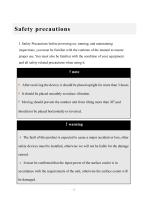
Safety precautions I. Safety Precautions before powering on, running, and maintaining inspections, you must be familiar with the contents of the manual to ensure proper use. You must also be familiar with the condition of your equipment and all safety related precautions when using it. !note After receiving the device, it should be placed upright for more than 3 hours. It should be placed smoothly to reduce vibration. Moving should prevent the outdoor unit from tilting more than 30°,and should not be placed horizontally or inverted. !warning The fault of this product is expected to cause a major...
Open the catalog to page 2
Product introduction Product description The skin air cooler adopts a variable frequency air compression fan device to compress the air and then spray cold air through the refrigeration device. The cold air cools the skin to protect the epidermis, reduce pain and enable high energy density without damaging the epidermis. The purpose of the target tissue. Treatment range Widely used in 808nm laser, fractional laser, blasting laser and other beauty fields 3, product advantages All 808 laser, fractional laser, enamel pigmentation and other cosmetic surgery need to protect the skin, the skin air...
Open the catalog to page 3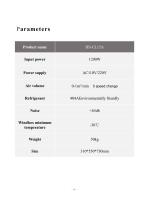
Parameters Product name Input power Power supply Windbox minimum temperature
Open the catalog to page 4
Product installation 1. Skin Air cooler installation (1) The skin air cooler should be installed in the horizontal plane. (2) The heat generated when the skin air cooler is operated should ensure the circulation of air, and there should be a certain space around the installation. 2. Handle connection Bracket connection: Install the bracket into the threaded hole on the top surface of the skin air cooler and tighten the bracket with a wrench. Air tube connection: The air outlet of the skin air cooler should be connected with the air inlet of the air tube. The front end of the air duct is clamped...
Open the catalog to page 5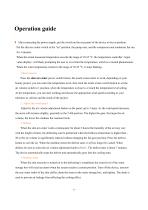
Operation guide After connecting the power supply, put the switch on the rear panel of the device to the on position. Put the skin air cooler switch in the "on" position, the pump runs, and the compressor and condenser fan run for 3 minutes. When the actual measured temperature exceeds the range of 10-35 °C, the temperature controller will flash, prompting the user to over-limit the temperature, which is a normal phenomenon. When the water temperature returns to the range of 10-35 °C, it stops flashing. 1 Boot process Press the skin air cooler power switch button, the touch screen starts to work,...
Open the catalog to page 6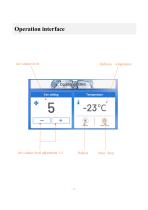
Operation interface Air volume level adjustment 1-5 Start / Stop
Open the catalog to page 7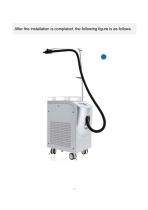
After the installation is completed, the following figure is as follows
Open the catalog to page 9
Do not blow the same part for a long time to avoid frostbite. The height of the tuyere should be above 8 cm from the skin to prevent frostbite. Always drain water when transporting and the angle of inclination is no more than 30 degrees. Do not scrub the panel with alcohol to prevent the writing from falling off. Do not switch on and off frequently. Do not switch the machine frequently, and do not start the time interval less than 3 minutes..
Open the catalog to page 10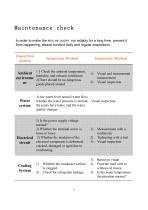
Maintenance check In order to make the skin air cooler run reliably for a long time, prevent it from happening, please conduct daily and regular inspections. Inspection section Ambient environme nt Water system Inspection Method 1)Check the ambient temperature, humidity, and exhaust ventilation. 2)There should be no dangerous goods placed around Visual and instrumental measurement Visual inspection Is the water level normal water flow, whether the water pressure is normal, Visual inspection the joints have leaks, and the water quality changes 1) Is the power supply voltage normal? 2) Whether...
Open the catalog to page 11All Miramhoo Aesthetics catalogs and technical brochures
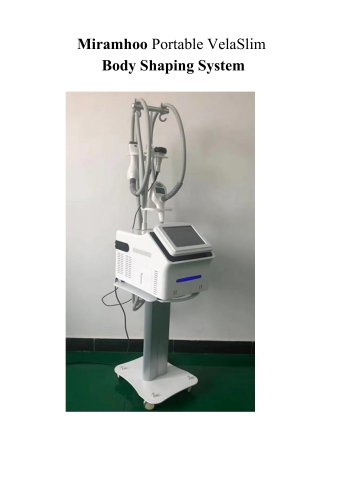 Portable Velaslim 4 handle
20 Pages
 M17 Skin Analyzer VISIA 3D
2 Pages


Archived catalogs
 Emslim&Endorsfera 2 in 1
1 Page
 Morpheus8 RF-2
32 Pages
 Portable diode laser-1
30 Pages
 hydrabeauty 14 handle
13 Pages
 Alexandrite laser candela Laser
26 Pages
 endorshape 360
1 Page
 4 wavelength Diodelaser
22 Pages
 Hydradermabrasion
13 Pages
 Cryo Zimmer skin Cooler-2
10 Pages
 Poratble Fractional Laser-1
11 Pages
 DL4
DL46 Pages
 Miramhoo-HRL2
6 Pages
 Miramhoo-DL5
6 Pages
 Miramhoo-DL4
6 Pages
 22D HIFU-1
9 Pages
 Shockwave ESWT
19 Pages
 Skin Analysis-2
6 Pages
 Skin analysis-1
11 Pages
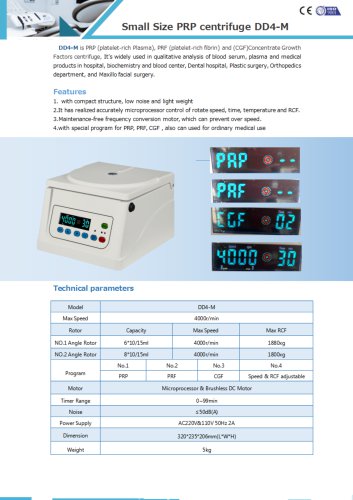 PRP Centrifuge-1
1 Page
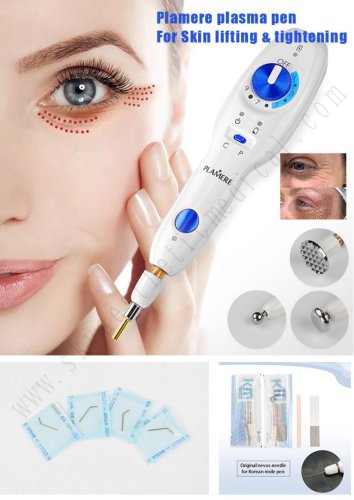 Plamere Plasma Pen-1
7 Pages
 O2toDerm Oxygen + LED Dome
7 Pages
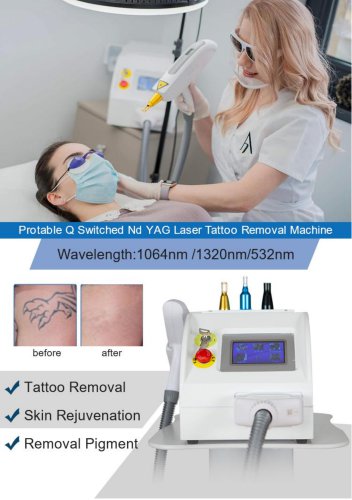 carbon peeling
6 Pages
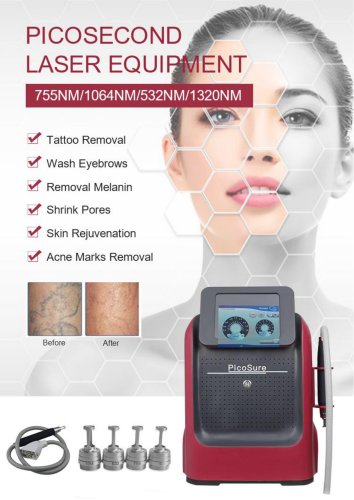 Portable Picolaser-3
8 Pages
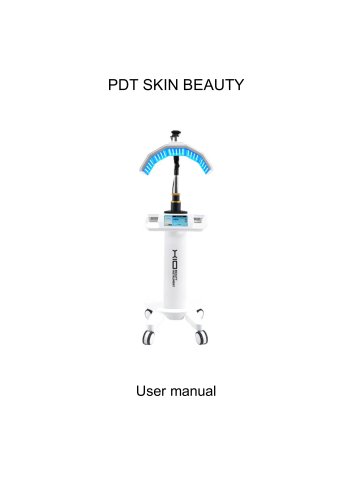 LED Facial therapy lamp-3
9 Pages
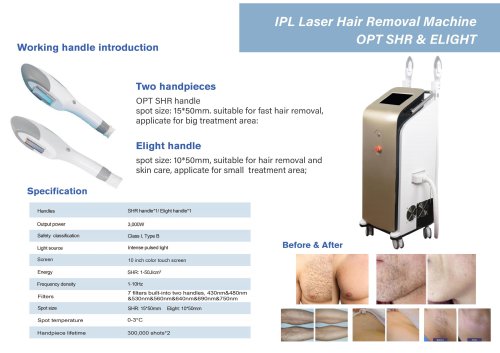 Miramhoo-IPL2
1 Page
 Miramhoo-HRL4
1 Page
 smart Ice Blue 7 in 1
8 Pages
 Oxygen+Hydrofacial 7 handle
9 Pages
 Miramhoo-HL2
5 Pages
 Portable Aquafacial 6 handle
6 Pages
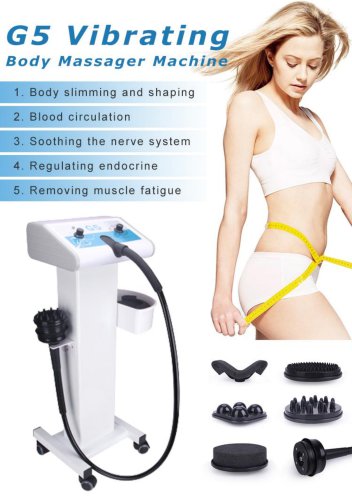 G5 Massager 1 handle -1
6 Pages
 Microneeding RF-4
6 Pages
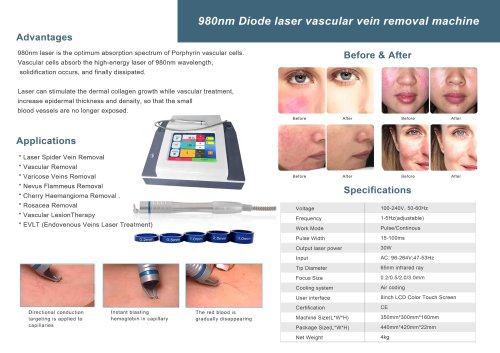 vascular removal laser-2
1 Page
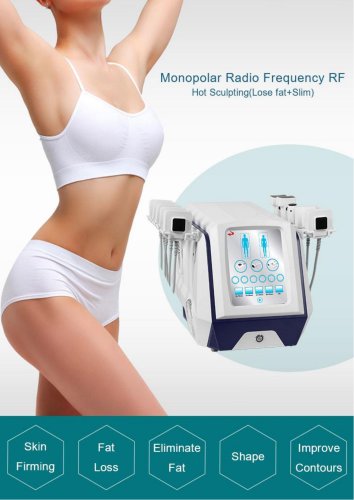 truSculpt ID
6 Pages
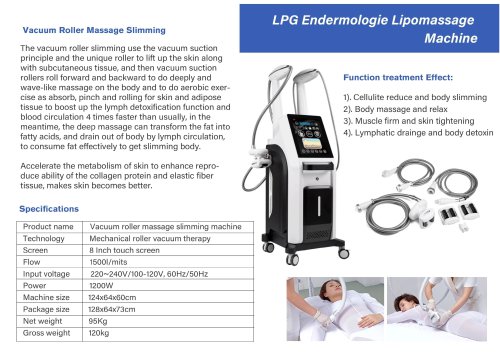 Miramhoo-BSF4
1 Page
 4d hifu with 2 handle-5
5 Pages
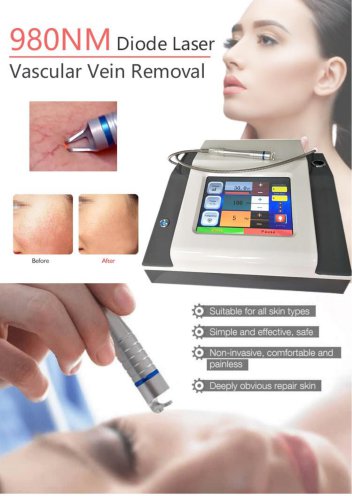 vascular removal laser-1
5 Pages
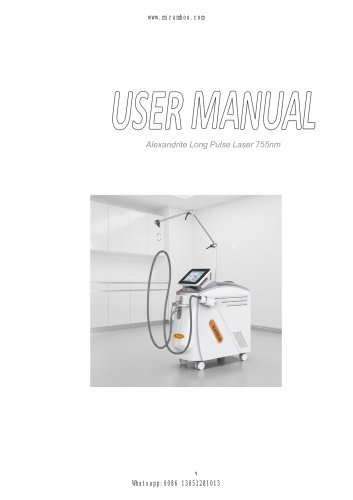



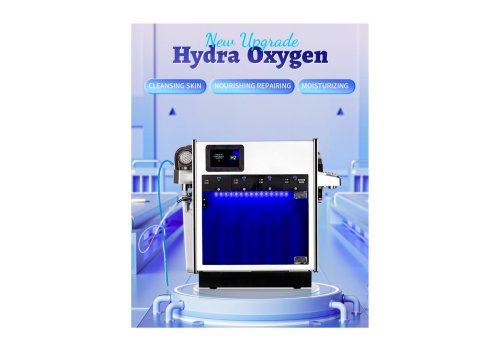

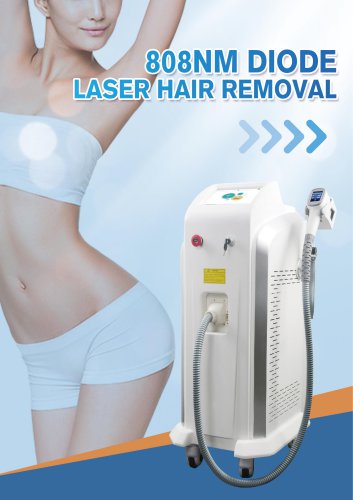

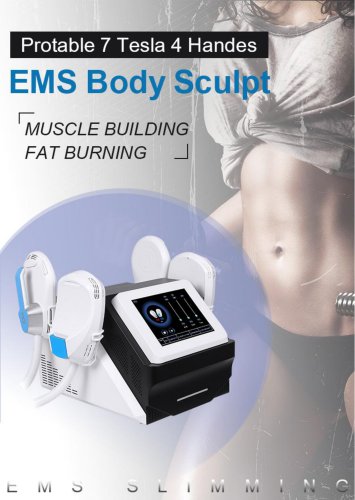




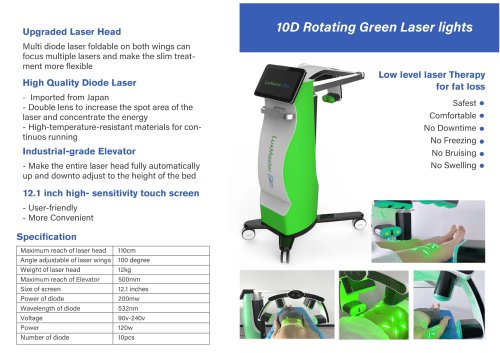

- Skin and body treatment unit
- Aesthetic medicine laser
- Trolley-mounted laser
- Diode laser
- Laboratory centrifuge
- Benchtop centrifuge
- Tabletop laser
- Dermatology laser
- Hair removal laser
- Nd:YAG laser
- Phototherapy lamp
- Skin rejuvenation laser
- Millisecond laser
- Class 4 laser
- Universal centrifuge
- Surgical laser
- Visible light phototherapy lamp
- Heat therapy unit
- Tattoo removal laser
- CO2 laser