
- Catalogs
- Miramhoo Aesthetics
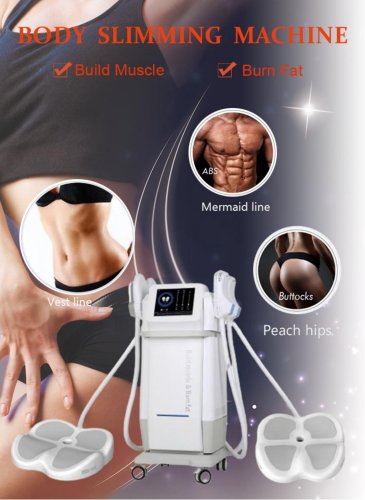
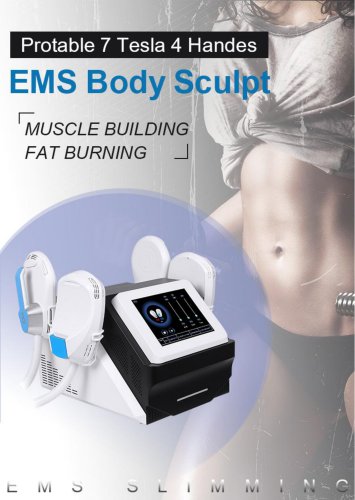
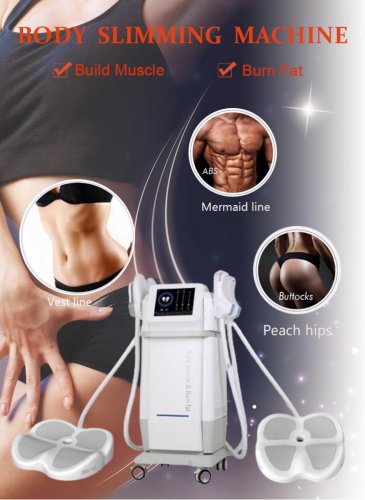
- Portable Velaslim 4 handle

Portable Velaslim 4 handle
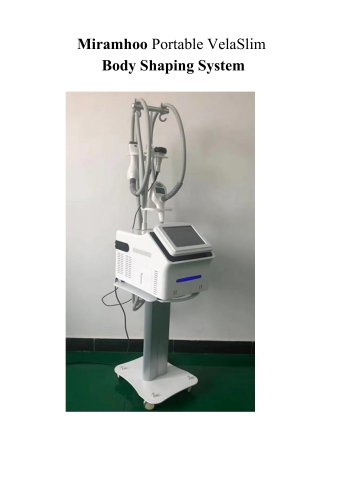
Portable Velaslim 4 handle
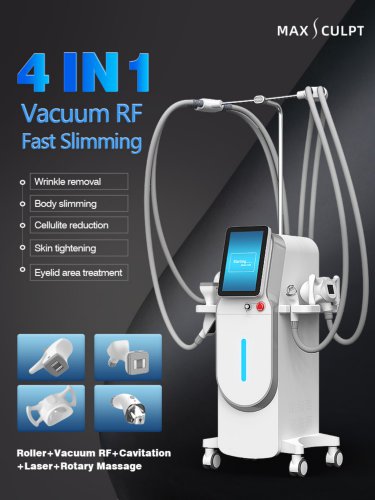
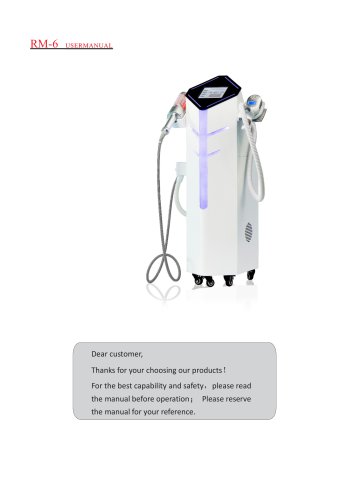
The VelaSlim system comprises a controlling system with an LCD touch screen, endermologie, bipolar RF, and a near-infrared laser system. It includes four handpieces designed for different body areas and functions. The system requires specific temperature and humidity levels for optimal operation. Key technical specifications include a 10.4” display, RF frequency of 1MHz, and a laser wavelength of 940nm.
Optic safety measures emphasize avoiding direct laser exposure and ensuring proper earthing. Maintenance should only be conducted after the machine has been powered off for at least 10 minutes.
Installation involves connecting the handpieces and power supply. The system is activated by pressing the power button and adjusting parameters via the touch screen. Each handpiece has specific functions and default parameters, such as laser power and RF energy, which can be adjusted during operation.
Handpieces should be cleaned with a dust-free cloth after use. The troubleshooting guide addresses common issues like start-up failures and non-responsive handpieces.
The system utilizes infrared laser and RF energy for treatments such as body contouring, fat reduction, and skin tightening. It is indicated for conditions like eye wrinkles and postpartum recovery. Contraindications include the presence of pacemakers, metal implants, and certain skin conditions.
Treatment should be avoided in cases of serious diseases like heart disease or diabetes, pregnancy and breastfeeding, history of thermal stimulus, open wounds, light sensitivity, bronzed skin from sun exposure, and menstruation.
Treatment durations and frequencies are outlined for different body areas: face (30 minutes weekly), eyes (15 minutes weekly), and whole body (45-60 minutes, twice weekly), with each course consisting of ten treatments.
Preparations include a camera, facial cleanser, essential oil, and alcohol swab. The procedure involves cleaning the skin, applying essential oil, and adjusting equipment parameters. Efficacy includes face lifting and skin tightening. Specific parameters for RF energy, vacuum, pulse time, and infrared laser power are provided.
The procedure is similar to face treatment, focusing on lifting and tightening the eyelid, removing crow’s feet, and reducing dark circles. Specific parameters for RF energy and vacuum are provided.
Similar preparation and procedure as face and eyes, focusing on lifting and tightening neck skin and wrinkle removal. Specific parameters for RF energy, vacuum, pulse time, and infrared laser power are provided.
Focuses on tightening various body parts and contouring. Specific procedures and parameters are provided for belly, waist, back, legs, and upper arms, with emphasis on customer comfort and adjusting treatment based on feedback.
Recommendations include avoiding cold water, massage, sun exposure, and certain foods immediately after treatment. Milky skin care products can be used on treated areas.
The document suggests using treatment cards for consistent therapeutic effects and activating cards for physical therapy to relieve sub-health conditions and pain in specific body areas.
Catalog excerpts
Miramhoo Portable VelaSlim Body Shaping System User Manual
Open the catalog to page 1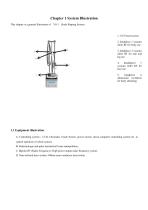
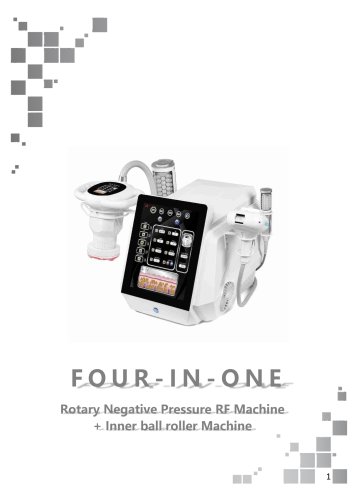
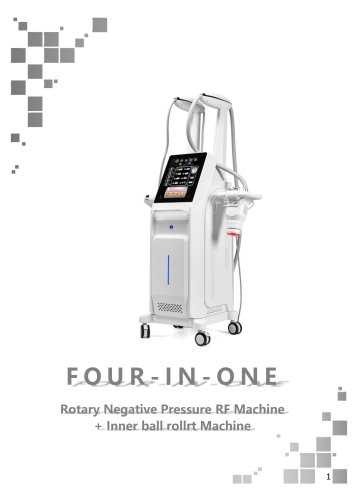
This chapter is a general illustration of V8-1 Body Shaping System 2, handpiece 1 vacuum roller RF for body use 3, handpiece 2 vacuum roller RF for arm and leg use 4, handnpiece 3 vacuum roller RF for face use 5, handpiece 4 ultrasound cavitation for body slimming A: Controlling system: LCD, Chromatic Touch Screen, power switch, micro-computer controlling system etc. to control operation of whole system; B: Endermologie and pulse mechanical tissue manipulation; C: Bipolar RF (Radio Frequency): High power output radio frequency system; D: Near-infrared laser system: 940nm semi-conductor laser...
Open the catalog to page 3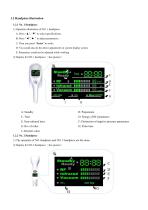
1) Operation illustration of NO. 1 handpiece: A: Press “▲”, “▼” to select specifications; B: Press “◄”,“► ” to adjust parameters; C: Then you press “Enter” to work; D: You could also do the above adjustment on system display screen; E: Parameters could not be adjusted while working. 2) Display for NO.1 handpiece: (See picture ) E: Near-infrared laser G: Rev of roller I: Absolute value 1.2.2 No. 2 Handpiece 1) The operation of NO. handpiece and NO. 2 handpiece are the same. 2) Display for NO.2 handpiece: (See picture ) F: Distinction of negative pressure parameters Standby On-Gri Ready Q »_< *...
Open the catalog to page 4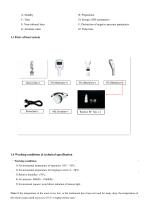
E: Near-infrared laser G: Absolute value B: Preparation D: Energy of RF parameters F: Distinction of negative pressure parameters H: Pulse time 1.4 Working conditions & technical specification ' Working conditions ' 1) Environmental temperature of operation: 10°C—30°C; 2) Environmental temperature for keeping in store: 0—50°C; 5) Environment request: avoid direct radiation of intense light Note: If the temperature in the room is too low, or the instrument have been not used for many days, the temperature of the whole system shall recover to 10 °C or higher before start.'
Open the catalog to page 5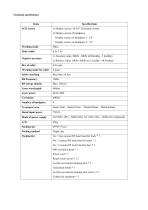
Technical specification
Open the catalog to page 6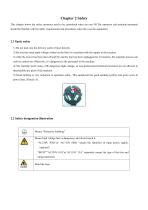
This chapter shows the safety measures need to be considered when you use N8.The operators and maintain personnel should be familiar with the safety requirements and procedures when they use the equipment. 1) Do not look into the delivery outlet of laser directly. 2) Be sure that rated input voltage written on the label is coincident with the supply in the location. 3) After the power has been shut off and the electric line has been unplugged for 10 minutes, the maintain process can only be carried out. Otherwise, it’s dangerous to the personnel or the machine. 4) The machine itself comes with...
Open the catalog to page 7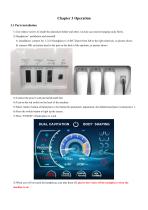
1) Use relative screws to install the aluminum holder and other 2 acrylic accessories hanging racks firstly. 2) Handpieces’ installation and uninstall A: installation: connect No. 1/2/3/4 handpiece to A/B/C/D port from left to the right relatively, as picture shows B: connect 40K cavitation head to the port on the back of the machine, as picture shows 3) Connect the power cord and install earth line 4) Turn on the red switch on the back of the machine 5) Select relative button of hand piece to be treated for parameters adjustment, the default hand piece is hand piece 1. 6) Press the switch button...
Open the catalog to page 8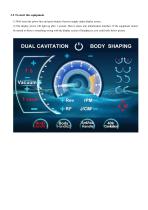
1) Well insert the power line and press button of power supply under display screen. 2) The display screen will light up after 1 second. Then it enters into initialization interface. If the equipment cannot be started or there is something wrong with the display screen of handpieces, you could refer below picture .
Open the catalog to page 9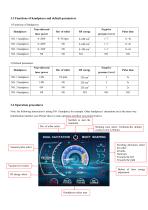
3.3 Functions of handpieces and default parameters Note: the following instruction is taking NO 1 handpiece for example. Other handpieces’ operations are in the same way. Initialization interface (see Picture above), main operation interface (see picture below) Swithch to start the treatment Working time select :0-60mins,the default working time is 20mins. DUAL CAPTATION (^) BODY SHAPING Vacuum pulse select Vacuum level select \ -5wp_~l^ev rp[fl_ Scrolling directions select for roller : Inwards Outwares Towards the left Towards the right Button of laser energy adjustment Handpieces select area...
Open the catalog to page 10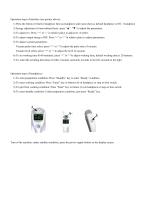
Operation steps of interface (see picture above): 1) Press the button of relative handpiece first (as handpiece select area shows), default handpiece is NO. 1 handpiece 2) Energy adjustment of near-infrared laser: press “▲”, “▼” to adjust the parameters. 3) To adjust rev: Press “+” or “-” in relative place to adjust rev of roller. 4) To adjust output energy of RF: Press “+” or “-” in relative place to adjust parameters. 5) To adjust vacuum parameters: Vacuum pulse time select: press “+” or “-”to adjust the pulse time of vacuum Vacuum level select: press “+” or “-”to adjust the level of vacuum...
Open the catalog to page 11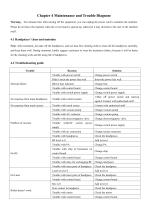
Warning: Ten minutes later after turning off the equipment, you can unplug the power cord to maintain the machine. Please do not leave the machine when the cover board is opened up, otherwise it may do harm to the user or the machine itself. Note: After treatment, just take off the handpieces, and use dust-free cleaning cloth to clean all the handpieces carefully, and keep them well. During treatment, kindly suggest customers to wear the treatment clothes, because it will be better for the cleaning work and the using life of handpieces.
Open the catalog to page 12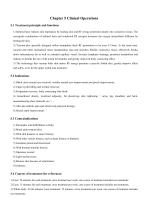
5.1 Treatment principle and functions 1) Infrared laser reduces skin impedance by heating skin and RF energy penetrates deeply into connective tissue. The synergistic combination of infrared laser and conducted RF energies increases the oxygen intracellular diffusion by heating the skin. 2) Vacuum plus specially designed rollers manipulate leads RF penetration to be even 5-15mm. At the same time, vacuum and roller mechanical tissue manipulation nips and stretches fibrillar connective tissue, effectively breaks down subcutaneous fat as well as extruded capillary vessel, Increase lymphatic drainage,...
Open the catalog to page 13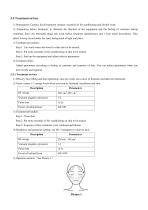
1) Preparations: Camera, facial treatment cleanser, essential oil for conditioning and alcohol swab. 2) Preparation before treatment: to illustrate the function of the equipment and the feeling of customer during treatment, don’t use hormonal drugs one week before treatment (prednisone), don’t wear metal decorations. Take photo to keep record under the same background of light and place. Step 1: Use warm water and towel to clean skin to be treated. Step 2: Put some essential oil for conditioning on skin to be treated. Step 3: Start up the equipment and adjust relative parameters. Adjust parameters...
Open the catalog to page 14All Miramhoo Aesthetics catalogs and technical brochures
 M17 Skin Analyzer VISIA 3D
2 Pages
Archived catalogs
 Emslim&Endorsfera 2 in 1
1 Page
 Morpheus8 RF-2
32 Pages
 Portable diode laser-1
30 Pages
 hydrabeauty 14 handle
13 Pages
 Alexandrite laser candela Laser
26 Pages
 endorshape 360
1 Page
 4 wavelength Diodelaser
22 Pages
 Hydradermabrasion
13 Pages
 Cryo Zimmer skin Cooler-1
11 Pages
 Cryo Zimmer skin Cooler-2
10 Pages
 Poratble Fractional Laser-1
11 Pages
 DL4
DL46 Pages
 Miramhoo-HRL2
6 Pages
 Miramhoo-DL5
6 Pages
 Miramhoo-DL4
6 Pages
 22D HIFU-1
9 Pages
 Shockwave ESWT
19 Pages
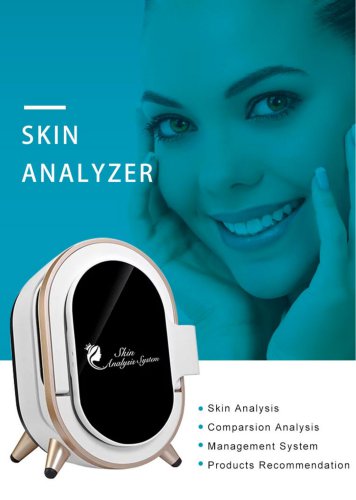 Skin Analysis-2
6 Pages
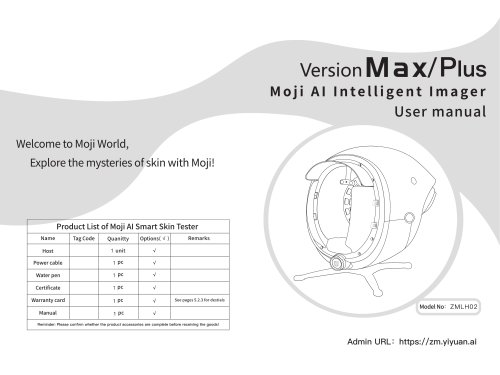 Skin analysis-1
11 Pages
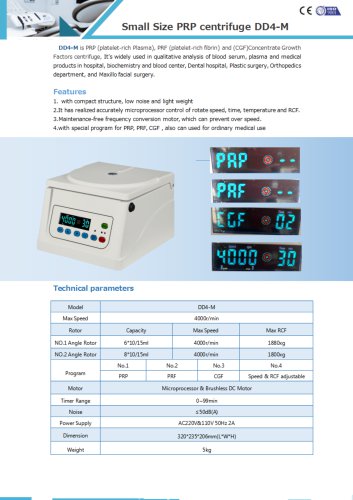 PRP Centrifuge-1
1 Page
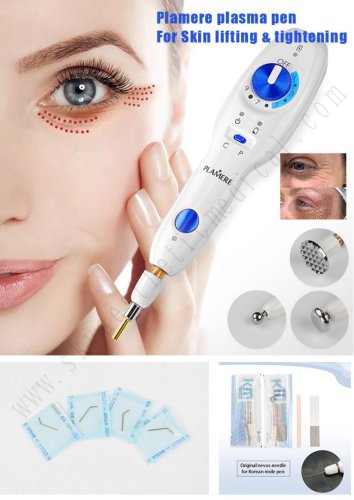 Plamere Plasma Pen-1
7 Pages
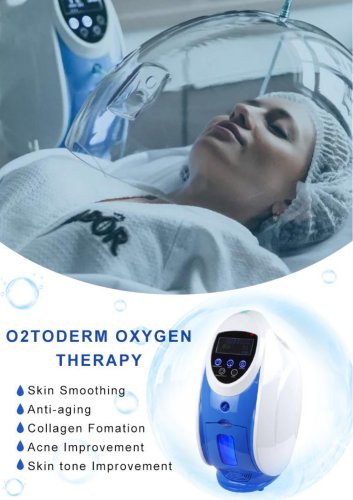 O2toDerm Oxygen + LED Dome
7 Pages
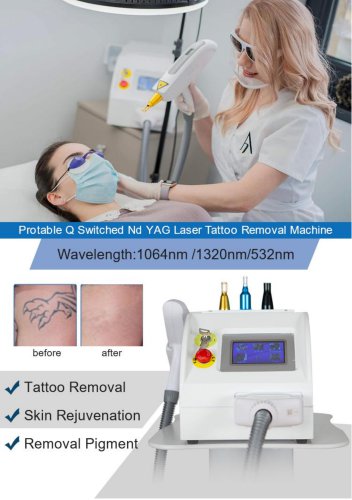 carbon peeling
6 Pages
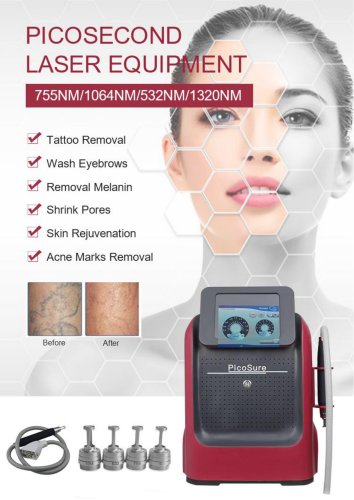 Portable Picolaser-3
8 Pages
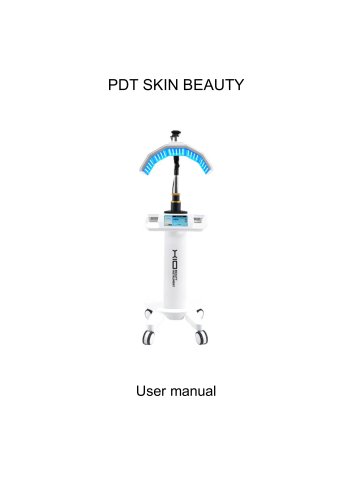 LED Facial therapy lamp-3
9 Pages
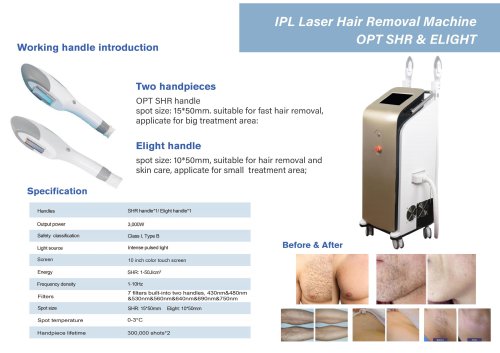 Miramhoo-IPL2
1 Page
 Miramhoo-HRL4
1 Page
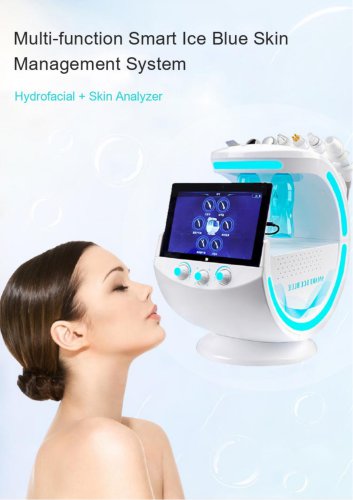 smart Ice Blue 7 in 1
8 Pages
 Oxygen+Hydrofacial 7 handle
9 Pages
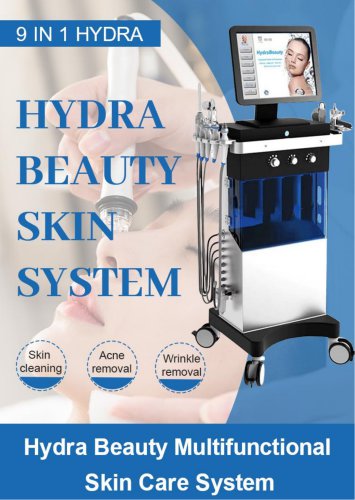 Miramhoo-HL2
5 Pages
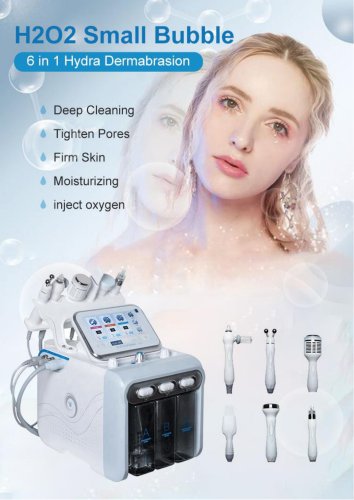 Portable Aquafacial 6 handle
6 Pages
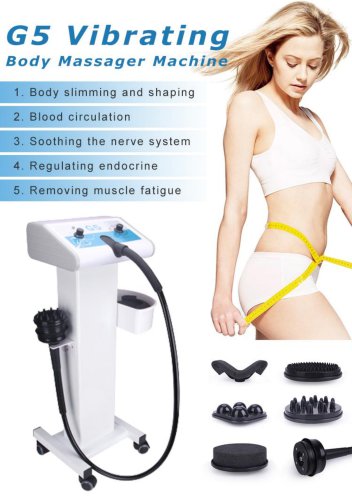 G5 Massager 1 handle -1
6 Pages
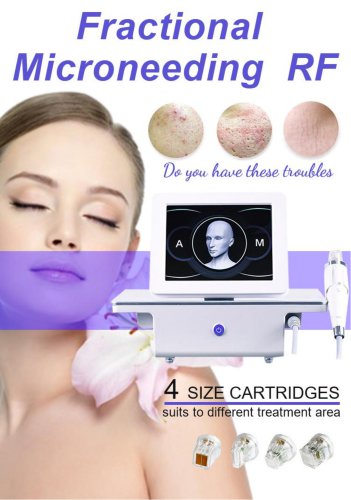 Microneeding RF-4
6 Pages
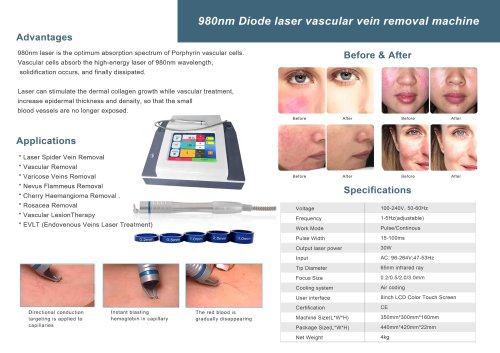 vascular removal laser-2
1 Page
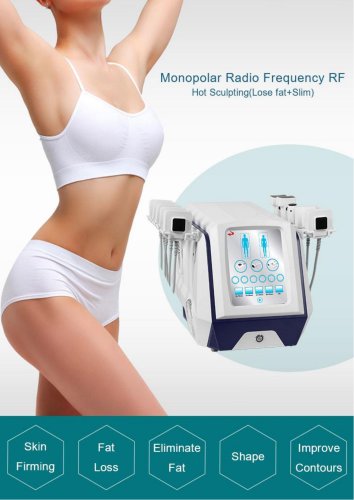 truSculpt ID
6 Pages
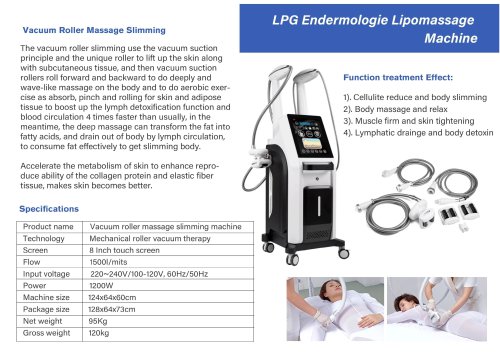 Miramhoo-BSF4
1 Page
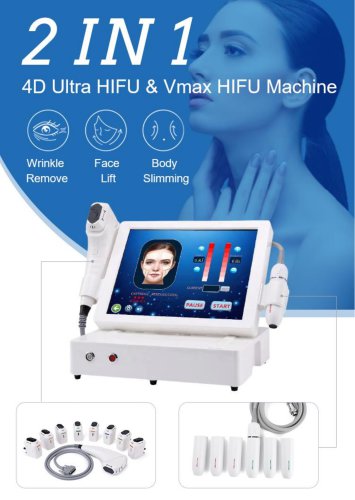 4d hifu with 2 handle-5
5 Pages
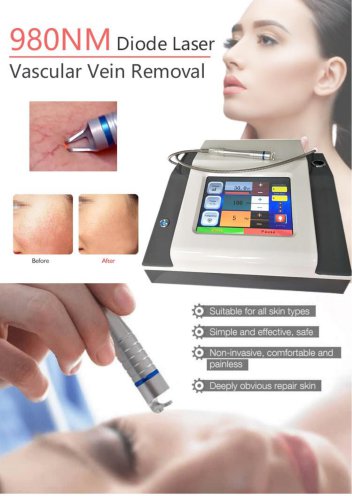 vascular removal laser-1
5 Pages
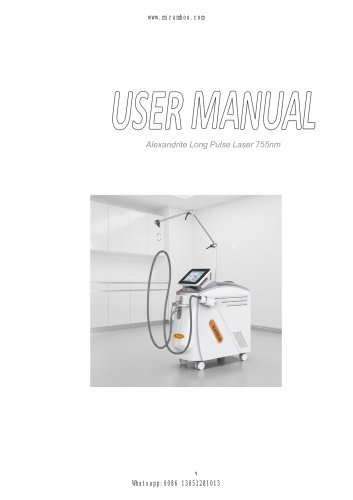


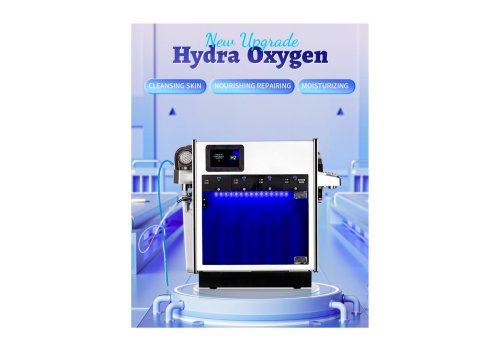
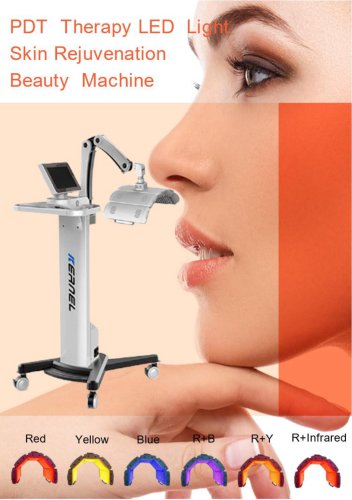
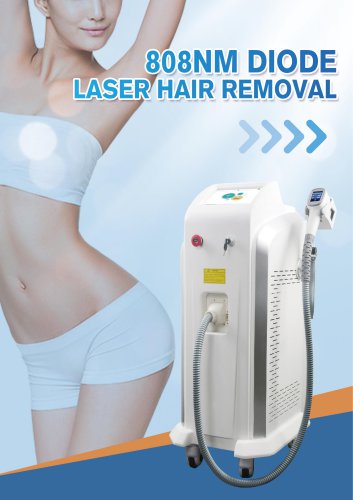
- Aesthetic medicine laser
- Skin and body treatment unit
- Trolley-mounted laser
- Diode laser
- Laboratory centrifuge
- Benchtop centrifuge
- Tabletop laser
- Dermatology laser
- Hair removal laser
- Nd:YAG laser
- Phototherapy lamp
- Skin rejuvenation laser
- Millisecond laser
- Class 4 laser
- Universal centrifuge
- Surgical laser
- Visible light phototherapy lamp
- Heat therapy unit
- Tattoo removal laser
- CO2 laser