FLTCON-2
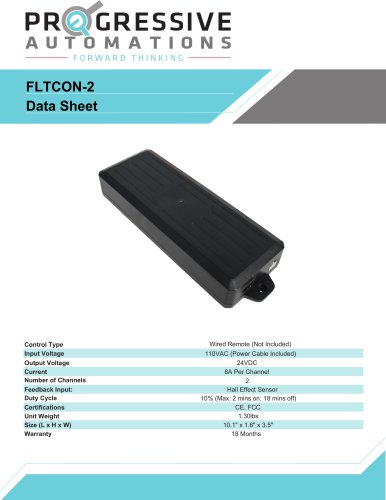
FLTCON-2
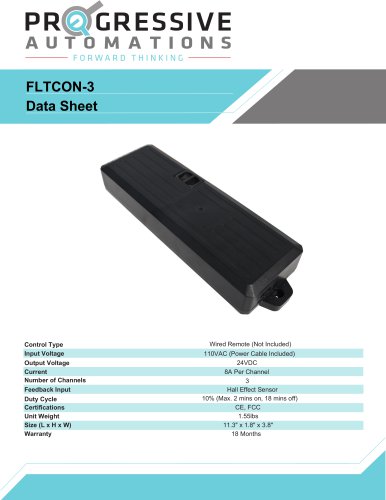
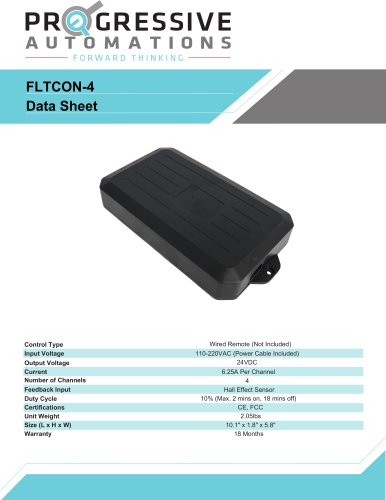
- Input Voltage: 110VAC (Power Cable Included)
- Output Voltage: 24VDC
- Current: 8A Per Channel
- Number of Channels: 2
- Unit Weight: 1.30lbs
- Warranty: 18 Months
- Certifications: CE, FCC
- Size: 10.1" x 1.6" x 3.5"
- Feedback Input: Hall Effect Sensor
- Duty Cycle: 10% (Max. 2 mins on, 18 mins off)
- To raise or lower the actuator(s), use the UP/DOWN buttons. Release to stop.
- To save a position, press "M" followed by a number. Use presets by pressing the numbered buttons.
- Ensure no obstacles impede movement. Press any button to stop motion.
- If "RST" appears, follow the Reset Procedure.
- Press and hold the DOWN button until "RST" appears, then release.
- Press and hold DOWN again until the actuator(s) lower completely and slightly rise.
- If errors persist, contact support.
- Upper Limit: Move to desired max height, press "M" until "S-" flashes, then press "M" twice more until "999" appears.
- Lower Limit: Move to desired min height, press "M" until "S-" flashes, then press "M" twice more until "000" appears.
- To remove limits, press "M" until "S-" flashes, then press "M" until "555" appears.
- Remote LED off: Press any button to activate.
- Lifting columns not moving: Check connections and remove any obstacles.
- Unusual noise or slow speed: Ensure weight capacity is not exceeded.
- Columns not level: Reconnect cables and initiate Reset Procedure.
- E01-E04: Overcurrent protection. Check weight capacity and obstacles.
- E07-E10: Hall error. Check connections and cables.
- H01: Overheat protection. Allow system to cool for 16 minutes.
Catalog excerpts
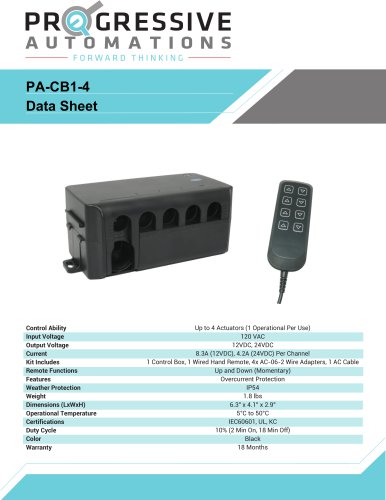
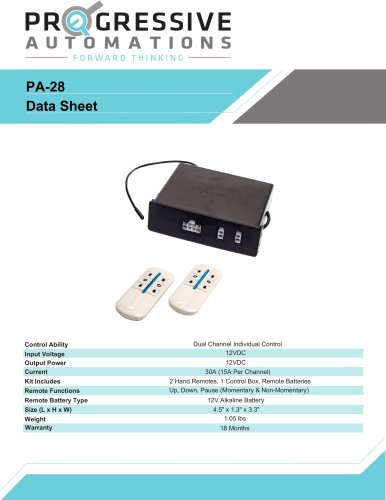
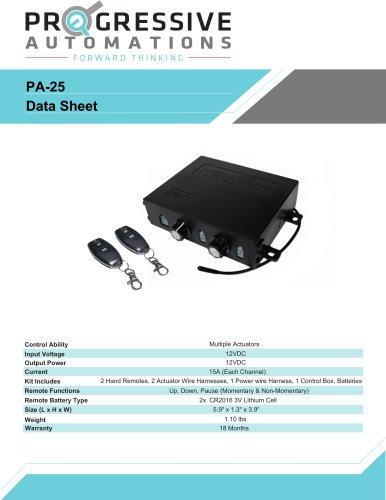
Control Type Input Voltage Output Voltage Current Number of Channels Feedback Input: Duty Cycle Certifications Unit Weight Size (L x H x W) Warranty Wired Remote (Not Included) 110VAC (Power Cable Included) 24VDC 8A Per Channel 2 Hall Effect Sensor 10% (Max. 2 mins on, 18 mins off) CE, FCC 1.30lbs 10.1" x 1.6" x 3.5" 18 Months
Open the catalog to page 1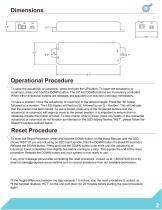
Operational Procedure To raise the actuator(s) or column(s), press and hold the UP button. To lower the actuator(s) or column(s), press and hold the DOWN button. The UP and DOWN buttons are momentary controlled. When either directional buttons are released, the actuator(s) or column(s) will stop immediately. To save a position, move the actuator(s) or column(s) to the desired height. Press the “M” button followed by a number. The LED display will flash an 'S', followed by an 'S - Number'. This will indicate that the position has been saved. To use a preset, press any of the numbered buttons and...
Open the catalog to page 2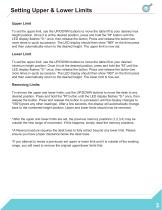
Setting Upper & Lower Limits Upper Limit To set the upper limit, use the UP/DOWN buttons to move the table lift to your desired max height position. Once it is at the desired position, press and hold the "M" button until the LED display flashes "S-" once, then release the button. Press and release the button two more times in quick succession. The LED display should then show "999" on the third press and then automatically return to the desired height. The upper limit is now set. Lower Limit To set the upper limit, use the UP/DOWN buttons to move the table lift to your desired minimum height...
Open the catalog to page 3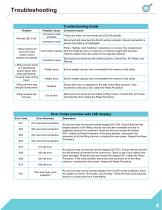
Troubleshooting Troubleshooting Guide Problem Remote LED is off. Lifting columns do not move when motion control buttons are pressed. Lifting columns travel at a significantly slower speed than rated specification. Unusual noise during travel. Possible Cause Low power mode activated Connection issue Corrective Action Press any button on the remote and LED will activate. Disconnect and reconnect the RJ-45 remote connector. Ensure connection is secure and cable is not damaged. Follow "Setting Limit Switches" instructions to remove the programmed Limit switch reached limit (FLTCON-02 only). If maximum...
Open the catalog to page 4