
- Catalogs
- Rimage EMEA GmbH
- DICOM Media Burner - Perennity

DICOM Media Burner - Perennity
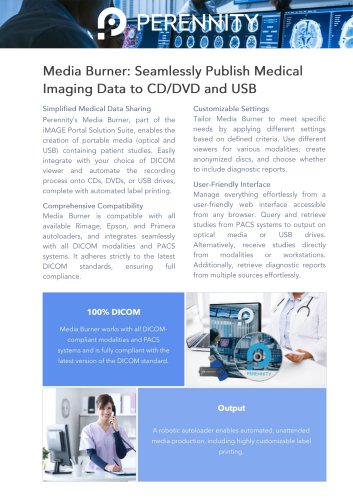
DICOM Media Burner - Perennity
System Requirements Overview
Processor
The minimum recommended processor is Intel i3/i5 or an equivalent, while for high performance, Intel i5/i7 or equivalent processors are advised.
Memory
At least 8GB RAM is recommended for minimum requirements, with 16GB RAM suggested for high performance setups.
Storage
Minimum storage is a 256GB SSD, whereas high performance configurations require two 256GB SSDs.
Networking
A 1Gbit network connection is the baseline, with 1Gbit or faster recommended for enhanced performance.
Operating System
Windows 10 or 11 Pro editions are required for both minimum and high performance setups.
Contact Information
Company: Perennity
Address: Imperiastraat 6, 1930 Zaventem, Belgium
Phone: +32 (0)2 891 80 38
Email: [email protected]
Website: https://perennity.io
Catalog excerpts
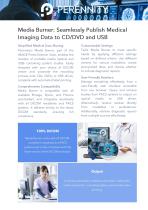
Media Burner: Seamlessly Publish Medical Imaging Data to CD/DVD and USB Simplified Medical Data Sharing Perennity’s Media Burner, part of the iMAGE Portal Solution Suite, enables the creation of portable media (optical and USB) containing patient studies. Easily integrate with your choice of DICOM viewer and automate the recording process onto CDs, DVDs, or USB drives, complete with automated label printing. Comprehensive Compatibility Media Burner is compatible with all available Rimage, Epson, and Primera autoloaders, and integrates seamlessly with all DICOM modalities and PACS systems. It adheres strictly to the latest DICOM standards, ensuring full compliance. Customizable Settings Tailor Media Burner to meet specific needs by applying different settings based on defined criteria. Use different viewers for various modalities, create anonymized discs, and choose whether to include diagnostic reports. User-Friendly Interface Manage everything effortlessly from a user-friendly web interface accessible from any browser. Query and retrieve studies from PACS systems to output on optical media or USB drives. Alternatively, receive studies directly from modalities or workstations. Additionally, retrieve diagnostic reports from multiple sources effortlessly. Media Burner works with all DICOM-compliant modalities and PACS systems and is fully compliant with the latest version of the DICOM standard. A robotic autoloader enables automated, unattended media production, including highly customizable label
Open the catalog to page 1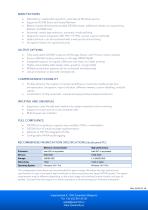
Attended or unattended operation, operates as Windows service Supports DICOM Store and Query/Retrieve Media include full-featured portable DICOM viewer, additional viewers on request (e.g. Radiant, iQ-VIEW Lite) Automatic media type selection, automatic media splitting Diagnostic report integration (SR, PDF, HTTP(S), various custom methods) Hybrid solution; can be combined with a web portal and archiving Encryption feature for optimal security Fully automated CD/DVD output to all Rimage, Epson, and Primera robotic systems Secure USB flash drive production on Rimage RX400 MedX Integrated support...
Open the catalog to page 2All Rimage EMEA GmbH catalogs and technical brochures
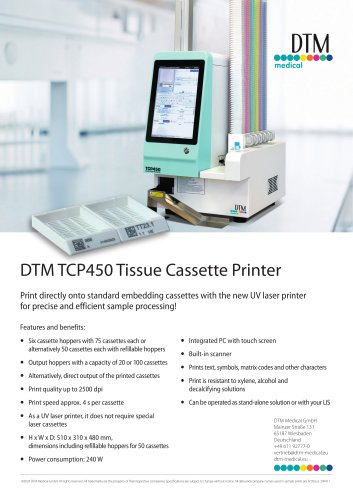 TCP450 Cassette Printer
1 Page
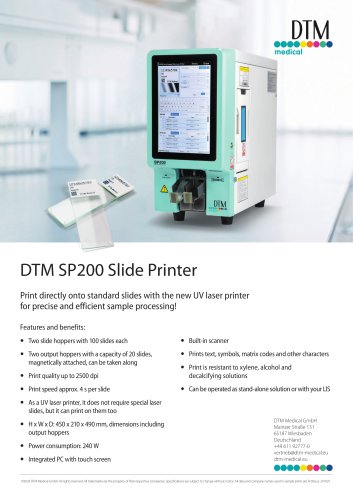 SP200 Slide Printer
1 Page
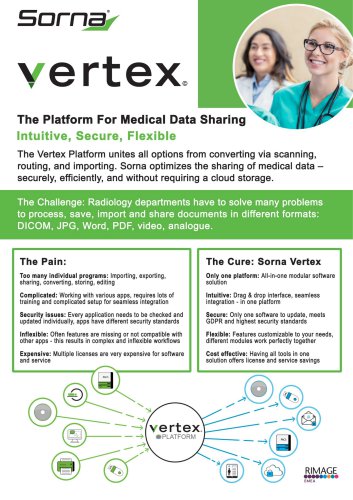 Vertex DICOM Platform
2 Pages
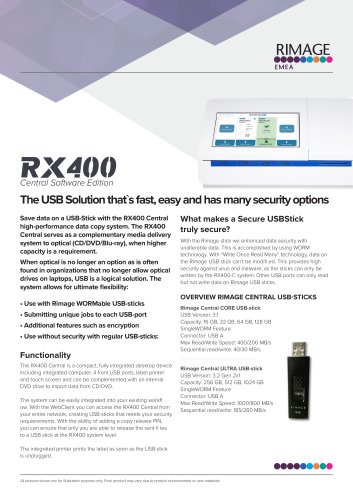 RX400-Central EN
2 Pages
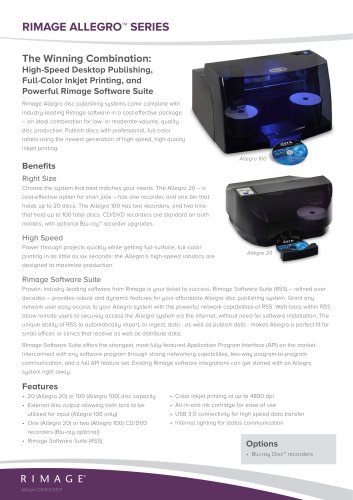 RIMAGE ALLEGRO™ SERIES
2 Pages
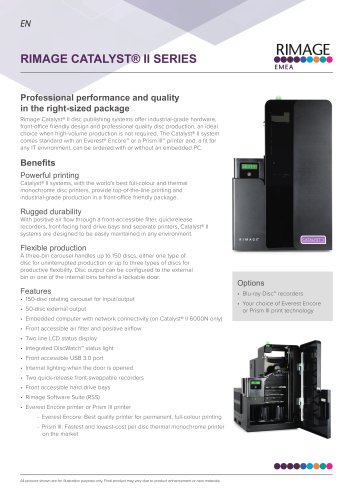 Catalyst II 6000 EN
2 Pages
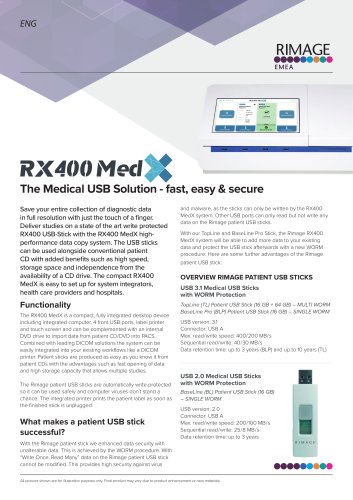 RX400-MedX EN
2 Pages
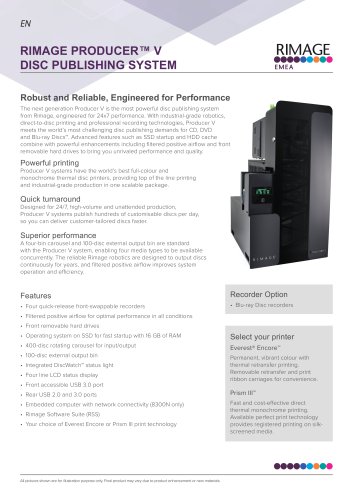 Producer V EN
2 Pages
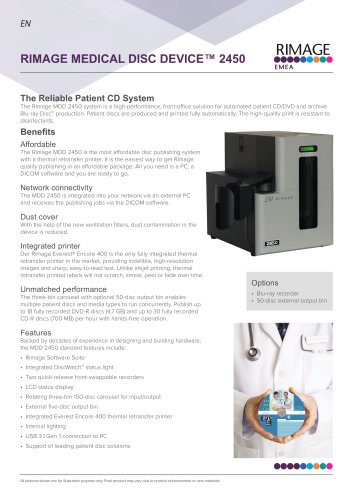 Medical Disc Device 2450 EN
2 Pages

- Radiology software
- Visualization software
- Reporting software
- Windows software
- Diagnostic software
- Cloud-based software
- Hospital software
- Software module
- Data management software
- Thermal printer
- Recording software
- Web-based software
- Sharing software
- Import software
- Medical software on site
- Server-based software
- Desktop printer
- CT software
- 3D software
- Thermal transfer printer