

- Company
- Products
- Catalogs
- News & Trends
- Exhibitions
ALS CPR Features Sheet

ALS CPR Features Sheet
- Compressions Metronome: Offers a default rate of 110 compressions per minute, with user-selectable rates.
- CPR Cycle Control: Allows users to set the number of cycles and compressions per cycle.
- Ventilations Metronome: Aids in improving the rate and interval of rescue breaths.
- Results Quick Print: Enables assembly, editing, printing, and exporting of results without the need for a manikin.
- BLS and ALS CPR Skills: Includes feedback on compressions and ventilations, with practice and test modes for 1 and 2 rescuer scenarios.
- Advanced Airway Management: Features intubation during ongoing compressions and asynchronous CPR for intubated patients.
- ALS Airway (AW101) and ALS Airway Pro (AW201): Both products feature high-fidelity airway systems and the Delta Tidal Flow Interaction System (DTFIS).
- Intubation SIM: Provides scoring for speed, accuracy, efficiency, and proper placement of airway devices.
- Health Status SIM: Responds to skills performed, showing maintenance levels and chances of achieving ROSC.
- Hands-Off SIM: Displays real-time feedback on blood flow influence.
- Ventilation SIM: Visual feedback on volume delivery and technique improvement for BVM use.
- Life-Like Feel: Interactive air movement and sound feedback for misdiagnosed scenarios.
- Real-Time Feedback: Immediate feedback with award-winning color bars for easy understanding.
- QCI Basic: Features password-protected login, auto-detection of manikin settings, and auto-recalibration.
- Quick & Easy Use: Provides immediate percentage scores, instant restarts, and easy result display and analysis.
Catalog excerpts

BLS CPR Skills AHA Guidelines 2015 • Compressions: for 30:2 • Ventilations: Rescue Breaths (feedback on volume, rate, Interval) • CPR: 1 and 2 Rescuer (practice & test modes) ALS CPR Skills • CPR with an Advanced Airway • Intubate While Compressions are Ongoing • 10:1 Asynchronous CPR (continuous compressions and a ventilation every 6 secs on Intubated Patient) • Ventilation Rate, Volume and Interaction with • Remove incorrect Intubation and Resume 30:2 Extra SmartMan Unique Features • Life-Like Feel Interactive Air Movement • Life-Like Feel and Sound for misdiagnosed "Bucking the Tube". • Feedback on Ventilations and the Interaction with Chest Compressions • Volume measures air from BVM plus Air from Negative Pressure in Lungs • Actual Depth (not Scaled) • Too Deep and Hitting Bottom Displayed • Special Activity to Improve 2 Vents during CPR Quick & Easy To Use • Immediate Percentage Score •Instant Restart to Redo Activity • Toggle Buttons to Display Features • Display Results Immediately or Later • Review By Cycle • Single Button to See Chart of Results Real Time Feedback • All Activities Provide Accurate Immediate Feedback • Award Winning Color Bars • At-a-Glance Understanding QCI Basic • Login Name (Password Protected) • Login to Practice User (one click) • Auto detect manikin and sensor settings • Auto re-calibrate every activity start • Display and Print Results • Display and Print Analysis Advanced Training Activities includes everything in AW101 MORE FEATURES Compressions Metronome • Available as Required • Default Rate of 110 Per Minute • User Selectable Rate CPR Cycle Control • Set How Many Cycles • Set How Many Compressions in Each Cycle Ventilations Metronome • Improves Rate of Squeezing BVM • Improves Interval for Rescue Breaths Results Quick Print • Assemble Lists of Results -with Names, Scores, Dates (On Local PC) • Manikin Not Required to Print or View Results • Edit, Print and Export Results ^SIMULATIONS Health Status SIM • Responds to Skills as Performed • Show Threshold Maintenance Level • Relates to Chances of Achieving ROSC • On-Screen and in the After Action Report Ventilation SIM • Visually see volume as it is delivered • Improve technique for squeezing BVM • Improve Volume & Rate Control • Learn Correct Tidal Control of Breathing Intubation SIM • Learn to Quickly and Accurately Place an Advanced Airway Device • Score Provided for Speed, Accuracy, Efficiency and Proper Placing and Inflating of Cuff Hands-Off SIM • Responds in Real Time As Skills are Performed • Displays A Color Graph Of Fraction • Shows Influence on Blood Flow
Open the catalog to page 1All SmartMan catalogs and technical brochures
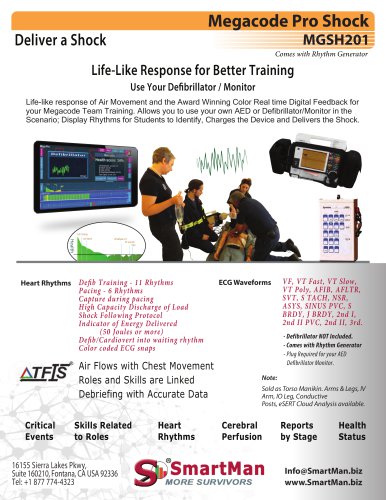 Megacode Pro Shock
3 Pages
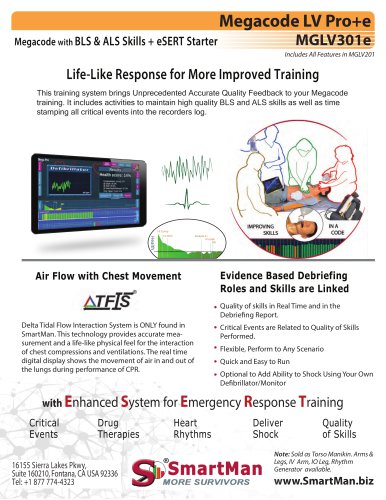 Megacode LV Pro+e
3 Pages
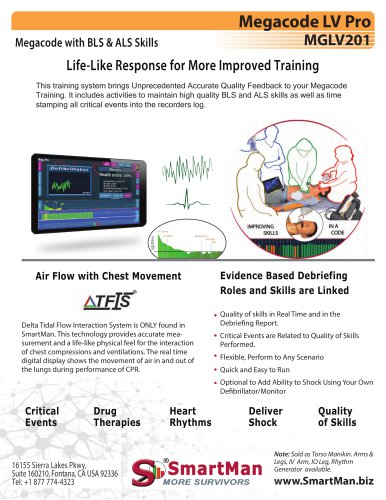 Megacode LV Pro
2 Pages
 Smartman AM1
3 Pages
 RS RSIM ARDS
3 Pages
 BLS CPR Pro
1 Page
 BLS CPR Pro+
1 Page
 Megacode Pro
1 Page
 Baby Pro
1 Page


Archived catalogs
 ALS CPR Pro+
1 Page
 Baby Pro+
1 Page
 ALS CPR Pro
1 Page
 ALS CPR
1 Page
 BLSLV CPR Pro+
1 Page
 BLSLV CPR Pro
1 Page
 Multi-Manikin Viewer
1 Page
 Megacode
1 Page
 Megacode Pro+
1 Page
 SmartMan Arms and Legs
1 Page
 LOW VOLUME (LV)
1 Page
 SmartMan Wheeled Duffle
1 Page
 SmartMan General Brochure
2 Pages
 Neonate Pro
1 Page
 Neonate Pro+
1 Page
 IV Trainer
1 Page
 IO Kit
1 Page
 Megacode Features Sheet
1 Page
 Low Volume
1 Page
 Wireless
1 Page
 Jaw Thrust
1 Page
 Laptop
1 Page
 Computer Caddy
1 Page


- Training phantom
- General care phantom
- Upper body simulator
- SmartMan training manikin
- Patient simulation unit
- Injection simulator
- Monitoring simulator
- General care training manikin
- Upper body training manikin
- Emergency care simulator
- Whole body simulator
- Whole body patient simulator
- Torso simulator
- General care patient simulator
- Childbirth demonstration simulator
- Intubation simulator
- SmartMan cardio-pulmonary reanimation training manikin
- Baby training manikin
- Heart rate simulator
- SmartMan emergency care training manikin