
- Catalogs
- Zirkonzahn
- Insert Software


Insert Software

Insert Software
- Registers lab articulator for accurate virtual positioning and reference plane display.
- Supports digital articulation and retransfer to physical articulator.
- Features fast processing with parallel data calculation during scanning.
- Includes Scan & Match function for multi-perspective scanning and data matching.
- Allows matching of various patient data (photos, 3D scans, X-rays, intraoral scans).
- Offers intelligent data import/export with an open interface.
- Facilitates digital design of dental restorations with numerous compatible modules.
- Integrates with PlaneSystem®, Plane Analyser, and Face Hunter.
- Supports vast libraries for implants, attachments, and tooth designs.
- Handles all current data formats for import, processing, and export.
- Automatically transfers reference planes from Zirkonzahn.Scan.
- Provides an intelligent menu for organizing cases and creating sub-projects.
- Stores and displays information about dentists, patients, and restorations.
- Supports Drag & Drop import of patient photos and 3D face scans.
- Includes a 3D viewer and various display options.
- Allows storage of custom parameters and unencrypted data.
- 3D implant planning based on matched patient data (DICOM, scans).
- Compatible with open DICOM data from CT and CBCT devices.
- Supports import/export of scan data and open formats (STL, OBJ, OFF).
- Includes implant libraries and a module for converting DICOM to STL.
- Offers versions for dentists and labs with relevant tools and interfaces.
- Axis-oriented nesting for optimal positioning in milling blanks.
- Features realistic material representation and economical strategies.
- Includes faster milling path calculation and collision detection.
- Allows mechanical adjustment of friction without manual processing.
- Supports STL import with manual parameter adjustment.
- Software for virtual tooth setup with new concepts and design options.
- Simulates occlusal concepts and natural abrasion patterns.
- Provides ortho-preview for tooth movement visualization.
- Manages multi-view combinations for different situation views.
- Simulates static face scans as 3D animated mouth movements.
- Milling software with intelligent algorithms for precise results.
- Improved 3D visualization of the milling process.
- Features a user-friendly interface with Drag & Drop functionality.
- Includes user profiles and optimized calibration procedures.
- Offers intelligent "Stop & Go" milling and tool management.
- Software for designing partial dentures with automatic model blocking.
- Integrates workflow for importing and modifying designed structures.
- Allows free design of clasps, retentions, and supports.
- Includes digital structure libraries and pontic import.
- Guided software for creating individual impression trays.
- Compatible with open STL format for various manufacturing types.
- Offers customizable design options and adjustable tool sizes.
- Includes labelling function for personalized holder lettering.
- Adheres to strict standards for design and functionality.
- Features a consistent user interface across all components.
- Offers both guided and individual processing options.
- Ensures smooth integration with hardware components for seamless workflow.
- Combines manual and digital techniques for optimal patient care.
Catalog excerpts
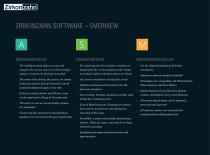
ZIRKONZAHN.SOFTWARE – OVERVIEW The intelligent menu helps to create and organise the various cases in a well-arranged manner; creation of sub-projects possible For the digital designing of all dental restorations Numerous software modules available The name of the dentist, the patient, the dental technician and the kind of restoration can be saved and displayed again at any time All current articulators are digitally stored Digital articulation and retransfer into the physical articulator All modules are compatible with PlaneSystem®, Plane Analyser and Face Hunter Implementation of vast libraries...
Open the catalog to page 2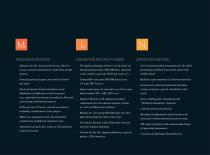
Software for the virtual tooth set-up with new set-up concepts and extensive individual design options 3D implant planning software on the basis of matched patient data (DICOM data, intraoral scans, model scans and 3D facial scans etc.) Axis-oriented nesting programme for the ideal positioning of dental restoration data in the milling blank Natural pairing of upper jaw teeth and lower jaw teeth Compatible with open DICOM data of any CT and CBCT device Realistic representation of coloured materials Economical, material-optimised and timesaving strategies; optical simulation of the result Faster...
Open the catalog to page 3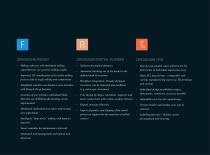
Software for partial dentures Automatic blocking out of the model in the defined path of insertion Step-by-step guided, open software for the fabrication of individual impression trays Workflow integration: Already designed structures can be imported and modified (e.g. telescopic structures) Open STL data format – compatible with various manufacturing types (e.g. 3D printing) and systems Free design of clasps, retentions, supports and basic connections with various surface textures Individual design possibilities (edges, dimensions, retentions, recesses) possible Adjustable tool sizes for rapid...
Open the catalog to page 4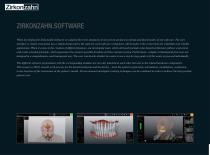
ZIRKONZAHN.SOFTWARE When developing the Zirkonzahn.Software we adapted the strict standards of our proven products to design and functionality of our software. The user interface is clearly structured, has a simple design and is the same for each software component, which makes it the cornerstone for a familiar and reliable application. When it comes to the creation of different features, our developing team, which obviously includes also dental technicians, follows a practical and result-oriented principle, which guarantees the greatest possible freedom of choice and processing. Furthermore,...
Open the catalog to page 5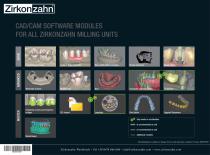
CAD/CAM SOFTWARE MODULES FOR ALL ZIRKONZAHN MILLING UNITS Prettau® (fully anatomic) Wax-up/Situ/Mirror imaging Virtual articulator Reality Mode Telescopic Crowns Occlusally screwed bridges Overpress crowns and overpress bridges Bite Splints Eggshell Temporary Only works in combination Is recommended as unit Is recommended as unit Model Maker Additional modules All information is subject to change. Errors and omissions excepted. Version: 06/03/2019 Zirkonzahn Worldwide – Tel +39 0474 066 680 – [email protected] – www.zirkonzahn
Open the catalog to page 6All Zirkonzahn catalogs and technical brochures
 Case gallery Prettau® 5
4 Pages
 Case gallery Prettau® Skin®
4 Pages
 Case gallery Prettau® Skin®
4 Pages
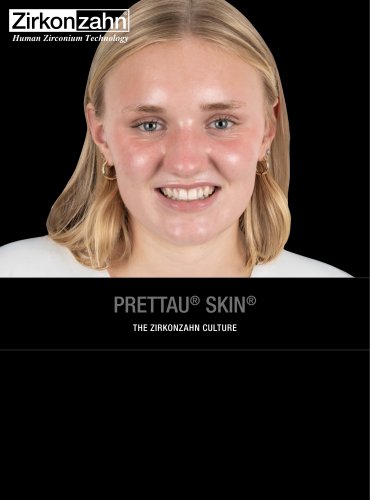 Case gallery Prettau® Skin®
4 Pages
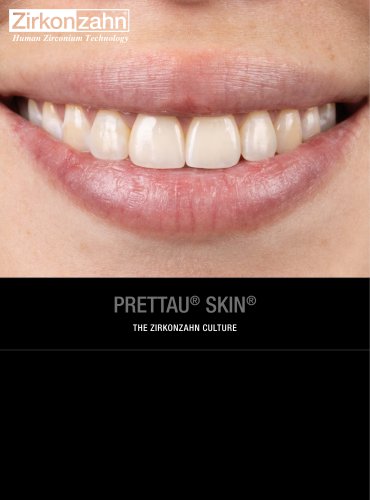 Case gallery Prettau® Skin®
4 Pages
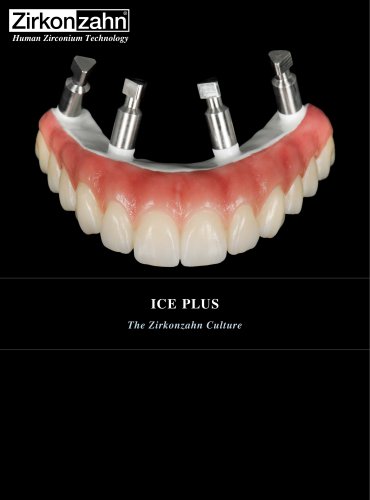 Insert ICE Plus
4 Pages
 Insert X-Ray Sphere
4 Pages
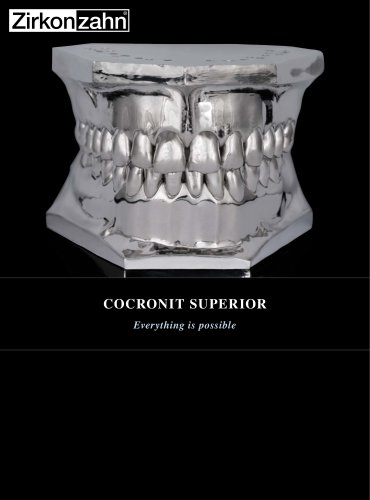 Insert Cocronit Superior
4 Pages
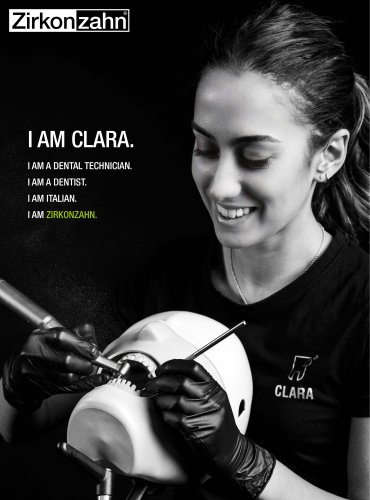 Insert Clara Zanini
4 Pages
 Case gallery Prettau® Skin®
4 Pages
 Insert Zirkonofen Turbo
4 Pages
 Insert anti-snoring device
4 Pages
 Insert Gingiva-Composites
4 Pages
 Brochure Fresco Ceramics
52 Pages
 Brochure PlaneSystem®
28 Pages
 Insert Zirkonofen 600/V4
4 Pages
 Fresco Ceramics Application
6 Pages
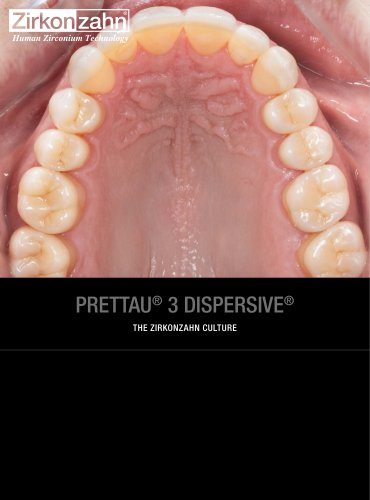
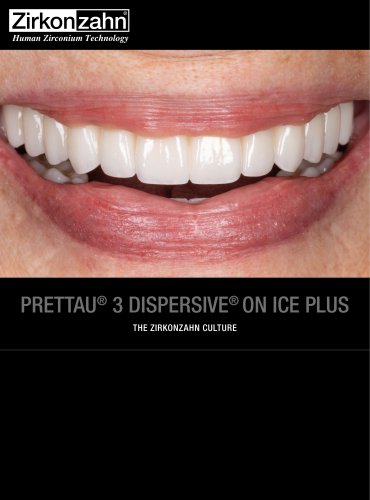
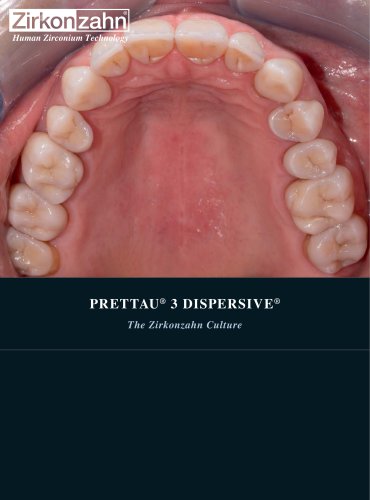 Prettau® 3 Dispersive®
4 Pages
 Brochure Detection Eye
20 Pages
 Brochure JawAligner
28 Pages
 Brochure PlaneSystem®
24 Pages
 Flyer PlaneAnalyser II
1 Page
 Flyer Head Tracker
1 Page
 Brochure CAD/CAM System
88 Pages
 Insert M6 Blank Changer
5 Pages
 Case gallery Bartplatte
4 Pages
 Brochure Zirkonzahn thinks big
12 Pages
 Brochure Shade Guide
52 Pages
 Insert Prettau® Line
4 Pages
 Case gallery Fresco Ceramics
4 Pages
 Brochure Zirkonofen Turbo
36 Pages
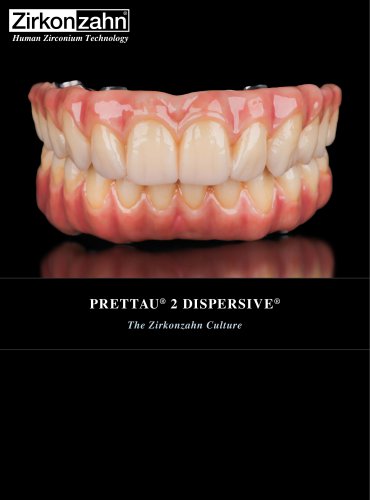
 Case gallery Prettau® 2
4 Pages
 Implant-supported components
100 Pages
 Case gallery Raw-Abutment®
4 Pages
 Case gallery Bite Splint
4 Pages
 Brochure My Laboratory
32 Pages
 Brochure Zirkonzahn
68 Pages
 Brochure Military School
32 Pages
 Brochure Sintering Furnaces
28 Pages
 Brochure Patients
24 Pages
 Brochure Material diversity
116 Pages




Archived catalogs


- Zirkonzahn dental material
- Zirkonzahn dental restoration material
- Implant abutment
- Titanium implant abutment
- Straight implant abutment
- Dental surgery instrument kit
- Dental burr
- Zirkonzahn resin dental material
- Visualization software
- Zirkonzahn dental prosthesis dental material
- Internal implant abutment
- Zirkonzahn heating oven
- Modeling dental material
- Diamond burr
- Zirkonzahn dental crown material
- Zirkonzahn biocompatible dental material
- Dental bridge material
- Benchtop oven
- Angled implant abutment
- Zirkonzahn dental laboratory dental material